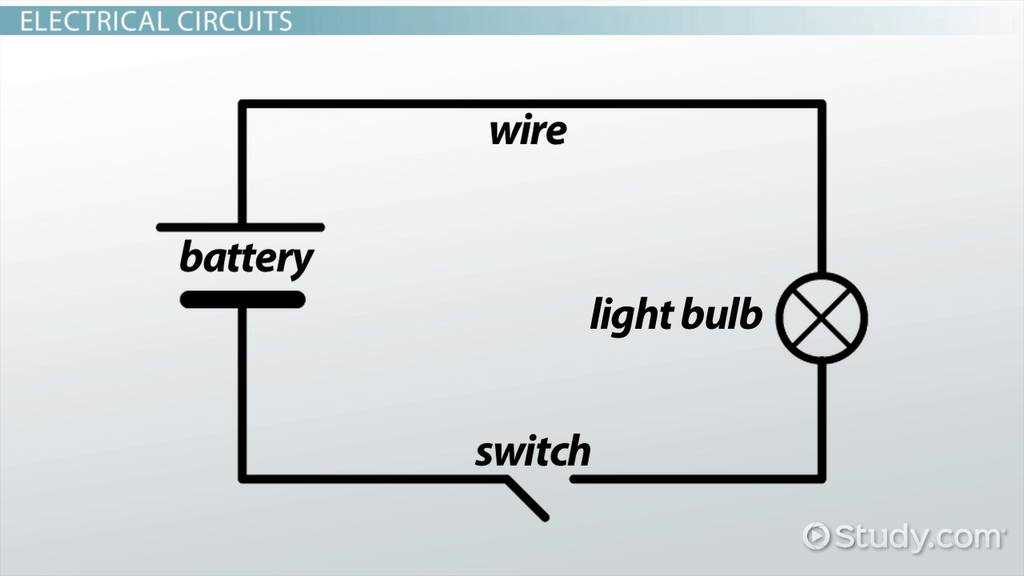
Connect the power source first and verify voltage levels before adding resistors, LEDs, or switches. Ensuring correct polarity prevents component damage and allows the system to function as intended.
Use color-coded leads to separate positive, negative, and control paths. This makes tracing connections easier during assembly and reduces the chance of short circuits.
Place components on a breadboard or testing board to check alignment and spacing. Maintain sufficient clearance between elements to avoid accidental contact or overheating.
Test each path individually with a multimeter before combining sections. This confirms that each connection conducts properly and highlights any errors early, preventing repeated troubleshooting later.
Step by Step Guide to Building and Understanding a Simple Circuit Layout
Start with a reliable power source and confirm output voltage with a multimeter. Connect positive and negative leads to the breadboard, ensuring correct orientation to prevent component damage.
Place resistors, LEDs, and switches in sequence according to their functional order. Keep spacing consistent and avoid overlapping leads to maintain clear paths and prevent accidental shorts.
Use jumper wires to connect components across the board, matching color codes to positive, negative, and control paths. This improves readability and simplifies troubleshooting if a connection fails.
Testing and Adjustments
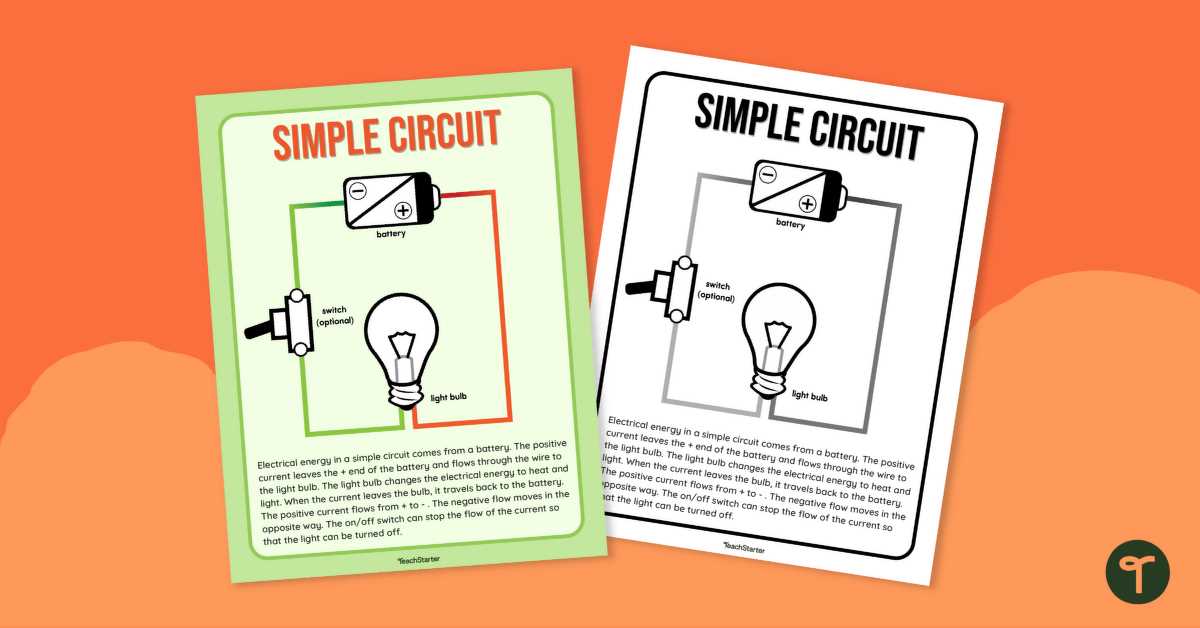
Test each section individually before combining all elements. Measure voltage drops across resistors and ensure LEDs light correctly. Adjust component positions or leads if readings deviate from expected values.
Final Assembly and Verification
Once all connections are verified, power the layout fully and observe overall operation. Check for overheating, loose contacts, or flickering elements. Make final adjustments and document the setup for reference or replication.
Identifying Components and Their Connections
Start by recognizing resistors and note their color bands to determine resistance values. Verify each resistor with a multimeter to ensure it matches design requirements before placement.
Locate LEDs and diodes and confirm polarity markings. Anode and cathode identification is critical to avoid reverse bias, which can prevent proper illumination or damage the component.
Examine capacitors carefully and separate electrolytic from ceramic types. Observe polarity on electrolytic capacitors and ensure the positive and negative leads align with designated power and ground paths.
- Switches – identify normally open or normally closed configurations
- Push buttons – confirm momentary or latching action
- Fuses – check current ratings and type before connecting
Trace wires and jumper leads across the board to maintain organized connections. Use color coding to separate voltage levels and control signals for clarity during assembly and testing.
Test each connection point with a multimeter for continuity. Ensure there are no open or shorted paths before applying full voltage to prevent component failure and inaccurate readings.
Group similar components together to simplify assembly and troubleshooting. Label terminals and pins clearly to track each path, which speeds up identification and future modifications.
Verify component placement visually and cross-reference with project notes. Ensure resistors, LEDs, capacitors, and switches match their intended locations and connections to achieve reliable operation.