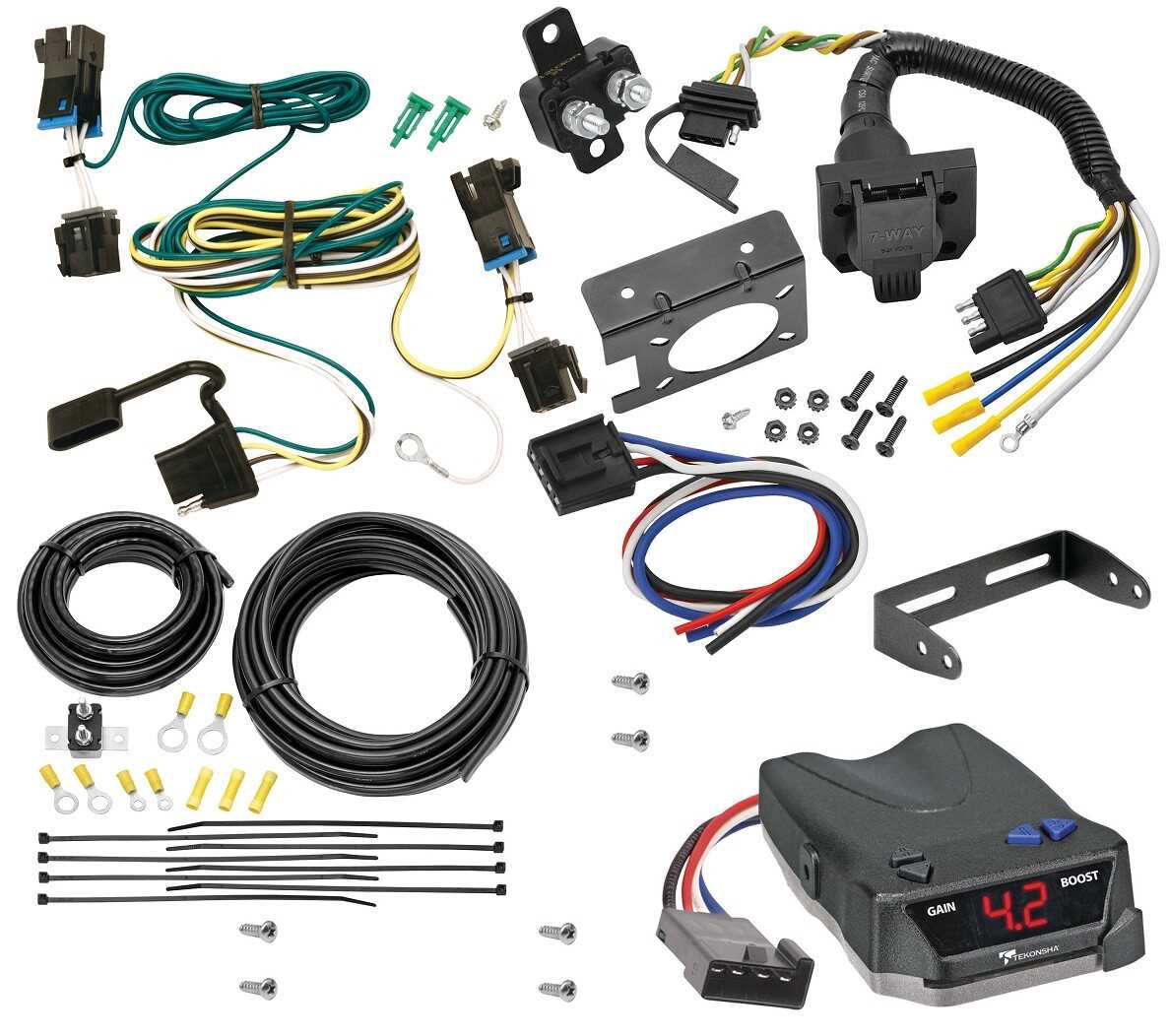
Connect the signal and power lines carefully to prevent short circuits or erratic operation. Use the factory color codes for each wire: typically blue for the actuator, black for power feed, white for grounding, and red for auxiliary power. Secure each terminal with a firm crimp or solder joint, then insulate with heat shrink tubing to maintain long-term reliability.
Ensure the ground attachment is solid. Poor chassis contact can cause delayed response or uneven engagement. Clean the metal surface thoroughly, remove paint or corrosion, and fasten the cable with a stainless bolt for consistent conductivity.
Route the interface harness away from heat sources and moving parts. Avoid contact with exhaust pipes, drive shafts, or suspension components to prevent melting or abrasion. Use cable ties or clamps to keep the lines snugly positioned along the frame.
Test each circuit individually before final assembly. Apply the hand-adjustment lever or built-in calibration mechanism to verify proportional engagement. Check that the signal triggers correctly on braking input, and adjust tension settings according to vehicle and load specifications.
Label each wire and connection point for future maintenance. Clear identification simplifies troubleshooting, replacement, or upgrades, minimizing downtime and reducing the risk of wiring errors.
Trailer Stop Module Connection Layout
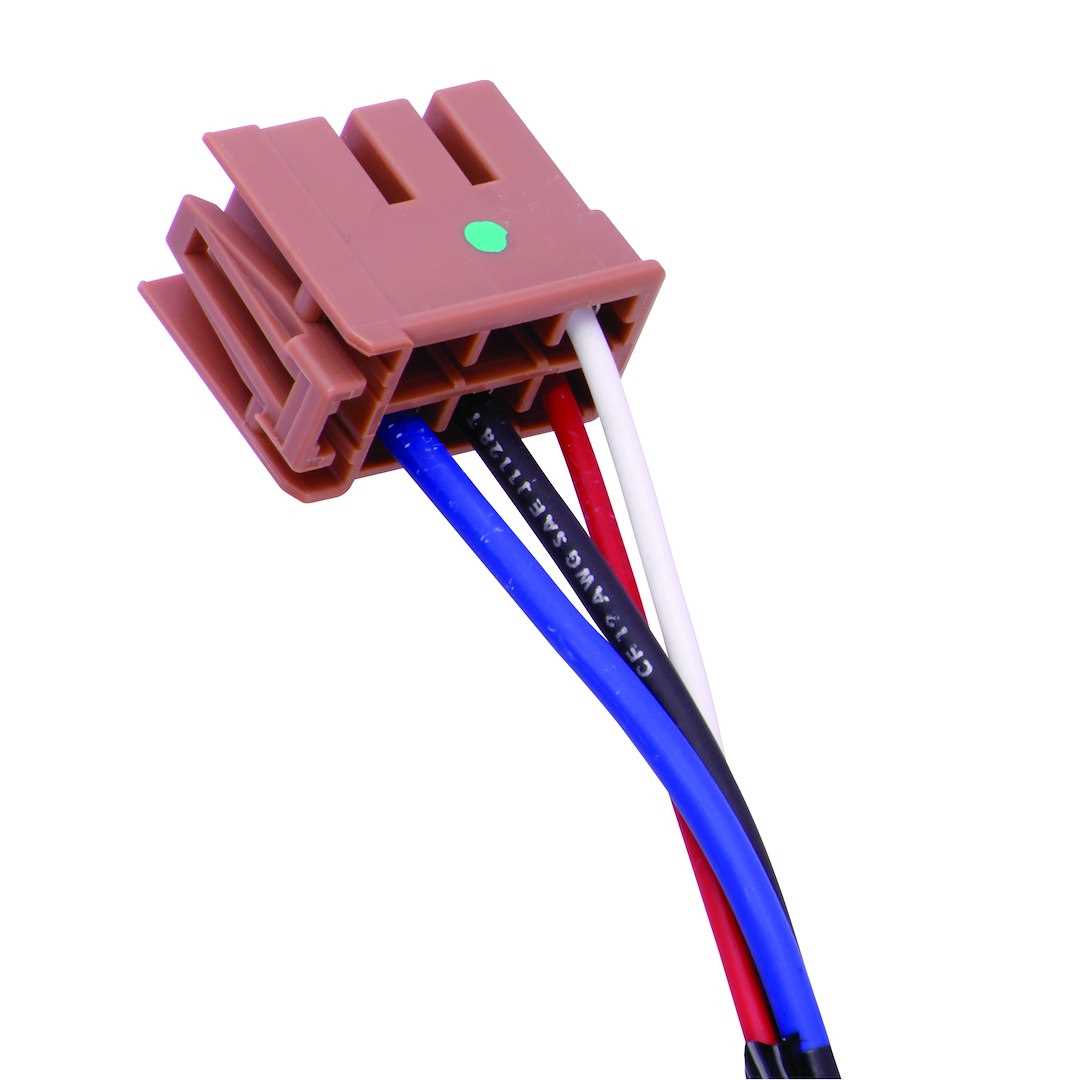
Connect the power lead directly to a fused 12V source and secure the ground to the vehicle chassis with a clean metal surface. Use 10-12 gauge cable for both to prevent voltage drops and overheating. Ensure the output line links to the attachment hitch plug’s stop signal pin for responsive actuation.
Follow this sequence for signal routing:
- Red wire – feed from ignition switch to activate the unit only when the engine runs.
- Blue wire – runs to the hitch port, carrying modulation current for the attached unit.
- White wire – secure to a solid frame point to complete the circuit without resistance.
- Green wire – optional, connects to the manual override lever for testing engagement.
Check all crimped terminals and shrink-wrap connections to avoid corrosion or intermittent loss.
After installation, test the output by slowly increasing load with a multimeter or test lamp. Observe voltage rise along the modulation line and confirm that the auxiliary mechanism responds smoothly. Adjust the internal gain dial to match trailer weight without exceeding the amperage rating, preventing overheating or premature wear on the attachment’s stopping components.
Identifying Tekonsha Brake Controller Wire Colors and Functions
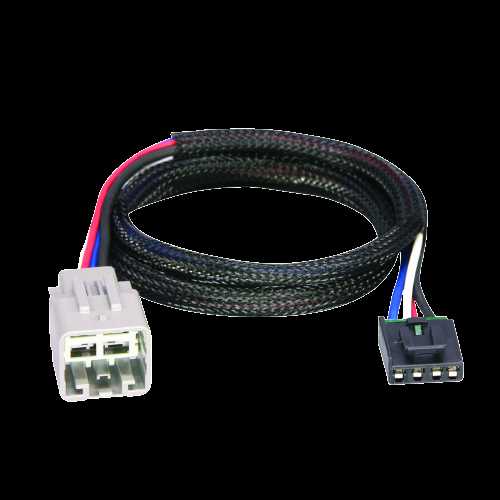
Connect the blue lead directly to the power output for modulation; this is the signal line that activates the electric mechanism in sync with the vehicle’s deceleration. The black wire must attach to a constant 12V source, ensuring the unit maintains memory settings and illumination. Grounding requires a solid metal attachment for the white cable, preferably near the mounting location, to prevent erratic operation or intermittent faults.
Integrating the Signal Lines
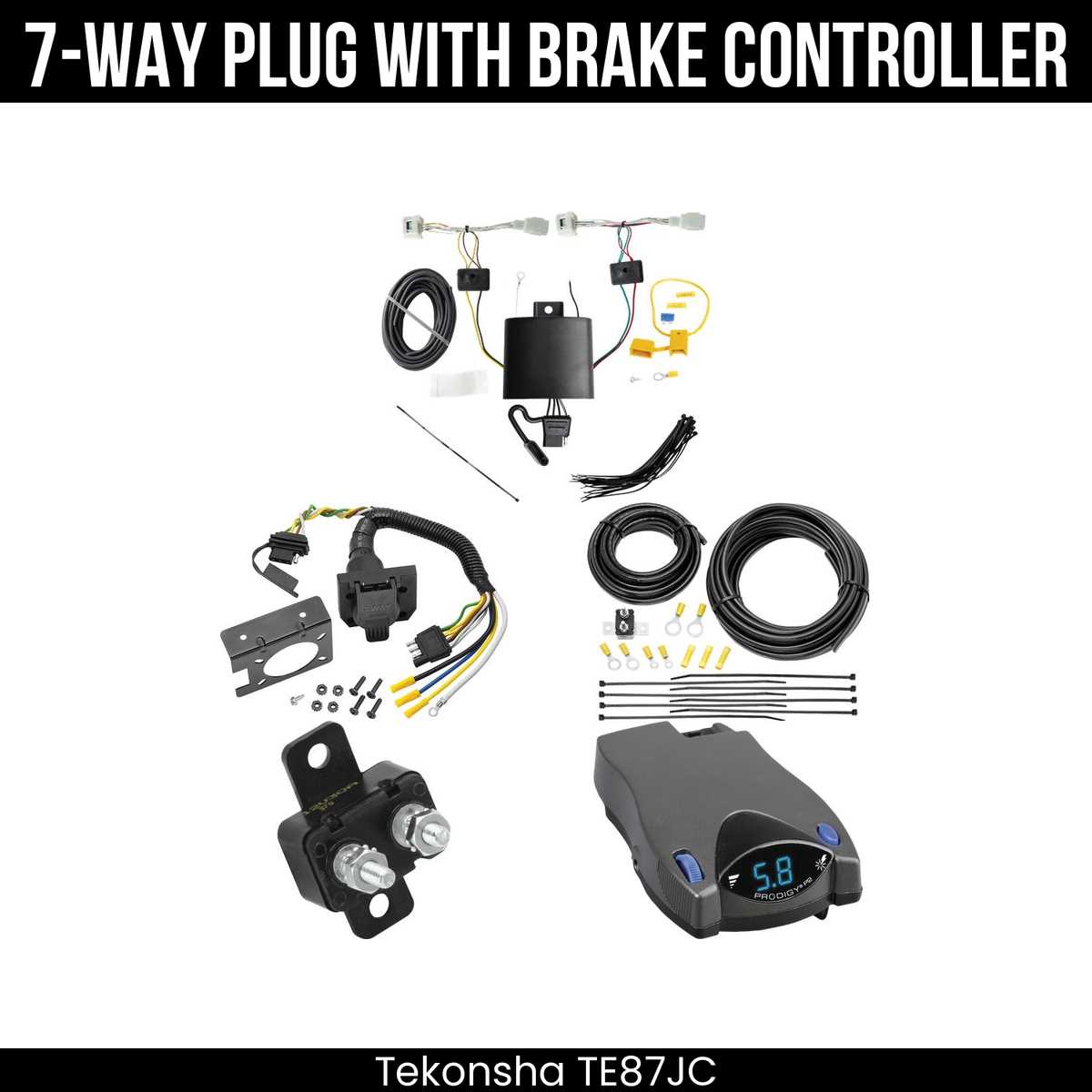
The red terminal links to the cabin switch, providing manual engagement for the auxiliary system. Avoid connecting it through fuse boxes that could interrupt the current flow; a direct feed maintains responsiveness. In setups with multiple axles, the yellow output communicates with the front actuators, while the green output coordinates the rear units. Proper separation prevents cross-activation and ensures proportional force distribution across all wheels.
Confirming Connections
After securing each line, use a multimeter to verify voltage at every junction: blue should show a pulsed signal when brakes are applied, black a steady 12V, and white zero voltage relative to the chassis. This method prevents misfires and extends operational longevity. Labels or heat-shrink markers on each conductor help during maintenance, allowing quick identification of feed, ground, and signal paths without tracing the entire loom.