Verify the unit’s control board connections before energizing the system. Check each conductor for correct voltage and continuity to prevent short circuits or reversed connections that could damage compressors or fan motors.
Identify color-coded lines: red for 24-volt power, white for auxiliary heat, green for indoor fan signal, and yellow for cooling call. Measure each line with a multimeter to confirm proper signal before connecting the thermostat and auxiliary devices.
Ensure connectors are seated firmly and all pins align with the corresponding terminals on the control board. Loose or misaligned contacts can lead to intermittent operation, tripped safety switches, or unexpected system shutdowns during operation.
Check any additional leads for defrost control or auxiliary equipment. Isolate unused wires to prevent accidental cross-connections, and secure all terminals with insulated crimp connectors or heat-shrink tubing to maintain reliable performance under normal cycling and load conditions.
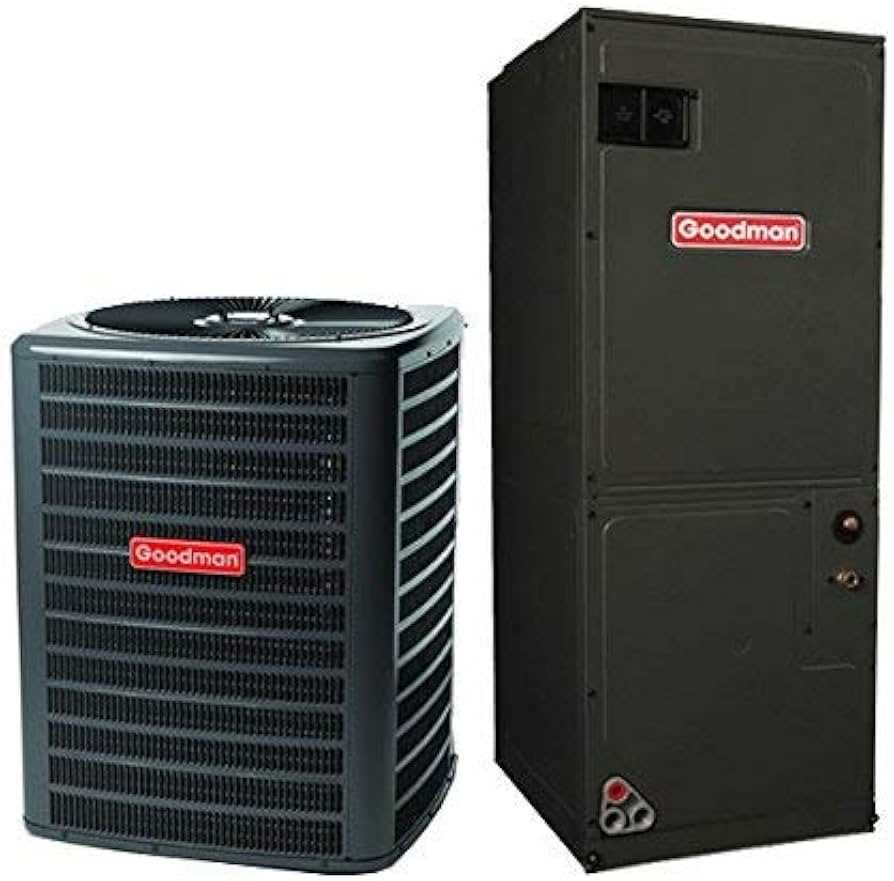
Goodman Heat Pump Electrical Connections and Control Board Wire Layout
Confirm each conductor’s function before connecting to the control board. The red line provides 24-volt power from the transformer, the white line signals auxiliary heat, green activates the indoor fan, and yellow calls for cooling. Test each line with a multimeter to verify voltage and continuity to prevent control faults or motor issues.
Inspect the control board connector for bent or corroded pins. Misaligned pins can prevent proper signal transmission and may cause the system to enter lockout mode. Ensure all terminals are clean and fully seated before applying power.
Use insulated crimp connectors or solder joints for all main power and signal lines. Loose connections can create intermittent operation, overheating of contacts, or tripped circuit breakers. Protect connections with heat-shrink tubing to maintain secure contact during vibration and cycling.
Auxiliary leads for defrost control, reversing valve, or outdoor fan should be identified and tested individually. Verify signal activation by engaging each function manually from the thermostat or service panel to confirm proper response at the control board.
Check ground connections thoroughly. Poor grounding can result in erratic fan behavior or compressor failure. Measure resistance to chassis ground to confirm minimal voltage drop and solid connection.
Label each conductor during installation or maintenance to simplify future troubleshooting. Document color codes and terminal assignments for the control board to ensure accurate reconnections after service or component replacement.
After all connections are verified, perform a full system test. Cycle through heating, cooling, fan operation, and auxiliary modes while observing voltage and signal stability at each terminal. Confirm all actuators respond smoothly to the control board commands before completing installation or returning the system to normal operation.
Goodman Heat Pump Wire Color Codes and Voltage Functions
Measure each conductor before connecting to the thermostat or control board. The red lead carries 24 volts from the transformer, providing power to the control circuit. Verify continuity and voltage to prevent shorts or reversed connections that can damage relays or motors.
Main Control Conductors
The standard color codes include:
- Red (R): 24-volt power supply
- White (W): activates auxiliary or emergency heat
- Green (G): controls the indoor fan relay
- Yellow (Y): signals compressor or cooling call
Test each line individually with a multimeter while operating the thermostat to confirm proper voltage levels and response.
Additional Signal Lines
Blue or brown leads may control reversing valves or auxiliary functions. Measure voltage changes while engaging heating, cooling, and defrost modes to ensure signals reach the corresponding components without dropouts or spikes.
Ground conductors must be solidly connected to chassis. Check resistance to ground to ensure minimal voltage drop and prevent erratic motor operation or sensor misreads.
Isolate any unused lines to avoid accidental shorting. Label each conductor during installation to simplify future troubleshooting and reconnection, especially after component replacement.
Observe voltage while cycling the system through all modes. Red, white, green, and yellow lines should show clear signal transitions corresponding to thermostat commands. Intermittent voltage or no response indicates connector issues or damaged conductors.
Secure terminals with crimp connectors or solder and protect with heat-shrink tubing. Loose contacts can cause intermittent fan cycling, delayed compressor activation, or tripped safety devices during operation.
Document all color codes, terminal assignments, and voltage readings. Maintain this reference to facilitate quick diagnostics and ensure correct reconnection during maintenance or system upgrades.