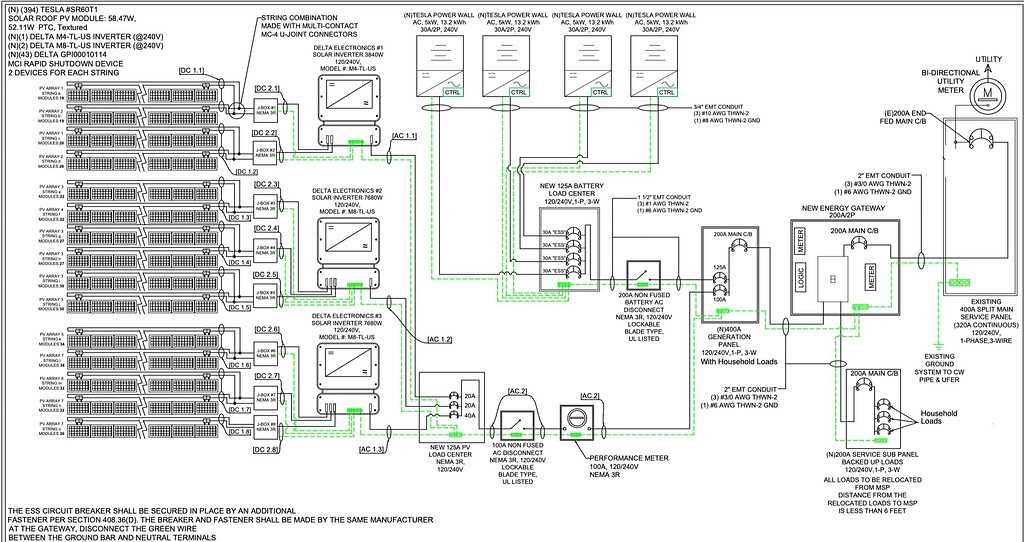
Install a dedicated breaker between the household distribution panel and the battery unit rated according to the manufacturer specification, typically 60–100 A depending on system capacity. This breaker isolates the storage unit during maintenance and protects conductors from overload.
Route grid supply lines through the energy gateway module before connecting them to the battery storage system. The gateway monitors power flow, switches the home to backup mode during outages, and coordinates charging from rooftop solar equipment or the utility network.
Use copper conductors sized between 6 AWG and 2 AWG depending on distance and current rating. Short cable runs reduce voltage drop and heat buildup. All connections inside the terminal block should be tightened using the torque values specified on the equipment label.
Connect grounding conductors directly to the grounding bar of the service panel and bond the battery enclosure to the same grounding point. This path directs fault current safely into the grounding system and prevents potential difference between metal housings.
Before energizing the installation, verify polarity and conductor placement with a multimeter. Confirm continuity on grounding conductors, confirm no cross-connection between supply and load terminals, and inspect insulation around every lug and clamp.
Tesla Powerwall 3 Wiring Diagram and Home Battery Connection Layout Guide
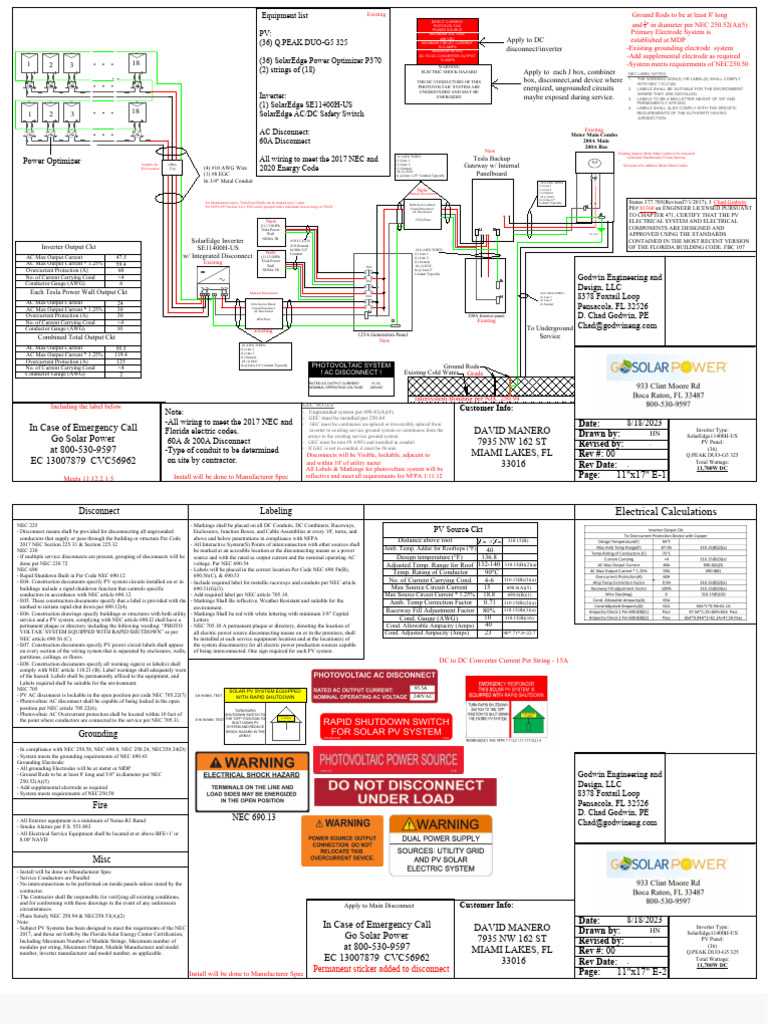
Connect the storage unit to the household distribution panel through the backup gateway module. This controller manages grid input, solar generation, and battery discharge during outages. Supply conductors from the utility meter first enter the gateway and then feed the main service panel.
Use copper conductors sized according to current rating and distance between devices. Typical installations use 4 AWG to 2 AWG for battery connections and a dedicated breaker between 60 A and 100 A inside the distribution board. Cable runs shorter than 15 m reduce voltage drop and heat buildup.
Follow the standard connection order during installation:
- Utility meter feeds the gateway input terminals
- Gateway output connects to the household distribution panel
- Solar inverter output routes into the gateway generation input
- Battery unit links to gateway battery terminals
- Ground conductor bonds equipment chassis to the main grounding bar
Mount the storage module on a solid wall with at least 150 mm clearance around ventilation areas. Conduits carrying power lines should enter from the bottom or side access points. Avoid sharp bends that stress insulation.
Verify conductor placement with a multimeter before energizing the system. Check continuity of grounding lines, confirm correct polarity on supply terminals, and inspect each lug for tight mechanical contact.
After completing connections, restore power and monitor the gateway status indicators. Normal operation shows grid availability, battery charge level, and solar input. Any warning codes require inspection of terminal connections and breaker positions.
Connecting Tesla Powerwall 3 to Main Electrical Panel and Backup Gateway
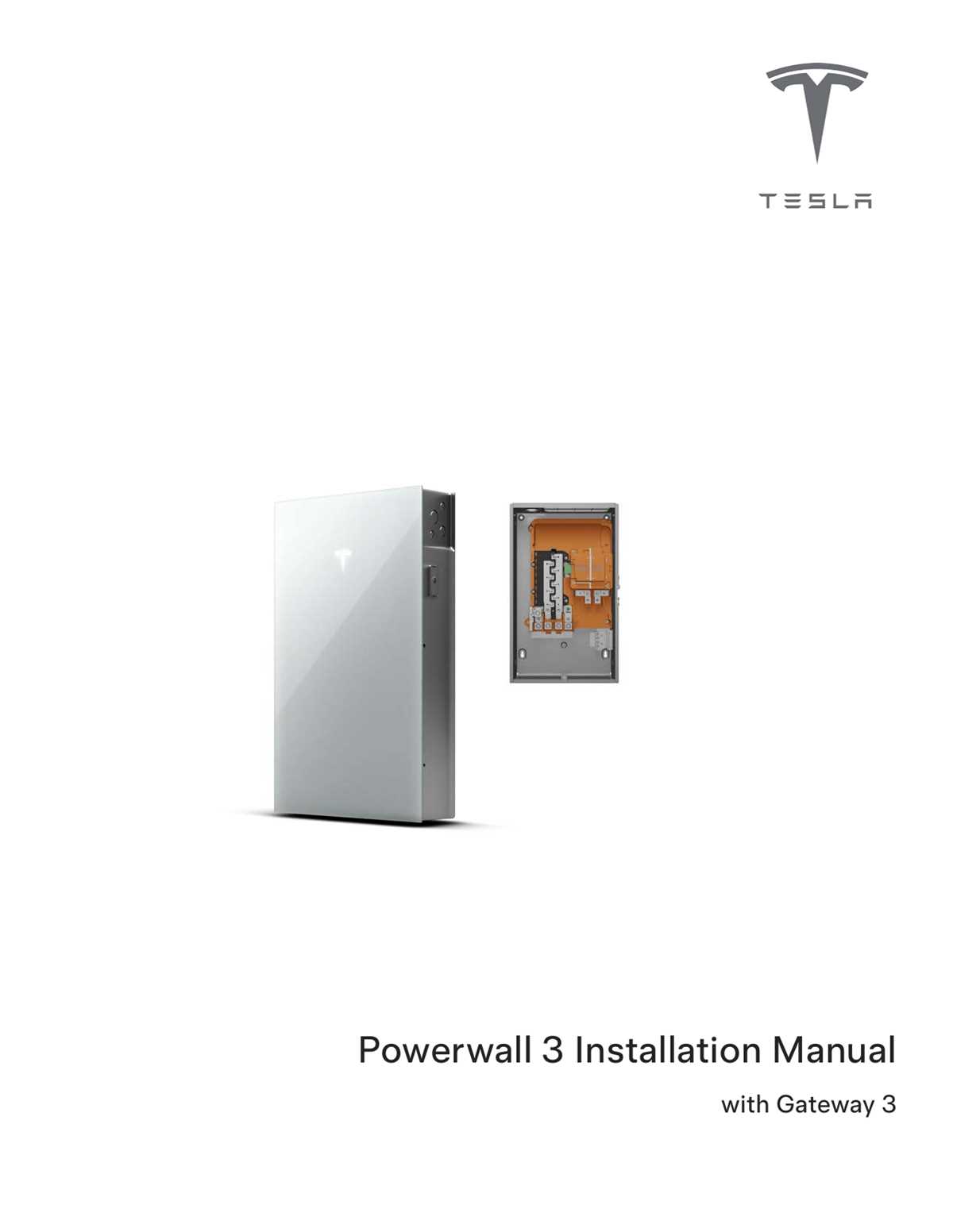
Route the household supply through the backup gateway before it reaches the main distribution board. Utility lines from the meter connect to the gateway input terminals, while gateway output feeds the service panel. This arrangement allows the controller to isolate the home from the grid during outages and switch the load to battery support.
Install a dedicated double-pole breaker in the service panel rated between 60 A and 100 A depending on system capacity and conductor size. Copper cables commonly range from 4 AWG to 2 AWG for short runs under 15 meters. Each conductor must terminate with properly crimped lugs tightened to the torque value printed inside the gateway enclosure. Bond the storage unit chassis and gateway enclosure to the grounding bar in the distribution board using a green or green-yellow conductor.
Confirm connections before restoring power. Measure continuity between grounding points, verify correct placement of line and neutral conductors at gateway terminals, and inspect that no insulation is pinched under clamps. After energizing the system, observe gateway indicators to confirm grid input, load output, and battery communication are active.