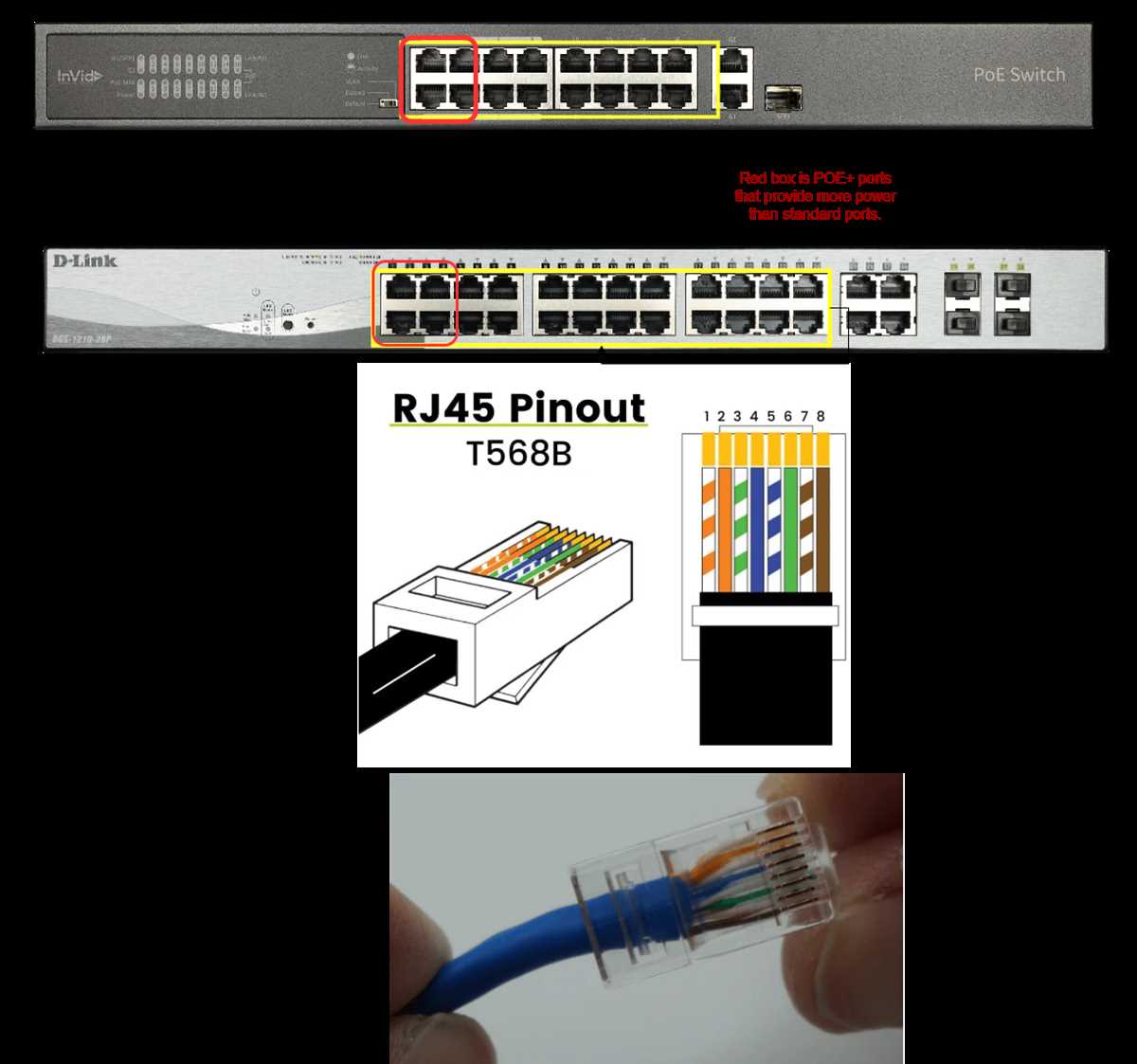
Use Cat5e or Cat6 cables to handle both data signals and low-voltage current safely. Ensure the cable length does not exceed 100 meters to prevent voltage drop and signal loss.
Follow the correct pin assignments for the standard you are implementing. For 802.3af devices, pairs 1-2 and 3-6 carry data, while 4-5 and 7-8 deliver low-voltage current. Verify each connection with a tester before powering devices.
Terminate connectors carefully using an RJ45 crimping tool. Ensure all wires reach the end of the plug and are seated in the correct order to prevent short circuits or miscommunication between devices.
Test the setup for both voltage and data transmission using a network tester. Check for continuity, proper voltage delivery, and absence of crosstalk to guarantee stable operation of all connected equipment.
Power over Ethernet Wiring Guide
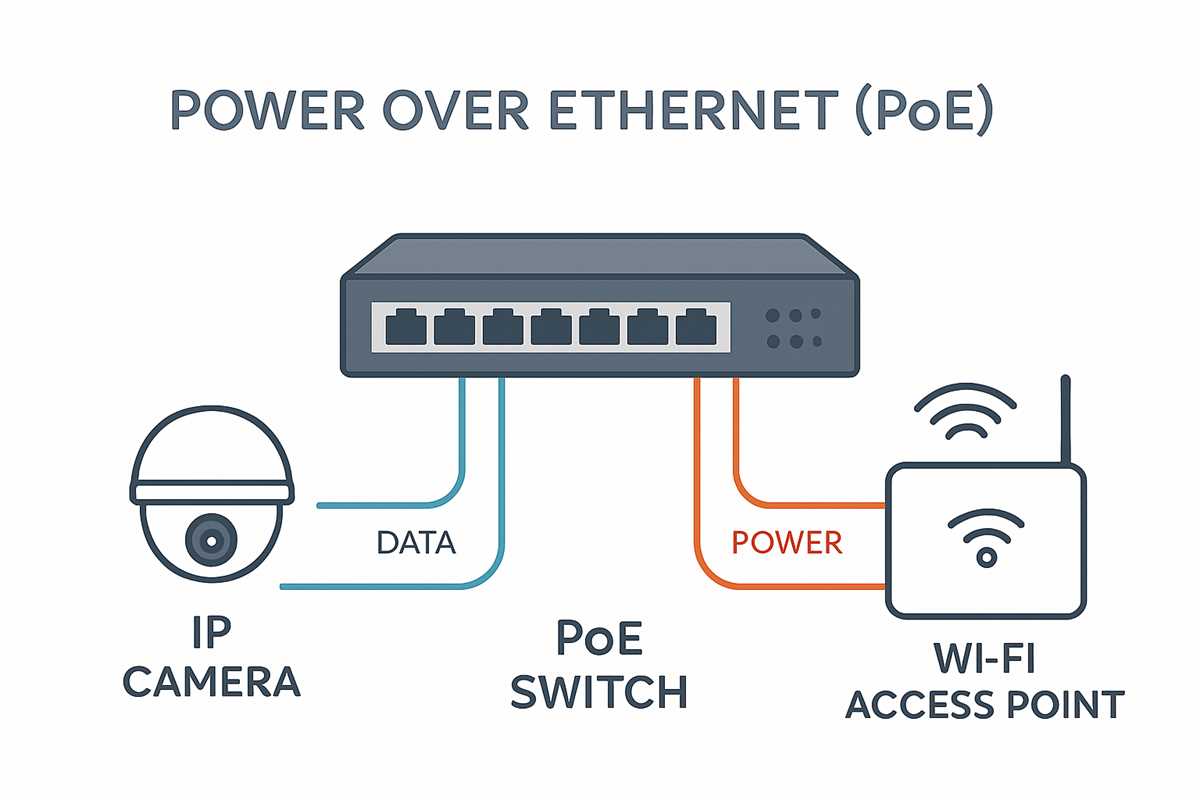
Use Cat5e or Cat6 cables rated for low-voltage current and data transmission. Limit each run to 100 meters to prevent voltage drop and signal degradation. Avoid sharp bends or kinks to maintain consistent performance.
Follow standard pin assignments carefully. For 802.3af devices, pairs 1-2 and 3-6 carry data, while 4-5 and 7-8 deliver low-voltage current. Confirm the order with a cable tester before connecting active devices.
Terminate RJ45 connectors correctly using a precision crimping tool. Ensure each wire reaches the end of the plug and fits snugly in its slot. Improper termination can lead to short circuits or intermittent connection issues.
Label both ends of each run for easy identification. This practice reduces troubleshooting time and prevents accidental cross-connections when multiple devices share the same rack or patch panel.
Test the complete assembly with a network tester for both signal integrity and current delivery. Check for continuity, correct voltage, and absence of crosstalk to ensure reliable operation for all connected equipment.
Identifying PoE Standards and Pin Assignments
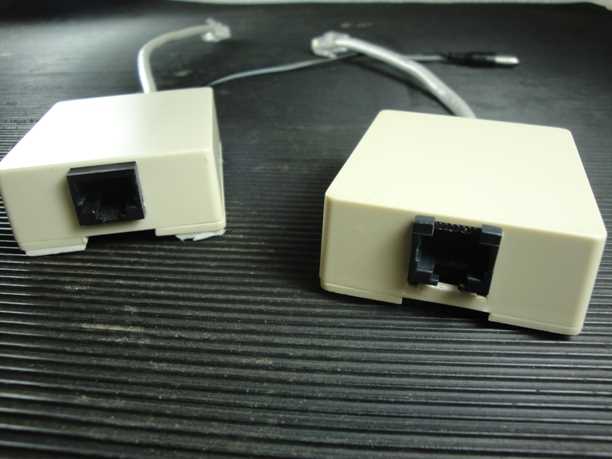
Determine the standard required for your devices before connecting cables. 802.3af supports up to 15.4W, 802.3at up to 25.5W, and 802.3bt can provide 60W or more. Using the wrong type can overload or underpower equipment.
Check device documentation for supported classes. Class 0–4 indicates power levels in 802.3af/at devices. Ensure the injector or switch matches the class to prevent undervoltage or overcurrent conditions.
Identify active and spare pairs for each standard. 802.3af/at can send current using data pairs (1-2, 3-6) or spare pairs (4-5, 7-8). 802.3bt often uses all four pairs to achieve higher wattage.
- Data pairs: 1-2 transmit, 3-6 receive
- Spare pairs: 4-5 positive, 7-8 negative for current
- Ensure consistent pin mapping at both ends
- Use color-coded cables for easier identification
Measure voltage on each pair before connecting active equipment. Use a multimeter or PoE tester to confirm correct polarity and voltage delivery. Incorrect connections can damage sensitive devices.
- Use a cable tester to verify pair continuity
- Confirm voltage between positive and negative pairs
- Check resistance to ensure minimal line loss
- Document each cable for maintenance
Label connectors and ports to match the assigned pairs. This prevents accidental cross-connections and helps when troubleshooting or expanding the setup in larger installations.
Maintain consistent standards across the network. Mixing T568A and T568B can work for data but may create confusion for current delivery. Stick to one standard to reduce errors and ensure safe, reliable operation.