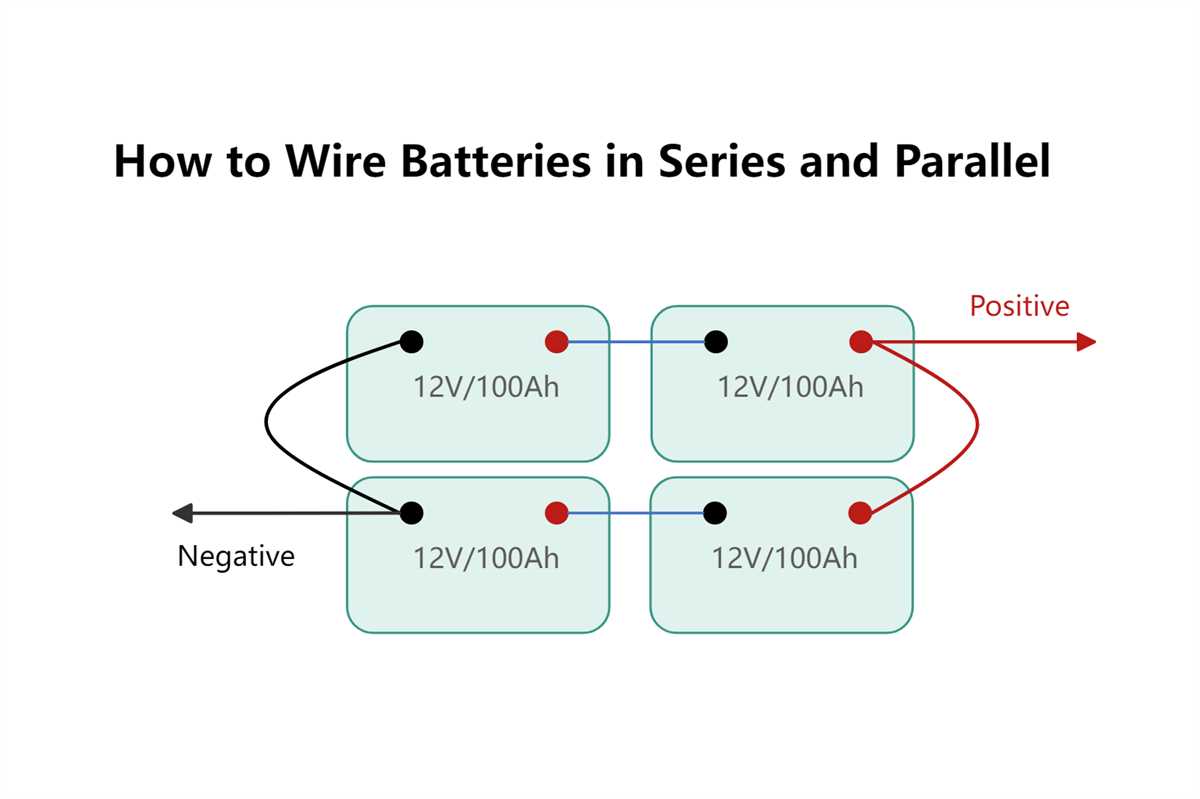
Always measure each driver’s impedance before linking them together. Use an ohmmeter to check DC resistance and compare it to the rated load. This ensures that the amplifier will not be overloaded and avoids potential damage.
Identify positive and negative terminals clearly on every electromagnetic unit. Misidentifying leads can create phase cancellation, which reduces output and distorts low frequencies. Mark connections with colored tape or numbered tags for precise assembly.
Series or multiple-link setups alter the load seen by your amplifier. Connecting units in series sums the resistance, while combining terminals directly cuts the effective load in half. Knowing these rules helps maintain safe operating levels.
Test the complete setup at low volume before full operation. Listen for distortion, check the temperature of the drivers, and confirm that measured impedance matches expected values. Adjust any misconnected leads immediately.
Secure all connections with solder or high-quality clips to prevent signal loss. Loose contacts can introduce noise, reduce power handling, and affect the balance between drivers. A stable mechanical and electrical setup ensures reliable performance.
Parallel Connection for Audio Drivers
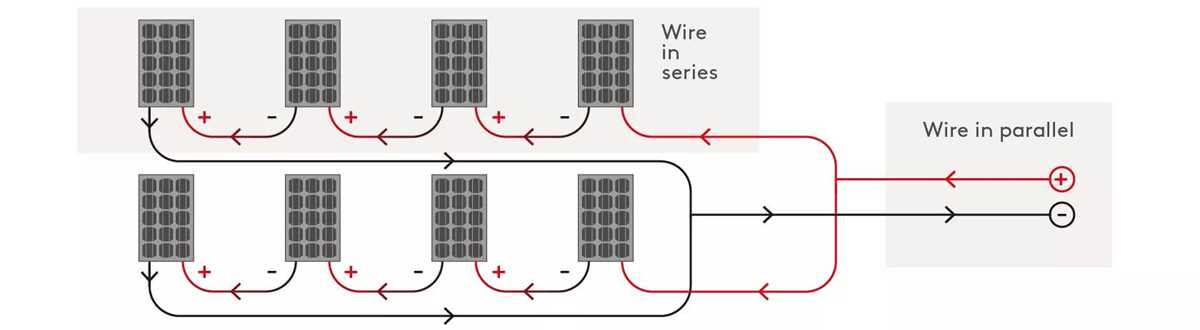
Measure each unit’s resistance before joining them. Use a multimeter to verify the DC reading against the rated impedance. For example, two 4 Ω drivers linked directly will present a 2 Ω load, which must match the amplifier’s capacity.
Connect terminals carefully to avoid phase issues. Combine all positives together and all negatives together, ensuring each link is secure. Misconnected leads can cancel sound waves and create weak bass response.
Test the assembly at low power. Use a sine wave at 50–100 Hz and monitor heat on the drivers. If the reading shows lower or fluctuating resistance, recheck the connections. Proper setup guarantees stable output and prevents amplifier stress.
Measuring Impedance Before Connecting Audio Drivers
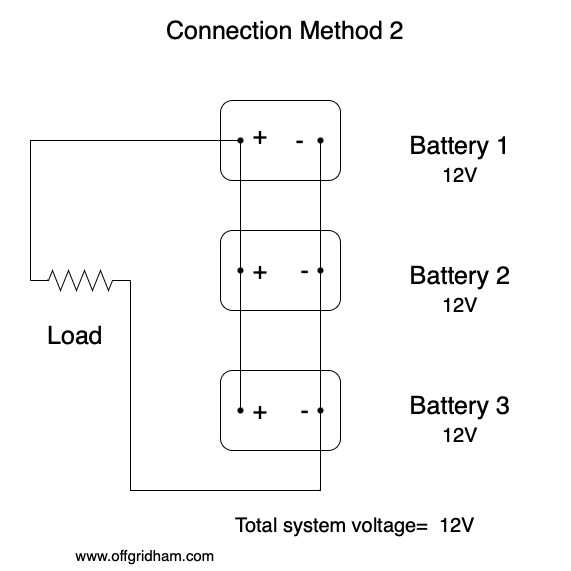
Use a reliable multimeter to measure the DC resistance of each unit before linking them. Ensure probes contact the positive and negative terminals firmly. A reading slightly lower than the rated value, usually by 10–15%, is normal and indicates proper impedance for connection.
Mark each driver’s terminals to avoid mistakes. Misidentifying leads can result in phase cancellation, reducing output and introducing distortion. Use colored tape or numbered tags to track connections during assembly.
Series and Direct Linking Effects
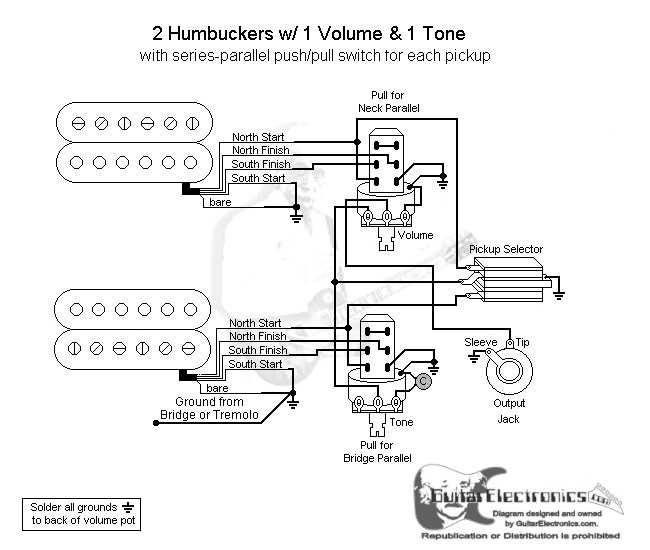
Joining units in series sums the resistances, while direct combination of all positives and negatives halves the effective load. For example, two 8 Ω units directly linked will create a 4 Ω total. Calculating expected impedance prevents amplifier overload and ensures stable performance.
Confirming Stability Before Powering
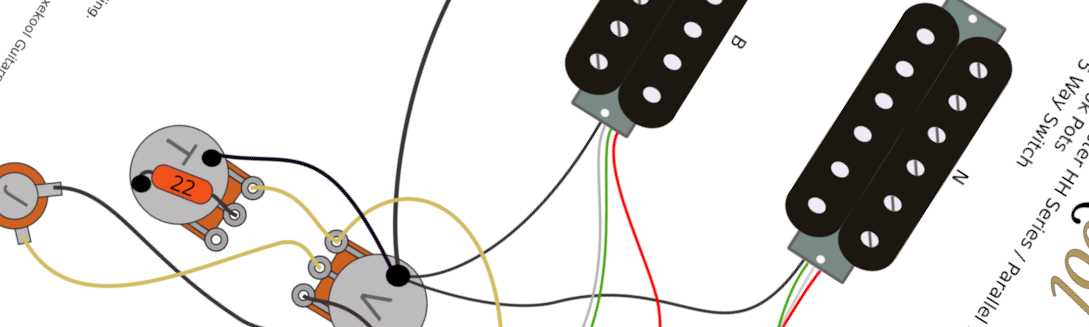
After measuring, test the configuration at low volume using a sine wave between 50–100 Hz. Watch for fluctuations in resistance and excessive heat. Any anomaly indicates misconnection or a faulty driver that must be corrected before full operation.
Secure all terminals after verification. Loose or corroded contacts can alter measured impedance and reduce output. Tight, clean connections maintain consistent electrical characteristics and protect both drivers and amplifier from damage.