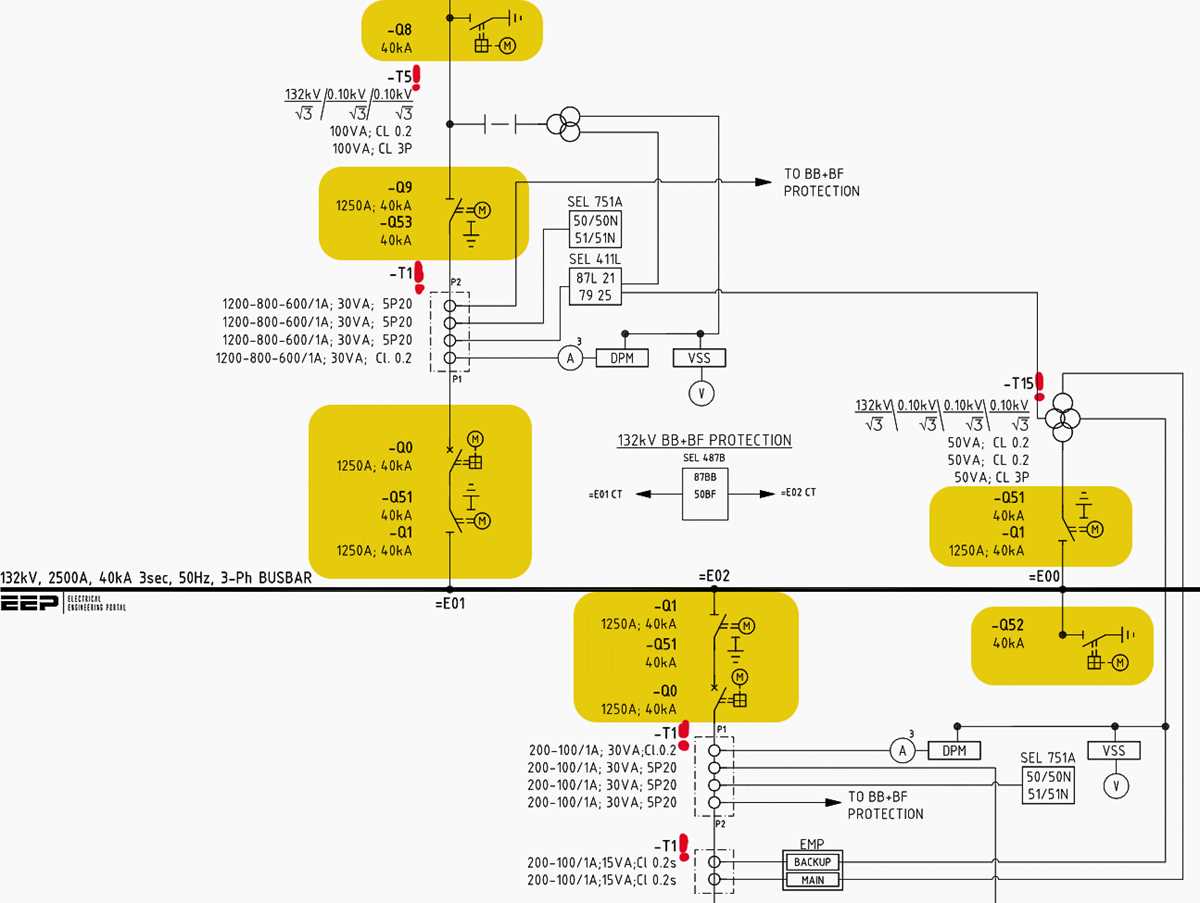
Use standard symbols and clear labeling to connect resistors, LEDs, and power sources accurately. Maintaining consistency in markings prevents errors when assembling small projects. Verify each component rating before inserting it into the layout to avoid overloading the power line.
Separate positive and negative pathways with distinct colors for easy identification. This approach simplifies troubleshooting and ensures that LEDs and switches operate correctly without reverse polarity issues. Label connection points near each terminal to streamline future modifications.
Include protective elements such as fuses or current-limiting resistors for each active component. Check voltage levels to match the specifications of LEDs and switches, preventing overheating and premature failure.
Organize components logically on a breadboard or small prototyping board. Keep power rails at the edges and control elements like push buttons in accessible positions. Maintain minimal wire crossing to reduce noise and make the layout easier to follow.
Test each segment separately before powering the entire layout. Use a multimeter to confirm continuity and voltage drops across resistors, switches, and LEDs, ensuring safe operation and reliable performance.
Simple Electrical Layouts with Component Connections
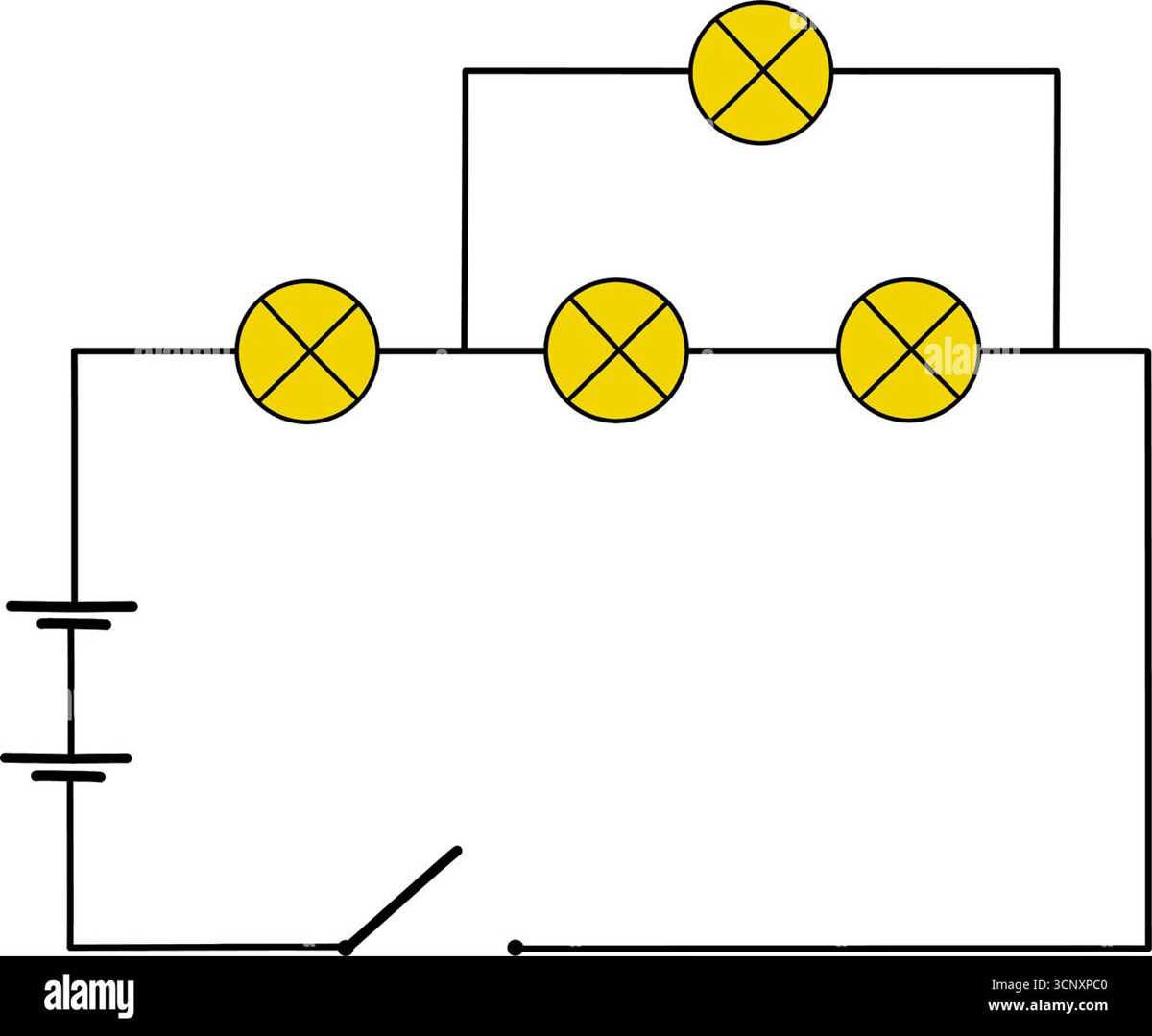
Position LEDs and switches strategically on the breadboard to minimize wire overlap. Connect resistors in series with each LED to control current, ensuring uniform brightness without overloading any component.
Use color-coded jumper wires for positive and negative paths. This makes it easier to trace connections and prevents accidental polarity reversals when integrating power sources or multiple modules.
Group similar components like sensors or push buttons together on the board. Label each pin clearly to avoid confusion during testing and maintain a clean layout that simplifies adjustments or expansions.
Test each connection individually with a multimeter before full power is applied. Check voltage across LEDs and switches to verify proper operation and detect any misaligned or loose connections early in the assembly process.
Identifying Key Components and Their Symbols for Wiring Projects
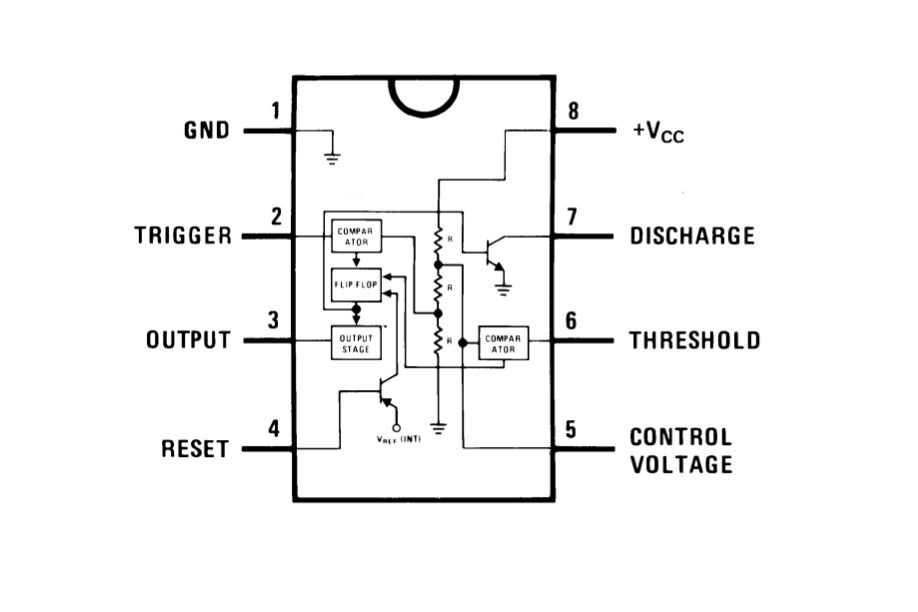
Recognize resistors, capacitors, and diodes by their standard schematic symbols. Resistors appear as zigzag lines, capacitors as parallel lines, and diodes with an arrow pointing toward a line to indicate current direction.
Switches and relays should be identified by their toggle or coil symbols. Single-pole single-throw switches use a simple break line, while relays combine coil and switch symbols to show electromagnetic control.
Power sources and ground connections are critical to mark clearly. Batteries use a short and long parallel line symbol, while ground is represented by a descending line with multiple horizontal bars, ensuring correct polarity in assembly.
Label each component on your layout using both symbol and value. Write resistor ohms, capacitor microfarads, and diode type to avoid confusion during assembly and testing, reducing the risk of incorrect connections or component damage.