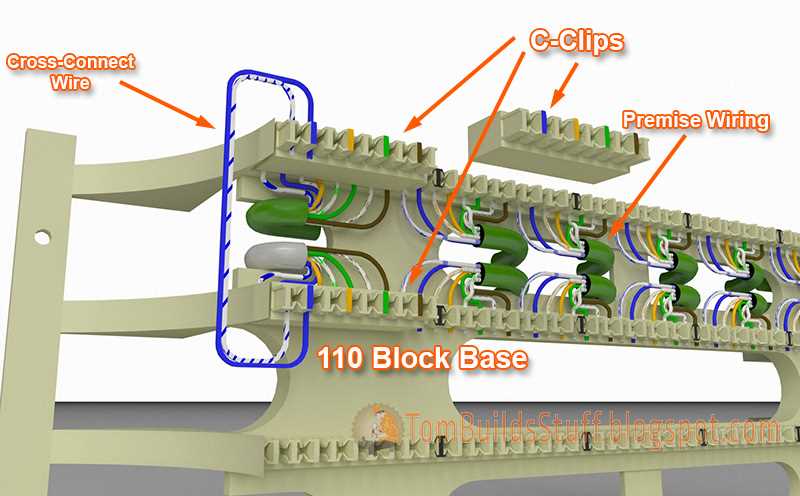
Start by ensuring the correct placement of each wire to guarantee a stable connection. For standard household setups, use a modular jack that supports both voice and data transmission. This configuration allows for smooth communication and prevents signal disruptions.
Make sure to align the wires according to the color codes: red and green for the primary lines, yellow and black for secondary, with the remaining slots used for ground and additional signal lines. Double-check each wire to avoid misalignment that can cause faulty connections or reduced performance.
Once the wires are securely placed, use a punch-down tool to firmly insert them into their respective slots. This prevents any loose connections that could impact the clarity of the call or internet service. For a more robust installation, consider using shielded cables to protect against interference.
If you’re troubleshooting, always test your setup with a simple phone or signal tester. If issues persist, verify that each wire is properly connected and ensure there are no exposed conductors that could cause shorts or connection loss.
Telephone Connector Setup Guide
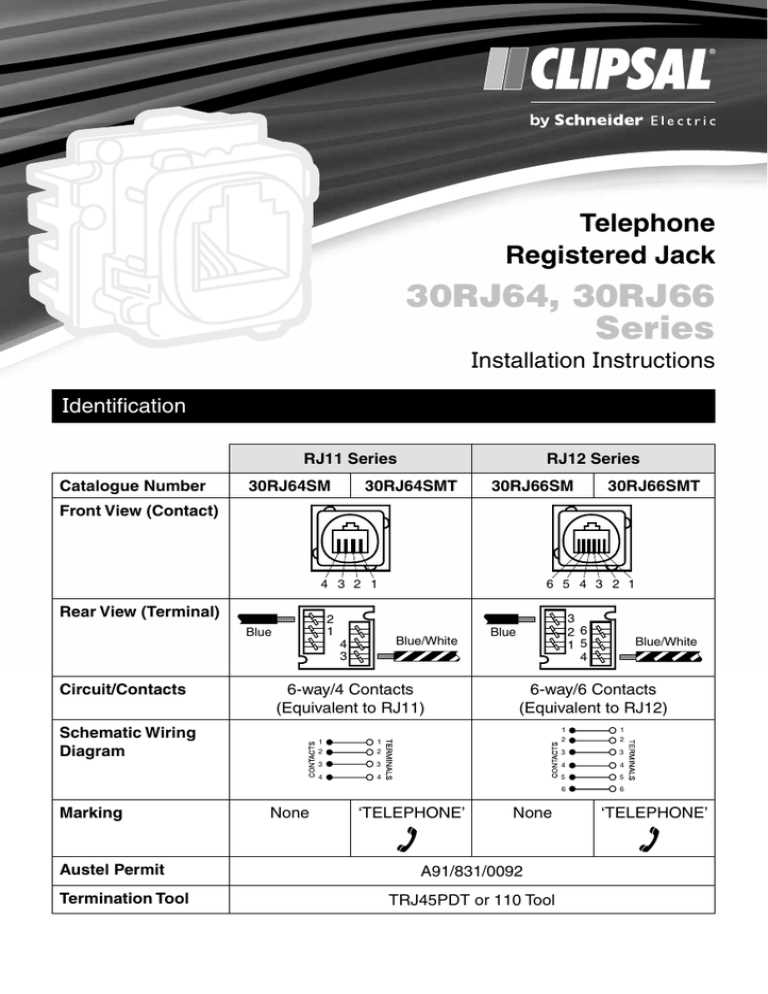
To begin, ensure you have the correct tool to make precise and secure connections. A punch-down tool is commonly used to insert wires into jacks or blocks, ensuring firm and reliable contact. For best results, use a high-quality tool that matches the type of connection you need to establish.
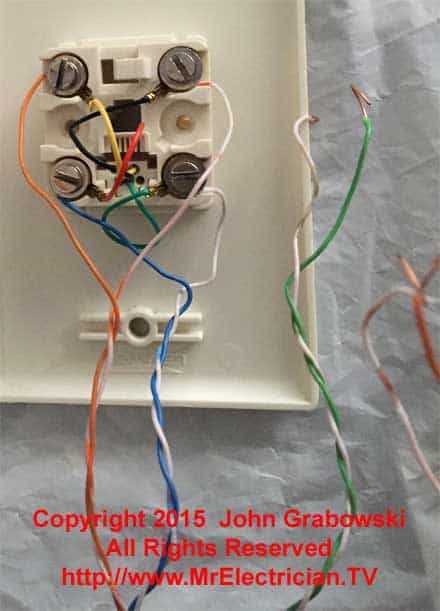
Check the color coding for your cables. The most common standard uses a simple scheme: red and green for primary connections, while yellow and black serve as secondary. The other pairs are typically used for extra features like fax lines or data. Always refer to the specific guidelines of your system for the appropriate color scheme.
Before starting the installation, plan out the cable routing. Keep the wires organized and avoid sharp bends that could damage the inner conductors. Use cable clips to secure the wires along their path, ensuring they are free from tension and don’t come into contact with any potential sources of interference.
Insert the wires into the slots on the jack or block. Be sure to push each wire all the way into its designated slot using a punch-down tool. This action helps maintain a strong connection and prevents the wires from loosening over time.
If you’re working with a multi-line setup, consider separating the lines using different jacks or blocks. This way, each line remains dedicated to its function, whether it’s voice, fax, or data, helping to avoid signal interference and improve overall performance.
Once the wires are secured, double-check the connections by gently tugging on each wire. If a wire easily pulls out, it’s an indication that it wasn’t properly inserted and may cause poor signal quality. Re-insert and secure it again to ensure a firm connection.
To test the system, plug in a phone or another device and verify that each line works as intended. Make a call or send a test fax to check that everything is functioning properly. If there is no signal, verify the connections at both ends, as well as the wiring inside the jack.
If you encounter persistent issues, it may be necessary to re-check the wiring layout. Misconnections are often a culprit for poor performance, so retracing your steps can sometimes solve the problem. Keep your installation as simple as possible to minimize potential sources of error.
Understanding Different Types of Telephone Connectors
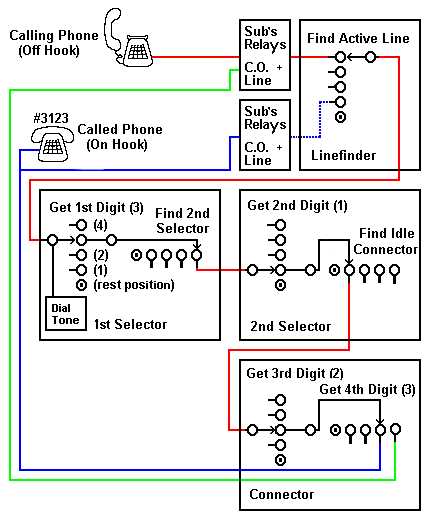
There are several types of plugs and jacks that are commonly used in home and office phone systems. The RJ11 is the most widely recognized connector, typically used for single-line installations. It has four or six positions but usually only utilizes two or four of them for the connection. For multi-line setups, the RJ14 or RJ25 connectors are preferred, as they support two or three lines respectively.
Another key component is the modular jack, which allows for easy connection and disconnection of cables. These jacks are designed for flexibility, allowing you to quickly switch or replace cables without having to make permanent modifications. The most common configurations include the 4P4C (four positions, four conductors) and 6P6C (six positions, six conductors) models, which are typically used for various communication devices, including phones, faxes, and modems.