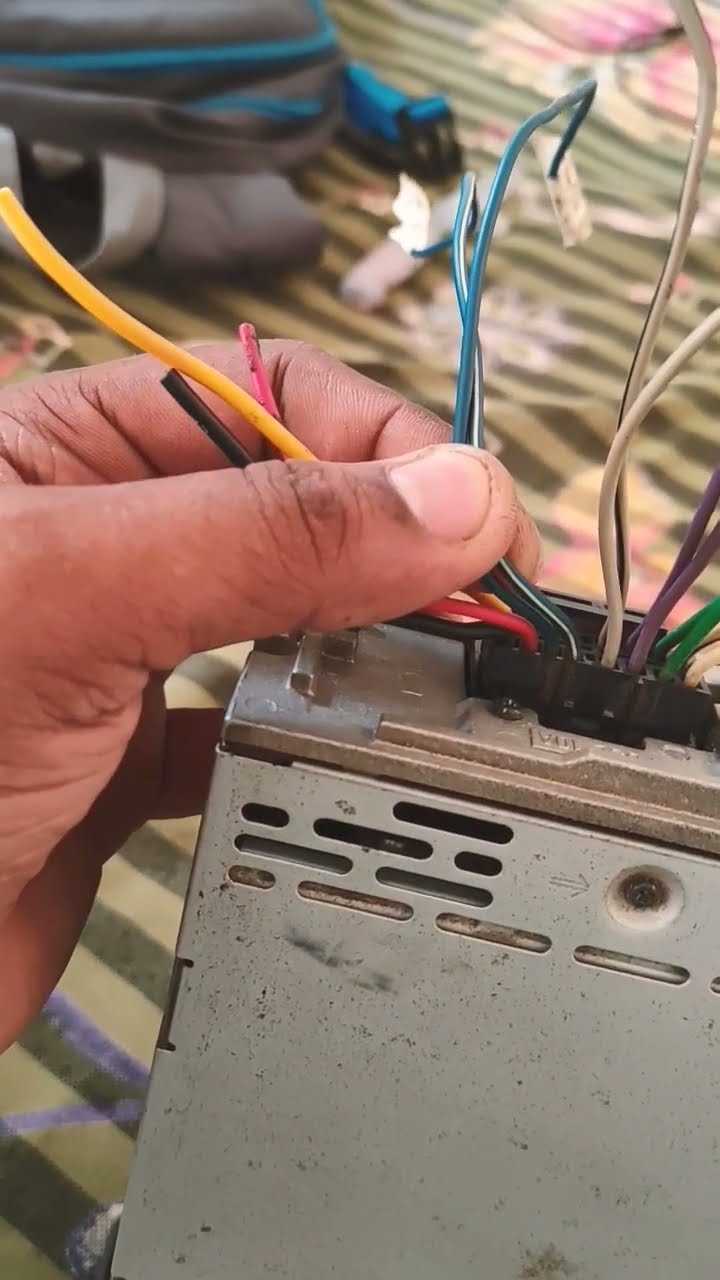
Ensure all power leads are matched to their respective terminals before applying current. Use a 12V test light to verify ignition and constant power lines to prevent accidental shorts or component damage.
Ground connections should be attached to a clean, unpainted metal surface. Loose or corroded grounding can cause intermittent operation and distort audio output.
Speaker outputs must be confirmed for polarity and impedance. Most models use 4-ohm loads; connecting mismatched speakers may cause overheating or audio clipping.
Remote turn-on leads for amplifiers or external modules require proper routing and fuse protection. This prevents backfeed and potential system failure during startup or shutdown cycles.
Double-check all auxiliary inputs and control interfaces. Ensure RCA and control signals are routed separately from power lines to reduce noise and interference in the audio signal.
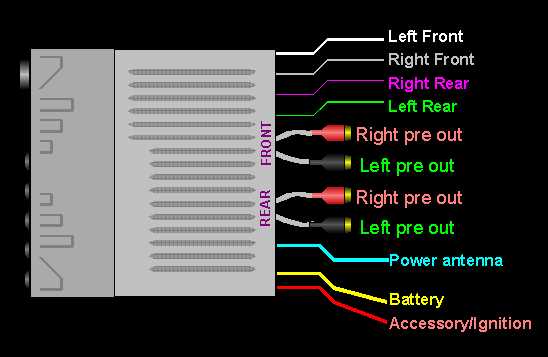
Sony Car Stereo Connection Guide and Setup Instructions
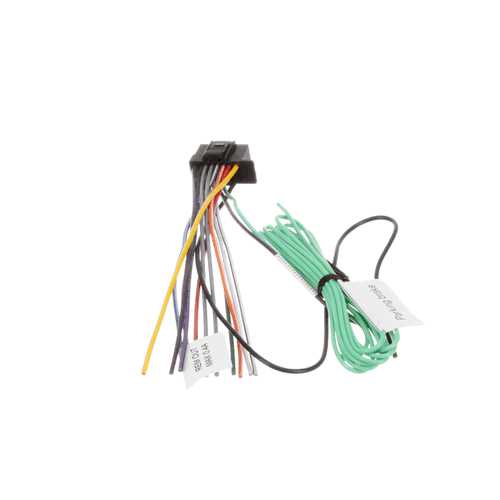
Verify all power and ground lines before installation. Use a multimeter to check for 12V constant and switched ignition voltage, and confirm a clean chassis ground point to prevent operational faults.
Match speaker leads to their correct terminals. Most units designate color-coded outputs; incorrect polarity can reduce sound quality and may damage the amplifiers.
Route control and signal lines separately from power cables. Keep RCA inputs and remote control wires away from main power leads to minimize interference and humming.
Fuse protection is mandatory on all main power feeds. Select a fuse rated within the unit’s specifications and place it close to the battery to prevent overcurrent damage.
Confirm antenna and auxiliary input connections. Loose connections can result in weak reception or signal dropouts. Use secure connectors and check for corrosion or frayed ends.
After installation, perform a test run with all functions active, including AM/FM, Bluetooth, USB, and auxiliary sources. Adjust balance and fader controls to confirm all speakers operate correctly.
Program security codes and initial settings before final mounting. This ensures the unit locks properly and preserves personal presets without repeated disconnections.
Finally, secure the head unit into the mounting bracket using manufacturer-approved screws and insulation. Verify that vibration or movement does not disturb connections or cause intermittent operation.
Identifying Power Supply and Ground Terminals for Sony Units
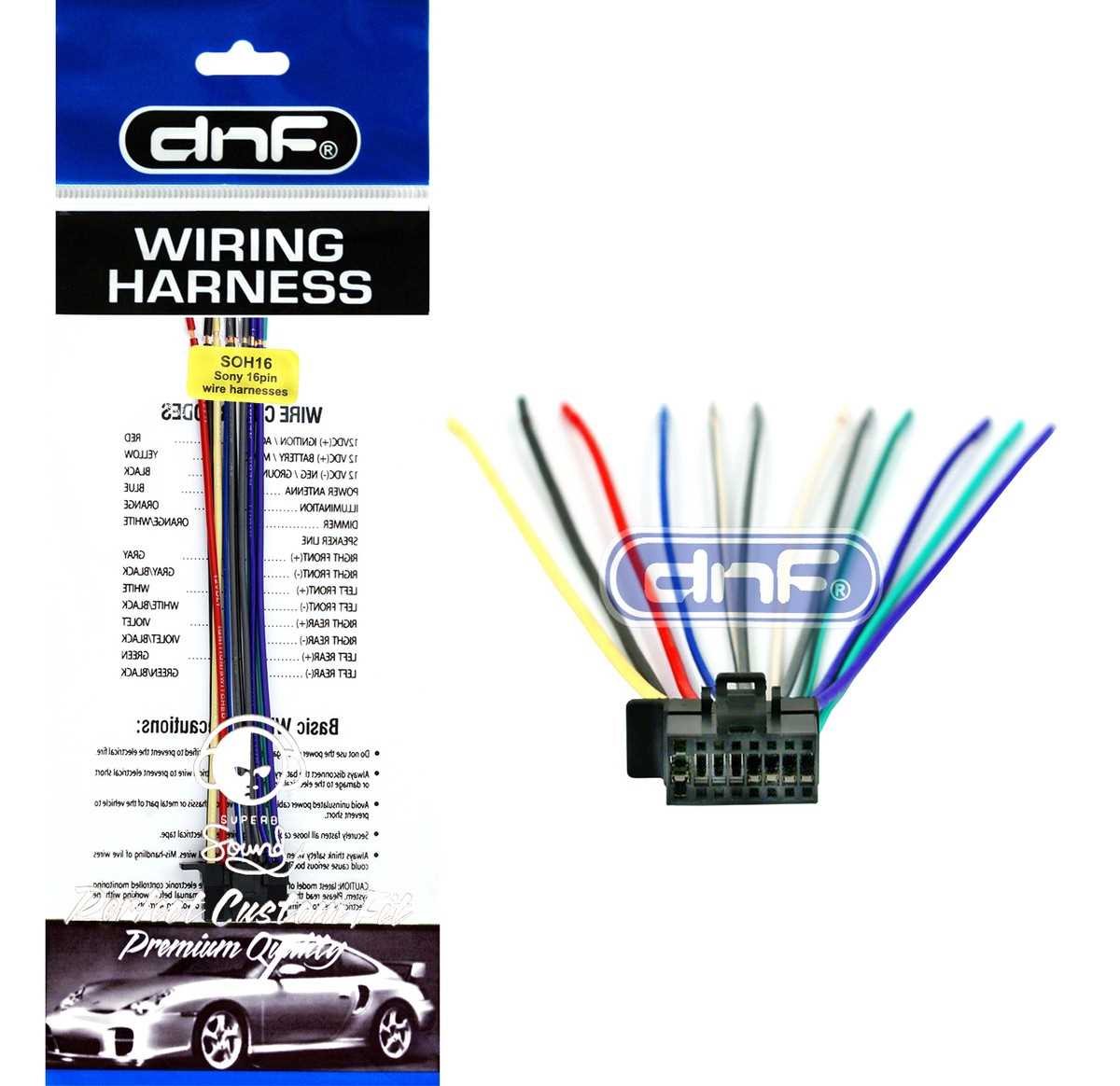
Locate the constant power terminal first. This connection provides uninterrupted 12V to maintain memory functions and preset configurations. Use a test light or multimeter to confirm voltage stability before attaching the lead.
Identify the switched ignition terminal. This input receives voltage only when the ignition key is turned on. Proper identification ensures the unit powers on and off with the vehicle and prevents battery drain.
Verify ground connections thoroughly. Connect the chassis lead to a clean, bare metal surface free of paint, rust, or corrosion. A poor ground can cause intermittent operation, distortion, or error codes.
Check the color codes printed on the harness or terminal block. Typically, yellow indicates constant power, red for switched ignition, and black for ground. Confirm these using a multimeter to avoid misconnection.
Ensure secure terminal engagement. Loose or partially inserted leads can produce voltage drops, static, or complete signal loss. Firmly attach terminals with proper clips or screws according to the unit’s specifications.
For aftermarket installations, verify that all power feeds pass through inline fuses rated according to the head unit’s requirements. Place the fuse as close to the battery as possible to protect against short circuits.
Test each terminal individually. Measure voltage on the constant and switched inputs, then check continuity to the chassis for the ground. This confirms correct identification before connecting additional components.
Document each connection for future reference. Label the leads with masking tape or tags to prevent confusion during troubleshooting or upgrades, ensuring reliable performance over time.