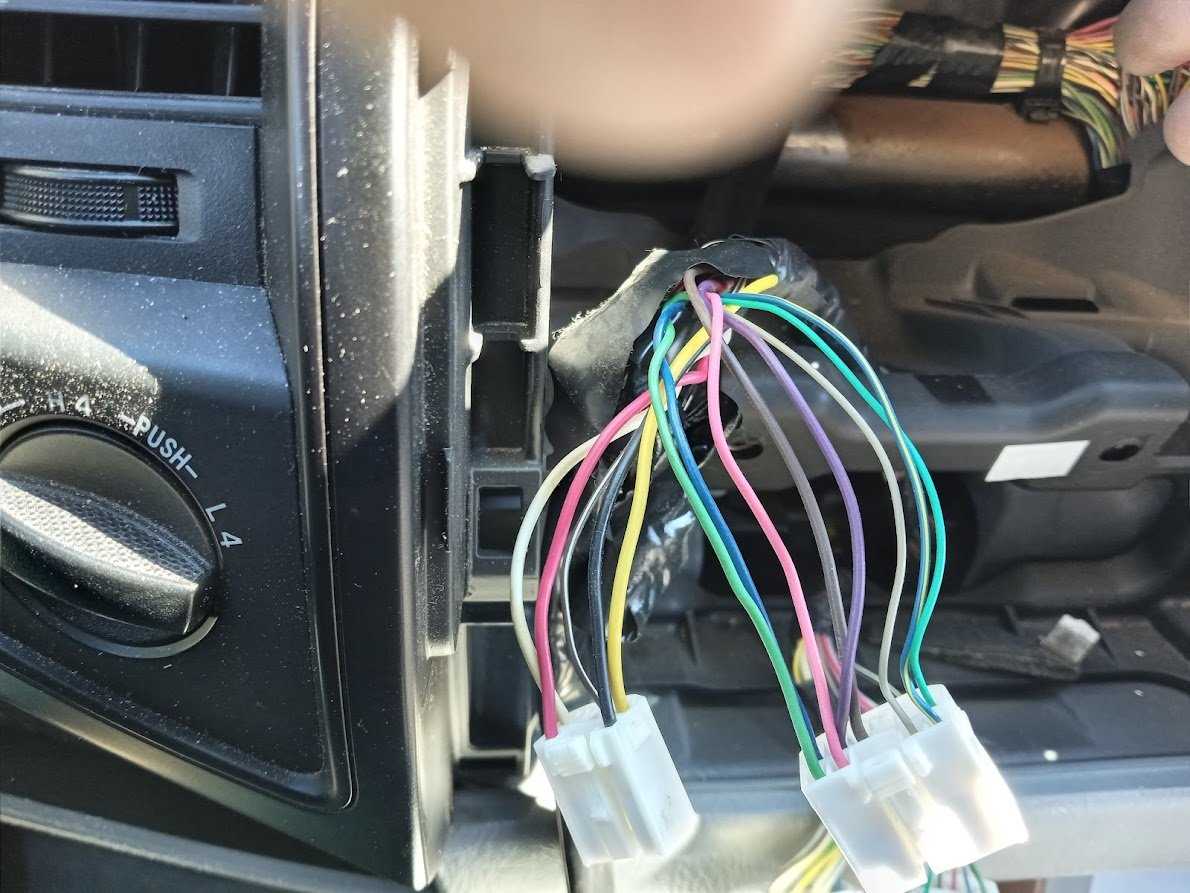
Before starting the installation process, identify the main connections you need for the unit. The first step is to locate the power, ground, and speaker wires, which are the most crucial for operation. Make sure to check the vehicle’s manual for the exact wire colors and functions to avoid confusion during the setup.
The next key step is handling the input/output connections, such as antenna and auxiliary ports. These should be properly wired to ensure compatibility with any additional accessories or aftermarket components you plan to install. Additionally, confirm that the power cables are properly fused to prevent electrical issues or damage.
Once all the wiring is confirmed, it’s important to check for secure connections and proper insulation. Test the system by turning the vehicle on and verifying that the unit powers up correctly and the sound output functions as expected. If any issue arises, double-check the connections and consult your wiring guide for troubleshooting steps.
Wiring Setup for Vehicle Sound System
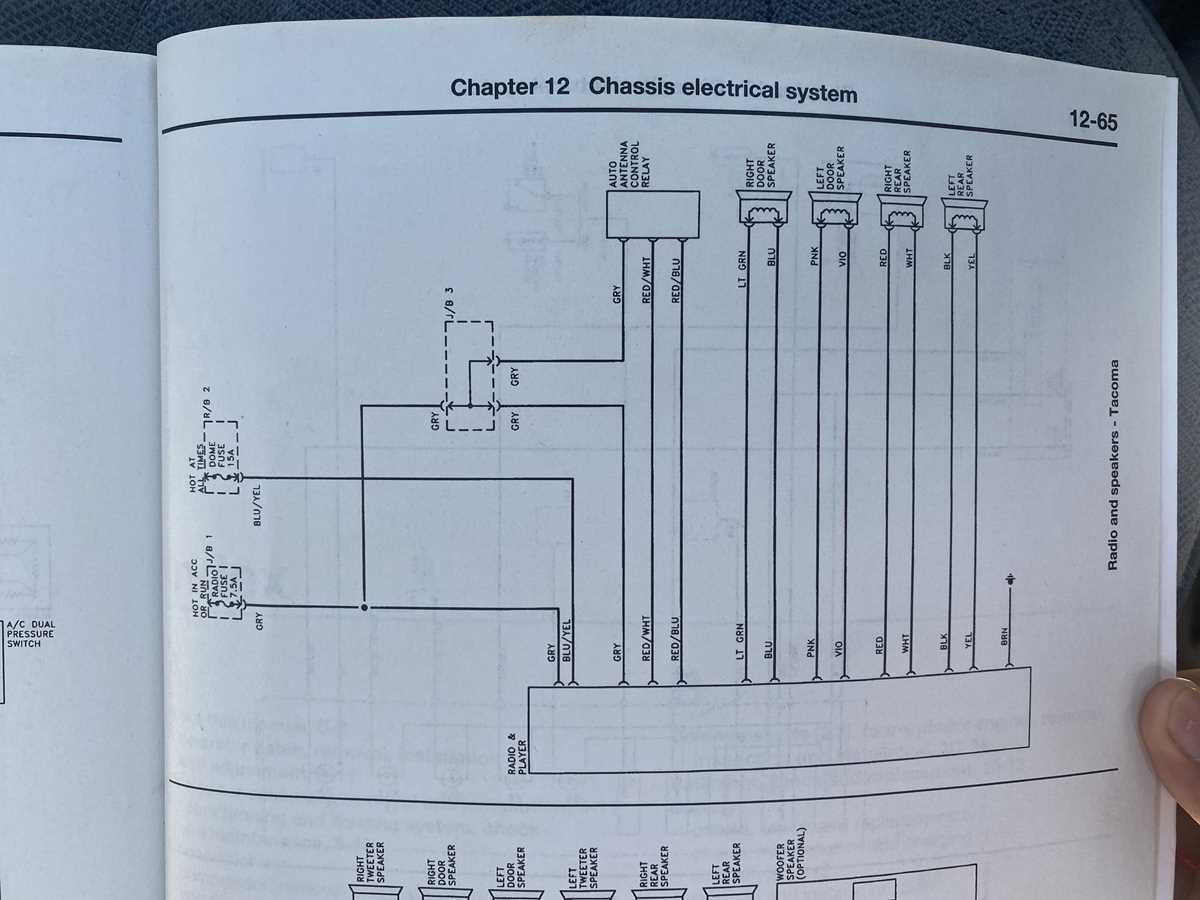
For installing the sound unit, the first step is to identify the power and ground wires. These are usually marked in red for power and black for ground. Securely connect the power wire to a fused power source to avoid potential electrical issues. It’s important to make sure the ground wire is connected to a clean, unpainted metal surface to ensure a solid connection.
Next, focus on the speaker wires. These are typically color-coded to help match the correct speaker to each wire. Standard colors for speakers are usually white, gray, green, and purple. Ensure you connect the positive and negative terminals of each speaker wire to its corresponding port on the back of the unit to ensure proper sound output.
If your unit includes additional features like Bluetooth or auxiliary ports, make sure to wire the input/output cables correctly. These connections can usually be found near the back of the device and should be connected according to the provided manual. Improper wiring of these can lead to malfunctioning features, like Bluetooth failure or poor sound quality from external devices.
- Red wire: power
- Black wire: ground
- White/Gray/Green/Purple wires: speaker connections
After all connections are secure, it’s time to test the setup. Turn on the vehicle and check if the system powers up correctly. Listen for any static or unusual sounds, which could indicate an incorrect connection. If everything works as expected, you’ve successfully installed the system. However, if any issues arise, retrace your steps and ensure all wires are correctly matched and securely connected.
Identifying Key Wires and Connections for Vehicle Sound System
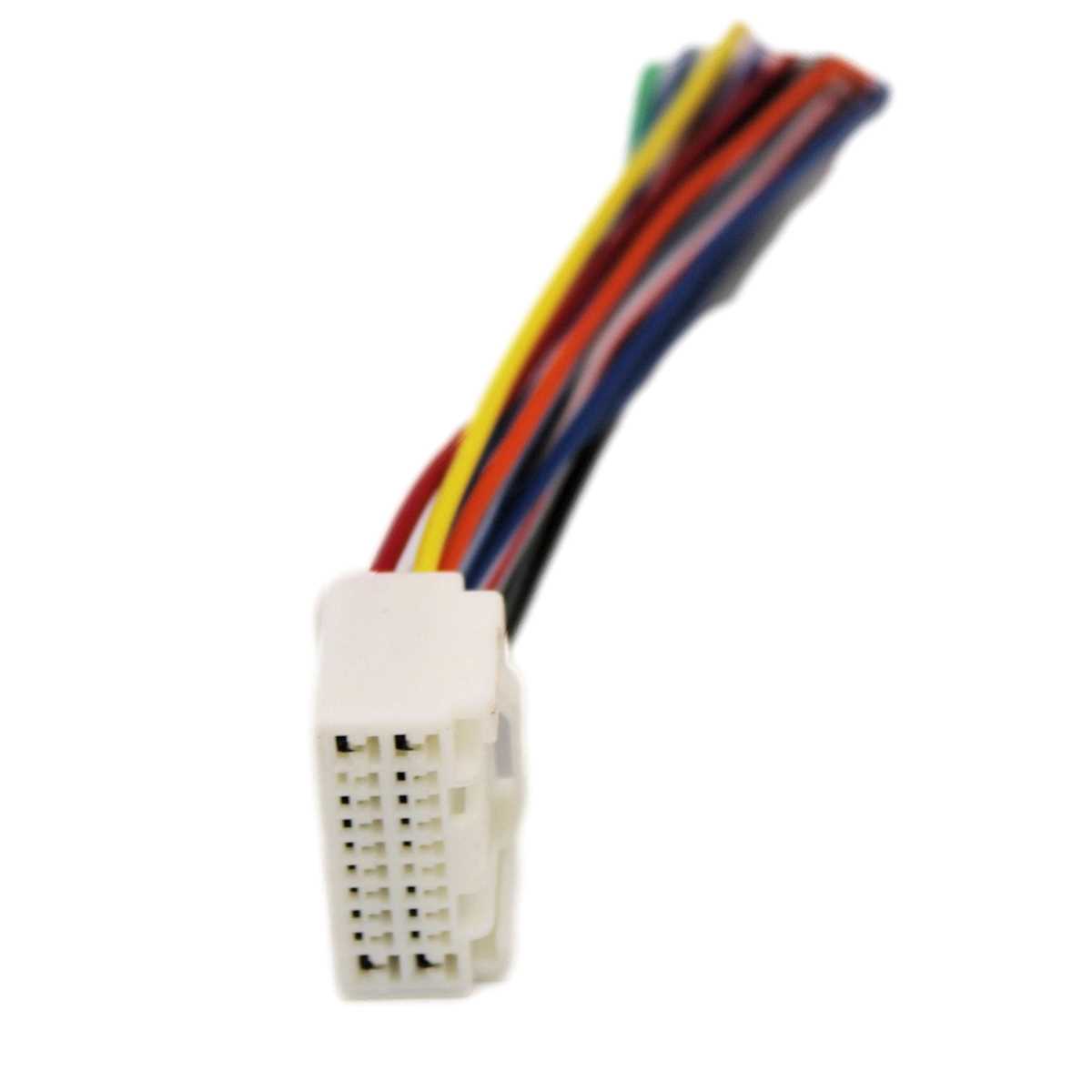
Start by identifying the main power wire, typically colored red. This wire provides voltage to the unit and must be connected to a fused power source. Additionally, locate the black ground wire, which ensures a safe and stable connection by linking to an unpainted metal surface of the vehicle.
Speaker and Auxiliary Connections
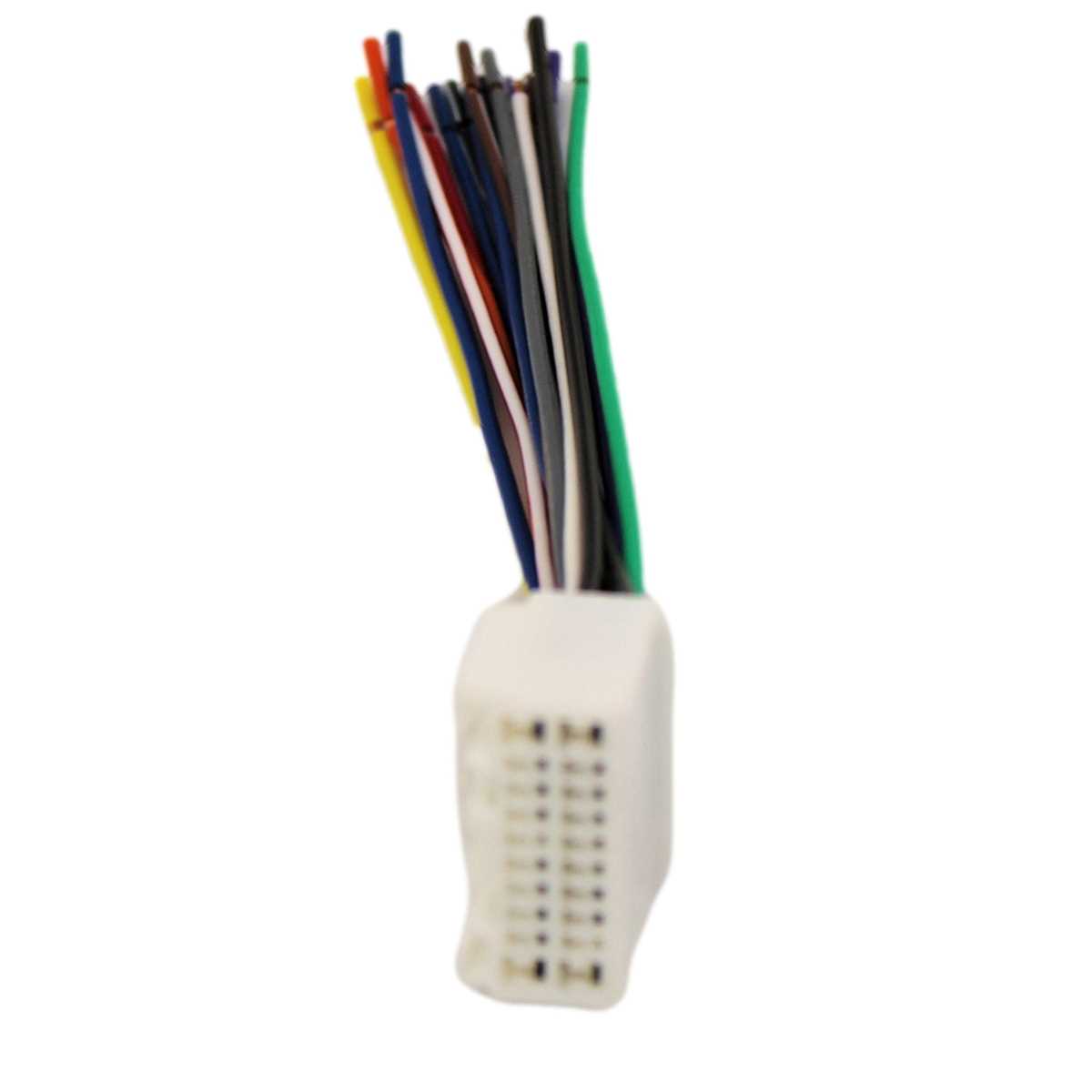
Speaker wires are usually color-coded: white, gray, green, and purple. Each of these corresponds to a specific speaker, and the positive and negative terminals must be connected accordingly. For auxiliary connections like Bluetooth or external input, verify the correct input/output cables are matched to their corresponding slots to enable additional features.