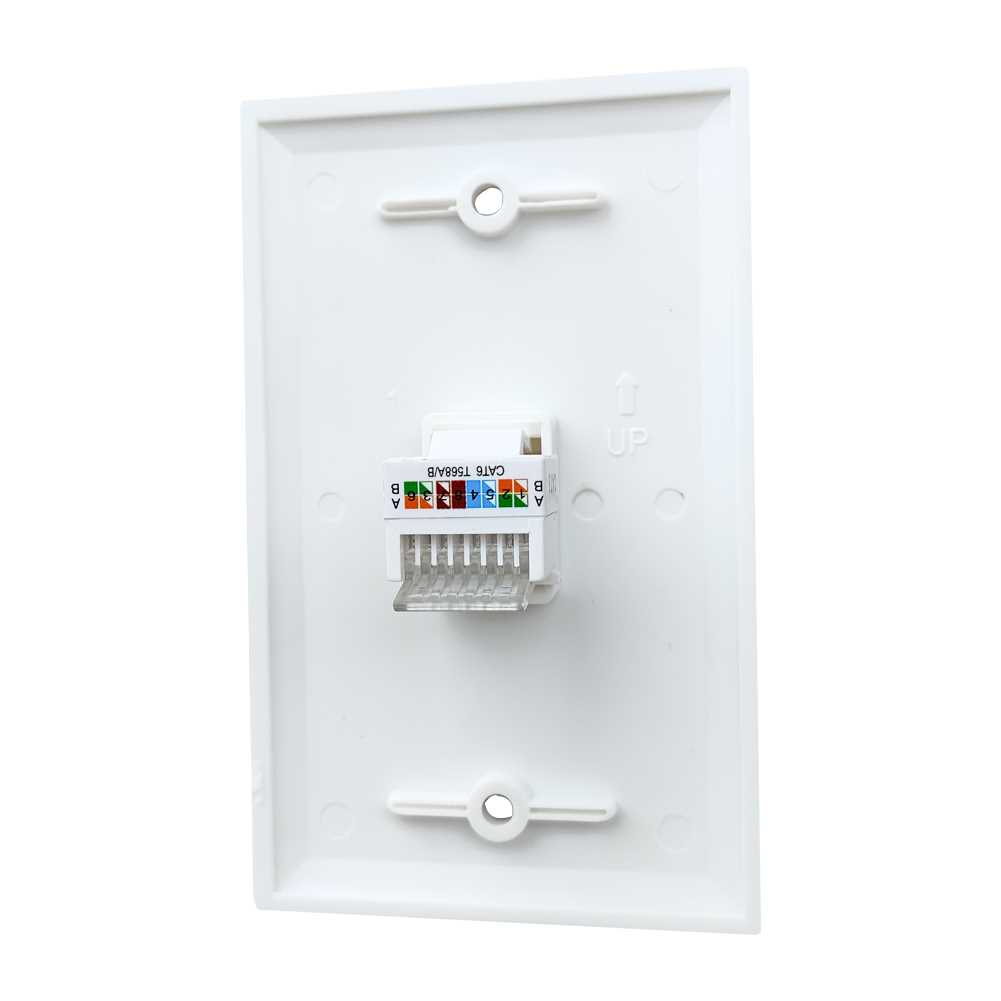
Connect each twisted pair according to the T568A or T568B standard to maintain signal integrity and avoid crosstalk. Ensure that the conductors are fully inserted into the connector slots and that no copper strands are splayed outside the terminals. Use a punch-down tool with controlled pressure to secure the wires without damaging the insulation.
Keep cable runs straight and avoid sharp bends near termination points, as kinking can increase attenuation and reduce network speed. Maintain a minimum separation of 2 inches from electrical wiring to prevent electromagnetic interference. Trim excess cable close to the connector to avoid gaps that could compromise contact stability.
After completing connections, test each link with a continuity tester or a network analyzer to confirm proper pairing and signal quality. Replace any connectors showing resistance anomalies or intermittent contact. Mark each port clearly to simplify future maintenance and ensure consistent mapping between network devices and distribution points.
Structured Ethernet Connections for Indoor Modules
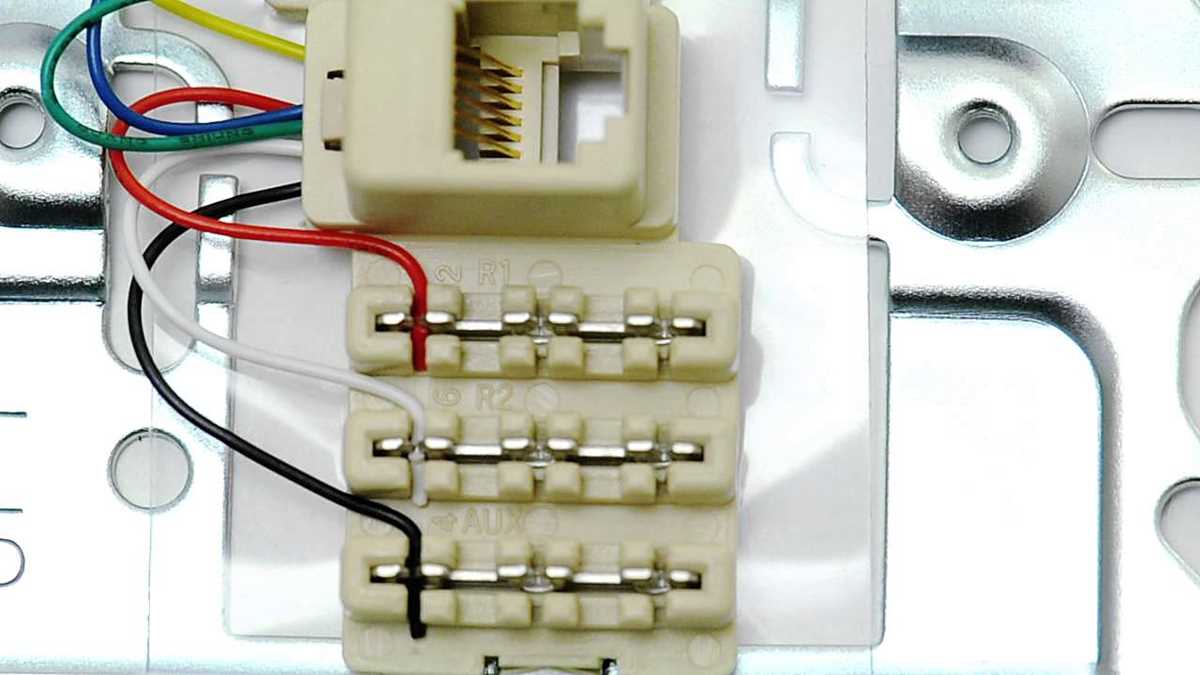
Match each twisted pair to the correct color sequence according to T568A or T568B to prevent signal errors. Insert each conductor fully into the connector slot and avoid leaving any exposed strands that could create shorts or intermittent connections.
Use a punch-down tool with consistent pressure to seat the conductors securely. Do not overforce the tool, as it may damage the copper core or insulation, leading to unstable connections and reduced network speed.
Maintain straight cable runs near terminations and avoid tight bends exceeding a 1-inch radius. Kinks or sharp turns can increase attenuation and impair high-frequency performance, especially over longer distances.
Separate low-voltage data lines from AC electrical cables by at least 2 inches to reduce electromagnetic interference. Crossing at 90-degree angles can further minimize noise coupling between systems.
Trim any excess conductor flush with the connector end after termination. Loose or long strands can compromise the contact and lead to intermittent connectivity, particularly in high-density installations.
Check each link using a cable tester or network analyzer to confirm proper pair sequencing and signal continuity. Replace connectors that show resistance irregularities or fail continuity tests to ensure stable data transmission.
Label each port clearly to create a consistent mapping between endpoints and network devices. Document the color sequence and port numbers to simplify future upgrades or troubleshooting tasks.
Verify connections under load by sending data through the network and monitoring for packet loss or errors. Address any instability immediately to prevent downstream network issues and maintain reliable performance across all modules.
Step-by-Step Color Code Connections for T568A and T568B
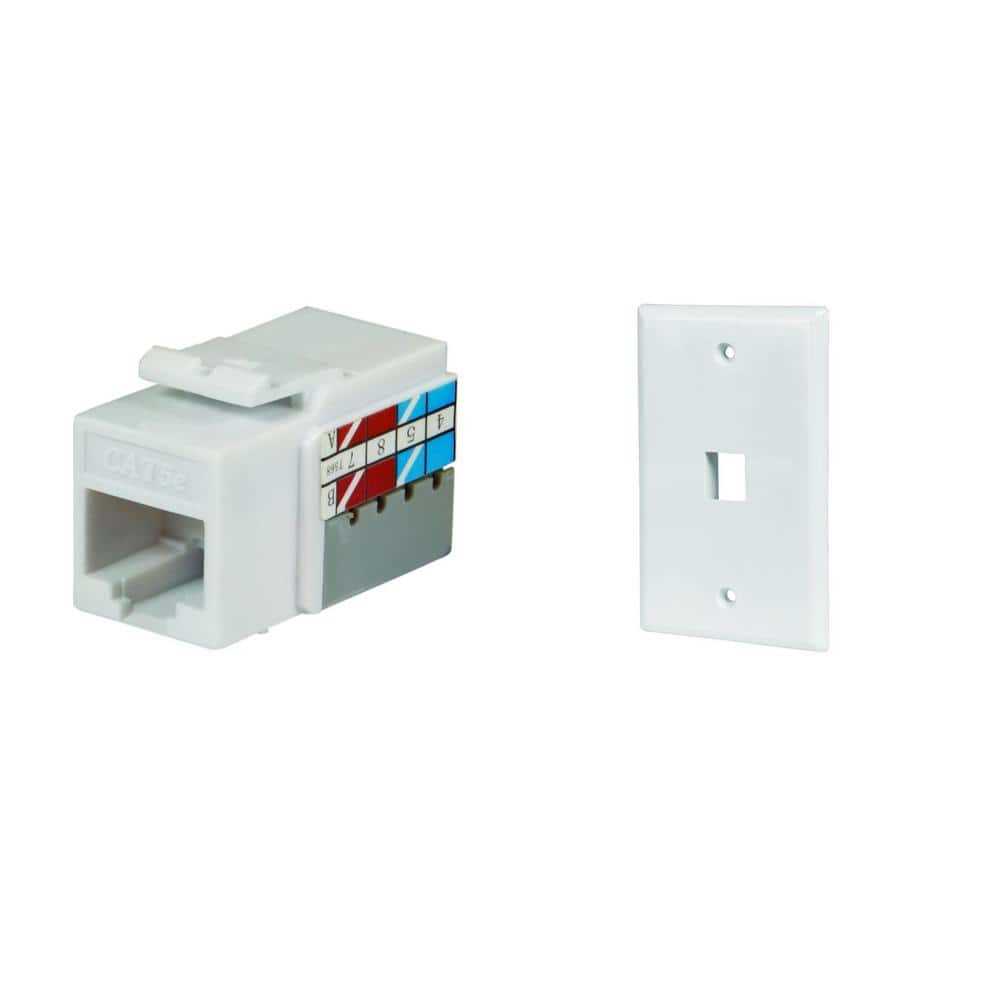
Follow the T568A and T568B standards precisely to ensure proper pairing and signal integrity. Begin by stripping about 1 inch of the outer jacket from the cable and separating each twisted pair without untwisting more than half an inch.
Arrange the conductors according to the chosen scheme:
- T568A Sequence: Green/White, Green, Orange/White, Blue, Blue/White, Orange, Brown/White, Brown
- T568B Sequence: Orange/White, Orange, Green/White, Blue, Blue/White, Green, Brown/White, Brown
Insert each wire fully into the connector slots, keeping the order intact. Do not overlap or cross strands as this can cause crosstalk and reduce network reliability.
Use a punch-down tool to secure the conductors:
- Place the connector into the punch-down tool slot.
- Apply steady pressure until the tool trims the excess wire automatically.
- Inspect each connection visually to confirm that no copper strands are left outside the slots.
After termination, test the link with a continuity tester or network analyzer. Confirm all eight pins are correctly mapped and that the signal passes cleanly without shorts or miswiring between pairs.