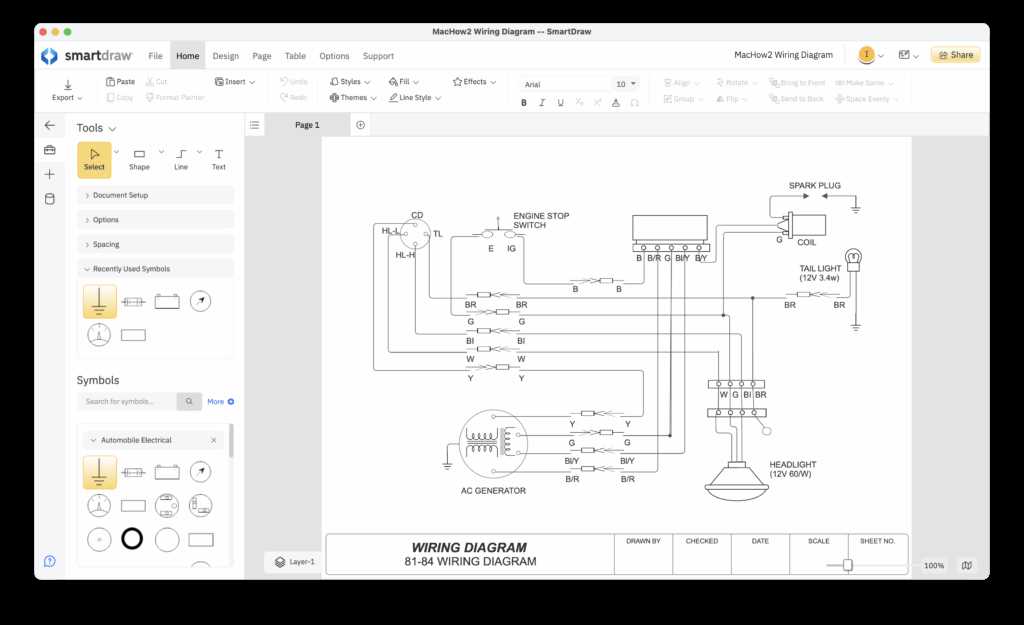
Choose a platform with drag-and-drop components to simplify the placement of switches, outlets, and connectors. Ensure it supports standard symbols and allows adjustment of line thickness for readability.
Verify compatibility with multiple file formats so designs can be exported as PDFs or images for sharing with electricians or project teams. Look for options that allow annotations and color coding to track different circuits.
Test simulation or validation features to check continuity and connections before physical installation. These tools reduce errors and help identify potential issues in complex layouts.
Organize your project with layers and groups to separate main feeds, branch lines, and control circuits. Proper layering improves clarity and speeds up modifications during design revisions.
Electrical Layout Tools for Projects
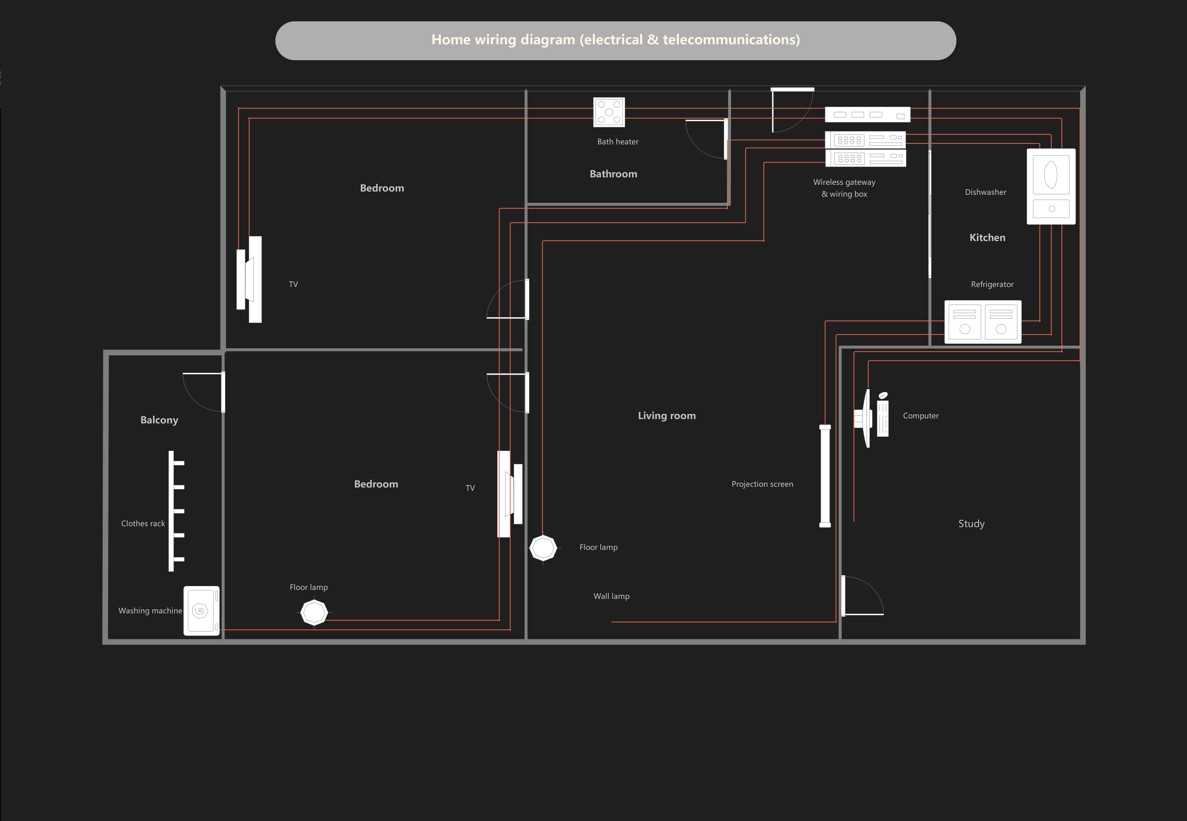
Select a tool that provides an extensive library of symbols including switches, outlets, breakers, and connectors. This ensures accurate representation of all components in residential or commercial installations.
Look for platforms that support adjustable grids and snapping to align lines precisely. Maintaining consistent spacing improves readability and reduces errors when translating the plan to physical installation.
- Use color coding to differentiate main lines from branch circuits.
- Group related components into layers for easier management.
- Label all connections clearly with numeric or letter codes.
- Enable annotation tools for notes on load or voltage specifications.
Ensure the tool allows exporting in multiple formats like PDF, PNG, or SVG. This allows sharing with electricians, engineers, or clients without losing resolution or line clarity.
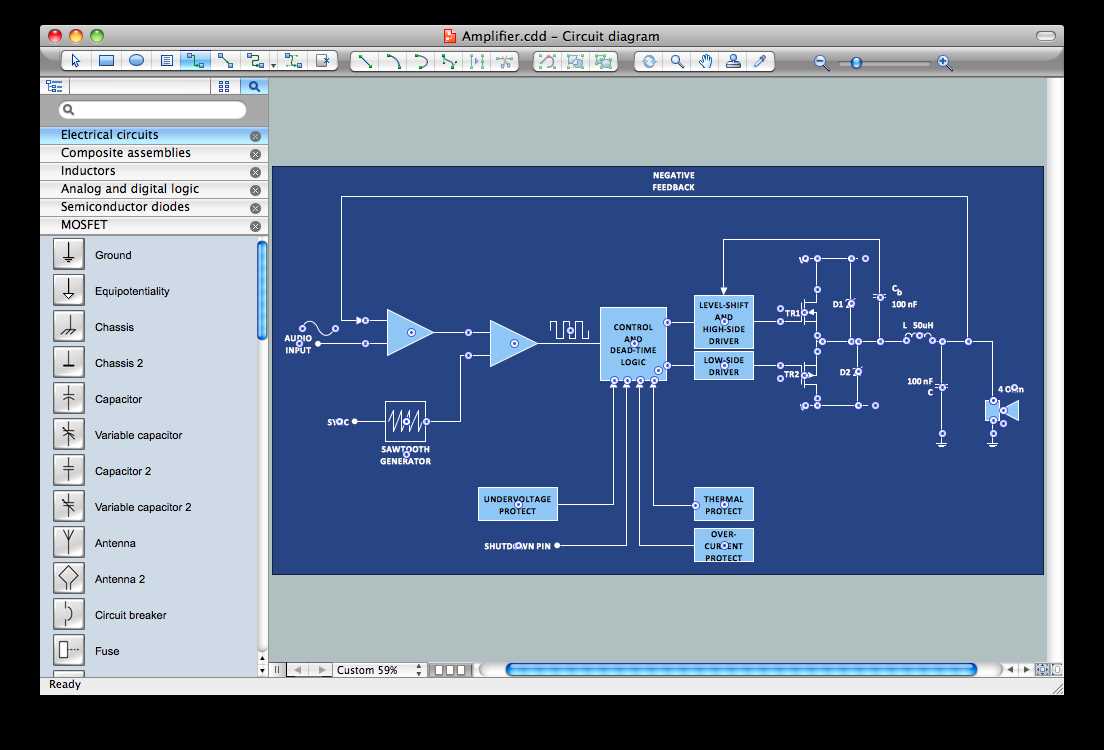
Take advantage of simulation features if available to verify continuity, polarity, and load distribution. Testing virtually can prevent costly mistakes and ensure safety compliance.
Regularly save versions and maintain backups to track revisions and recover from mistakes. Organizing files systematically helps manage complex projects with multiple circuits or floors.
Selecting the Right Tool for Your Project
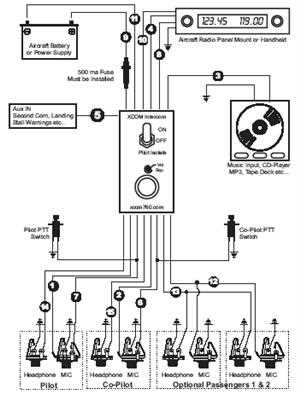
Choose a platform that offers a comprehensive library of components such as switches, outlets, breakers, and connectors. This ensures that every element in your electrical plan can be represented accurately and consistently.
Verify that the tool supports precise alignment and snapping grids to keep lines straight and maintain uniform spacing. Consistent layout prevents errors when translating the design to physical installations.
- Check for multi-layer support to separate main feeds, branch lines, and control circuits.
- Look for annotation options to document voltage, load, and circuit specifications.
- Ensure color coding capabilities for quick identification of different circuit types.
- Confirm the availability of standard symbols compatible with local codes.
Consider the export options and file formats such as PDF, SVG, or PNG to share plans with team members or contractors without losing resolution or clarity.
Assess whether the platform provides simulation or validation tools to test continuity and detect errors before any physical installation, reducing the risk of mistakes and enhancing safety.