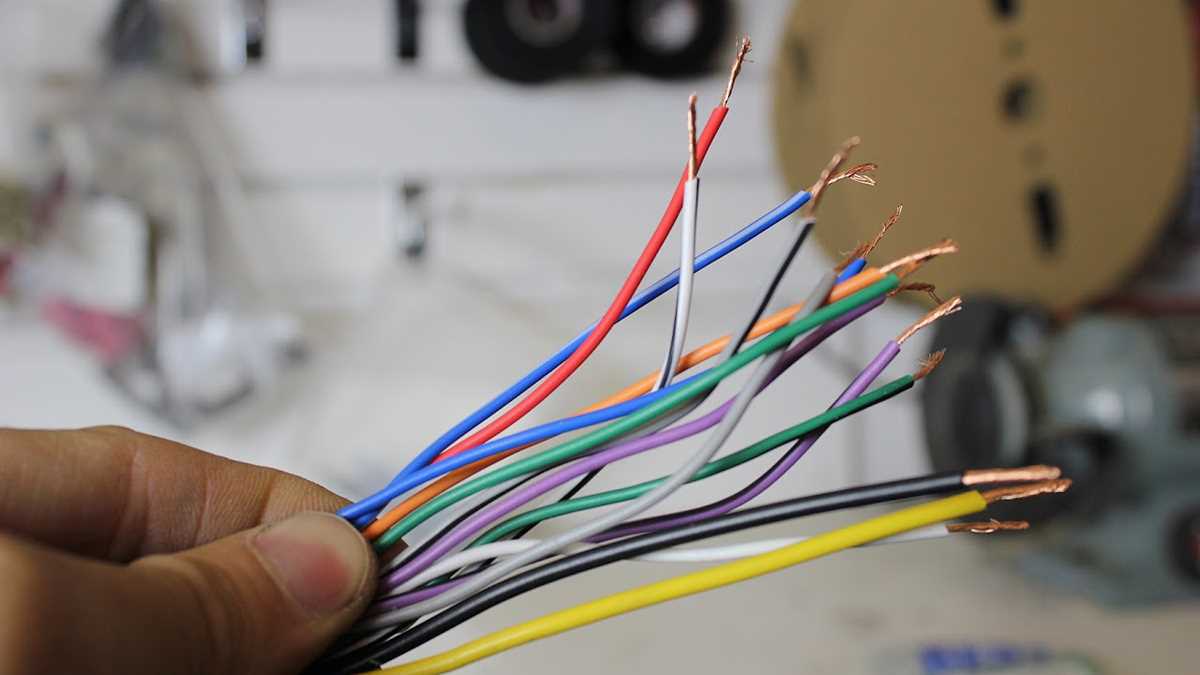
Use a 14-gauge copper conductor for standard 12-volt circuits and 16-gauge for low-power accessory connections. Verify the vehicle’s battery is disconnected before handling any power terminals to prevent short circuits.
Route conductors through protective sleeves to prevent chafing or exposure to metal edges. Secure cables with clamps near the head unit and amplifier to minimize movement and reduce stress on connections.
Connect power leads to the main input terminals using torque-rated screws. Keep ground and signal lines separated to prevent interference and maintain audio clarity.
Attach speaker leads to the corresponding positive and negative terminals, ensuring correct polarity. Use crimp connectors or soldered joints to maintain reliable contact and prevent intermittent signals.
Test each channel before final assembly by applying low voltage and confirming audio output. Check for overheating or loose connections and adjust as necessary before securing panels and covers.
Pioneer Stereo Connection Guide for Car Audio Systems
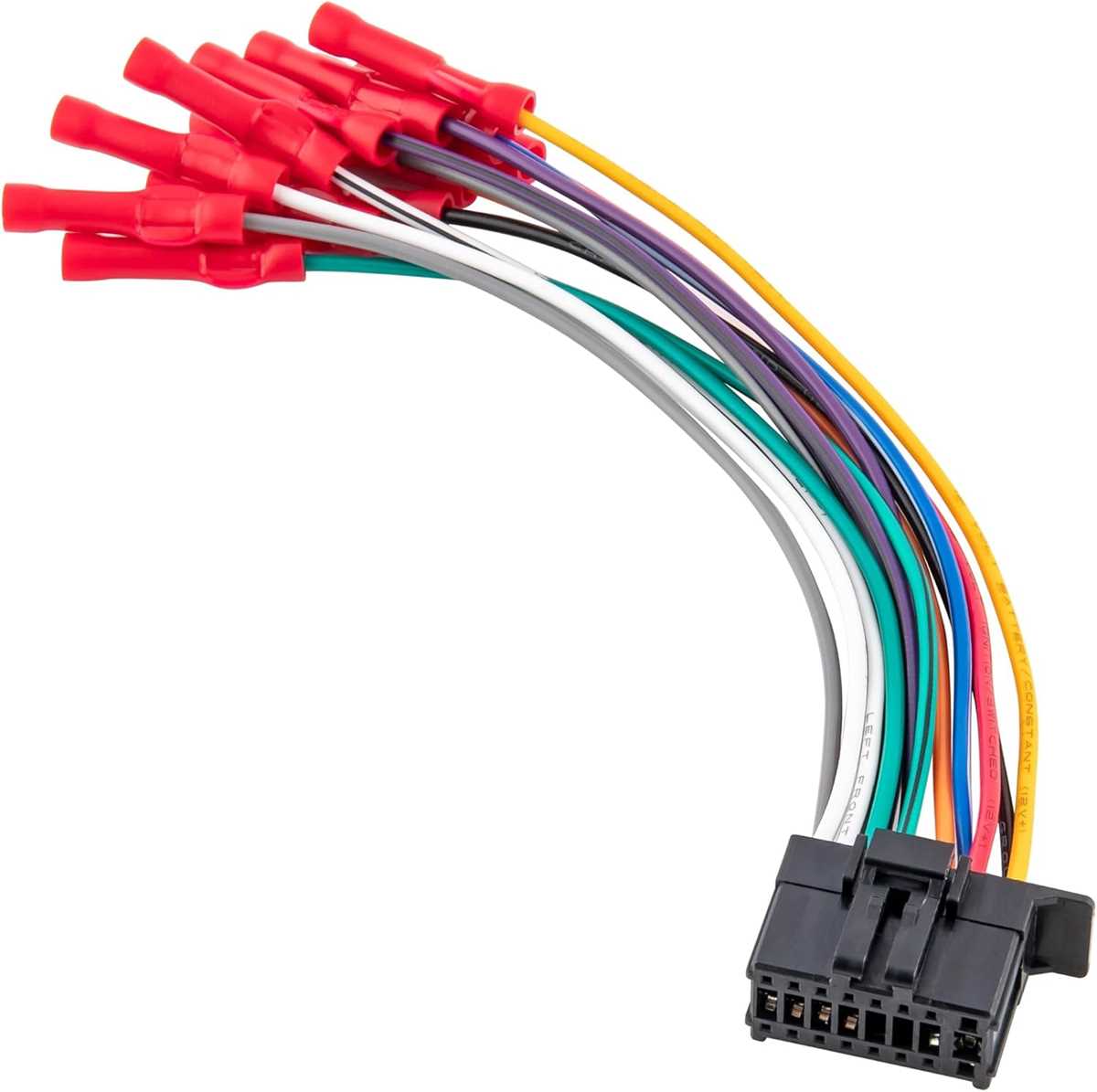
Connect the main power lead directly to the vehicle battery using a 14-gauge copper conductor for standard 12-volt systems. Install an inline fuse rated for the head unit to prevent overcurrent damage and avoid short circuits during operation.
Attach speaker outputs to each channel with attention to correct polarity. Use crimped or soldered connectors to maintain consistent contact and prevent signal loss, ensuring that front and rear channels are properly balanced for sound clarity.
Integrate control and signal lines including remote turn-on and antenna connections. Keep these lines separate from power leads to minimize interference and maintain clean audio signals across all inputs and outputs.
Selecting Proper Power and Ground Connections

Use a direct connection to the battery for the main power lead. Install an inline fuse rated slightly above the head unit’s current draw to protect the circuit from overload or accidental shorts.
Choose the correct gauge conductor based on the system load. 14-gauge is suitable for standard 12-volt applications, while 12-gauge should be used for higher current amplifiers or multiple devices connected in parallel.
Preparing and Routing Power Cables
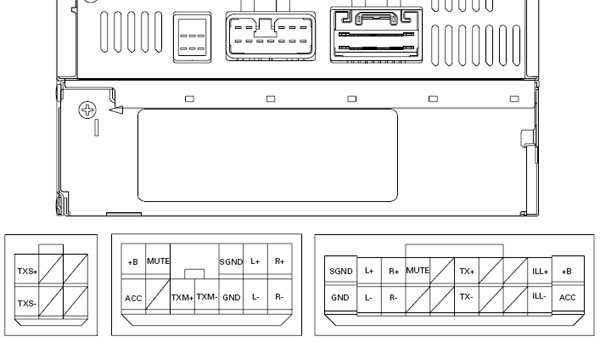
Run conductors through protective conduit to prevent abrasion against metal edges or moving parts. Secure with clamps or ties to reduce movement and prevent stress at terminal connections.
- Strip insulation to the correct length for terminal insertion, avoiding overexposure that can cause shorts.
- Twist stranded wires tightly to maintain reliable contact and reduce the risk of arcing.
- Label each conductor to clearly identify power, ground, and remote turn-on leads.
Grounding Best Practices
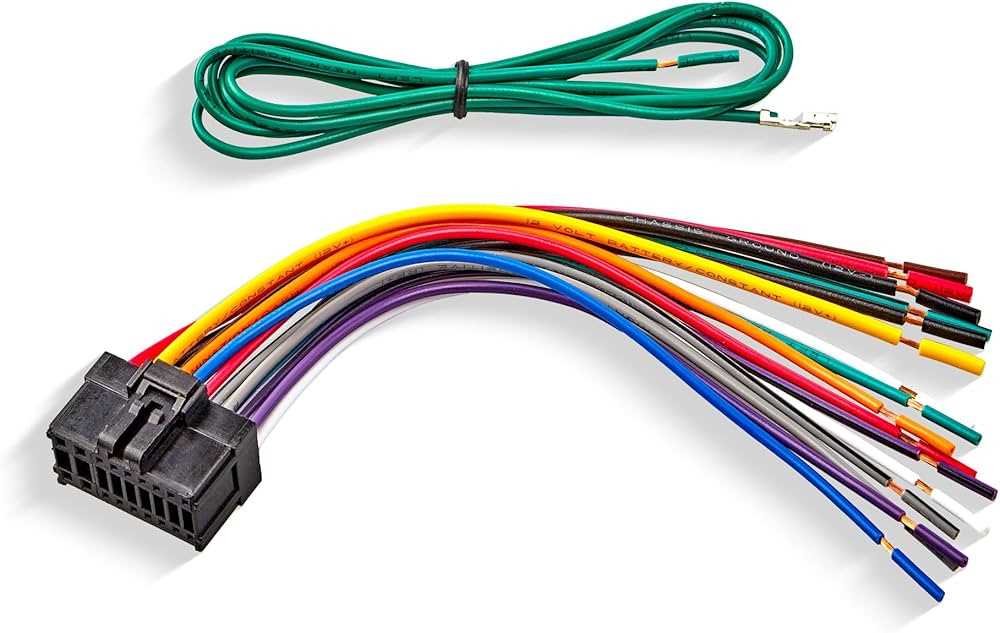
Connect the ground lead to a clean, unpainted metal surface on the chassis. Use a dedicated bolt or screw and ensure the connection is tight to prevent intermittent audio dropouts.
Keep ground and power lines separate from signal or control wires. This reduces interference and maintains clarity for audio signals and control triggers.
Check continuity with a multimeter before energizing the system. Confirm that resistance between ground and chassis is near zero to ensure proper current flow and minimize voltage drop under load.
Test the power system by temporarily applying voltage while monitoring for heat buildup or loose connections. Tighten any terminals showing resistance and confirm that the unit powers on without sparks or irregular behavior.