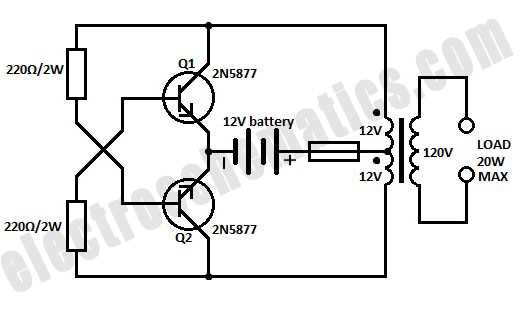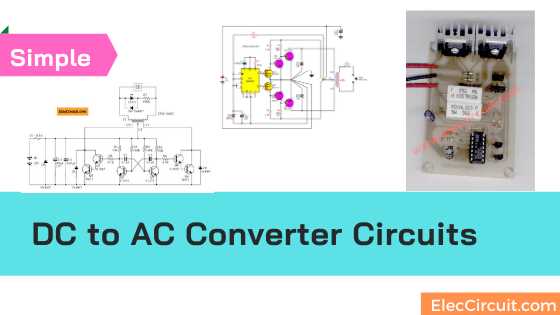
Select an appropriate inverter rated for your voltage and load requirements, ensuring it can handle at least 20% above the maximum current drawn by your devices. Use pure sine wave models for sensitive electronics to prevent damage and reduce interference.
Use high-quality wires and connectors with correct gauge to prevent overheating. For a 12V DC source supplying 500W load, choose at least 12 AWG wire to maintain safe current flow and minimize voltage drop over longer runs.
Install protective components such as fuses or circuit breakers between the power source and the inverter. This prevents accidental overloads and short circuits, ensuring safety during operation.
Check polarity and grounding carefully before energizing the system. Reversing the connections can damage the inverter and attached devices. Proper grounding also reduces the risk of electric shocks and interference.
Measure output voltage and frequency with a multimeter or oscilloscope after connecting the load. Confirm that the AC supply matches the device requirements, typically 110–120V at 60Hz or 220–240V at 50Hz, depending on your region.
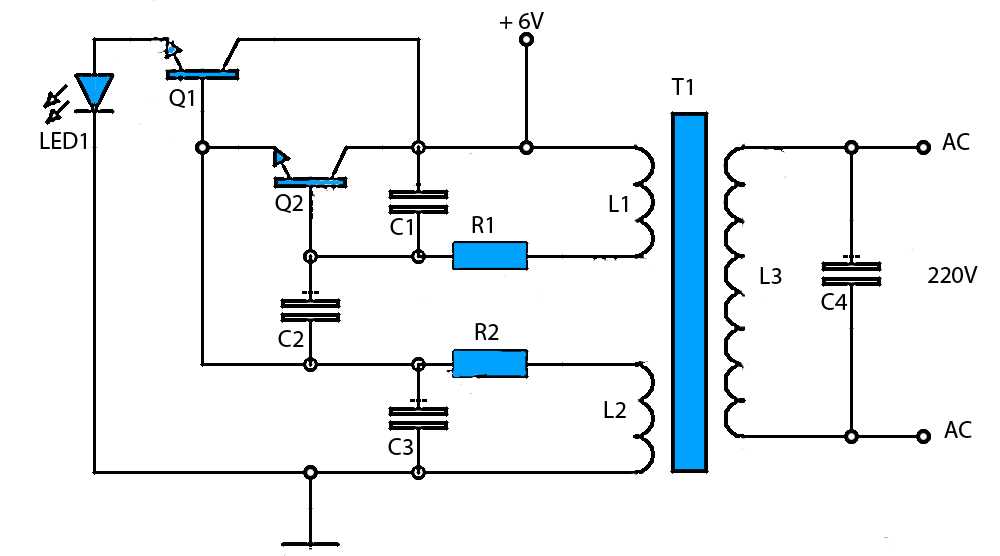
Setting Up a DC to AC Power Layout
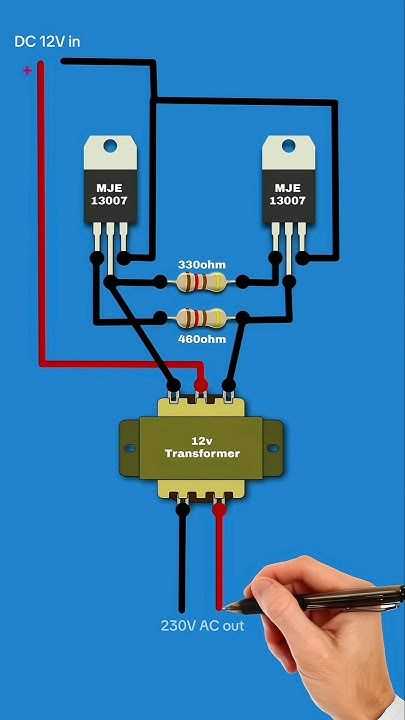
Select an inverter that matches your input voltage and expected load. For a 12V battery supporting a 300W appliance, choose a unit rated at least 360W to handle spikes without overheating.
Connect the power source to the inverter using wires with adequate thickness. A 10 AWG cable is suitable for distances up to 5 meters carrying 30A, minimizing voltage loss and preventing excessive heat buildup.
Integrate protective devices such as fuses or circuit breakers at both input and output ends. Position the fuse close to the power source to immediately interrupt overcurrent conditions and protect the inverter and appliances.
Verify the AC output using a multimeter or oscilloscope before attaching sensitive equipment. Check both voltage and frequency, ensuring the supply is within the acceptable range for your devices, for example, 230V at 50Hz or 120V at 60Hz.
Choosing the Right Inverter and Components for Your DC to AC Conversion
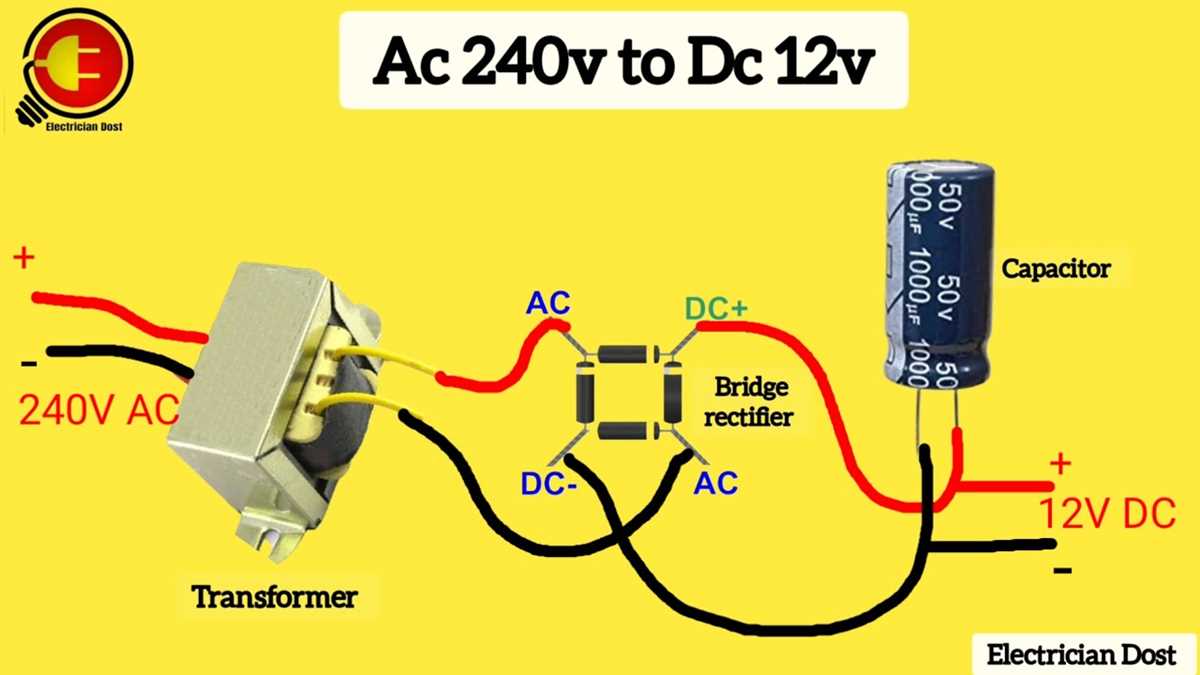
Pick an inverter that exceeds the total load by at least 20%. For example, a 500W appliance setup should use a 600W or higher inverter to manage startup surges without tripping or overheating.
Decide between sine wave types. Pure sine wave models are recommended for computers, medical devices, and audio systems, while modified sine wave units suffice for simple motors or lighting.
Select wires and connectors carefully.
- 12V systems with 10–15A load require 14 AWG wires.
- 24V systems with 20A load require 12 AWG wires.
- Ensure tight, corrosion-free connections to maintain voltage stability.
Add protective elements.
- Install fuses or breakers on both input and output sides.
- Use surge suppressors if sensitive electronics are present.
- Ground the inverter properly to prevent shocks and interference.
Check component compatibility by measuring input and output voltages and currents before full operation. Verify the inverter’s output matches appliance specifications, and confirm thermal ratings of wires and connectors prevent overheating during continuous use.