Start by selecting a suitable category cable based on network speed requirements. Cat5e or Cat6 cables provide reliable performance for most home and office setups. Strip the outer sheath carefully to avoid nicking the internal conductors and separate each twisted pair for proper alignment.
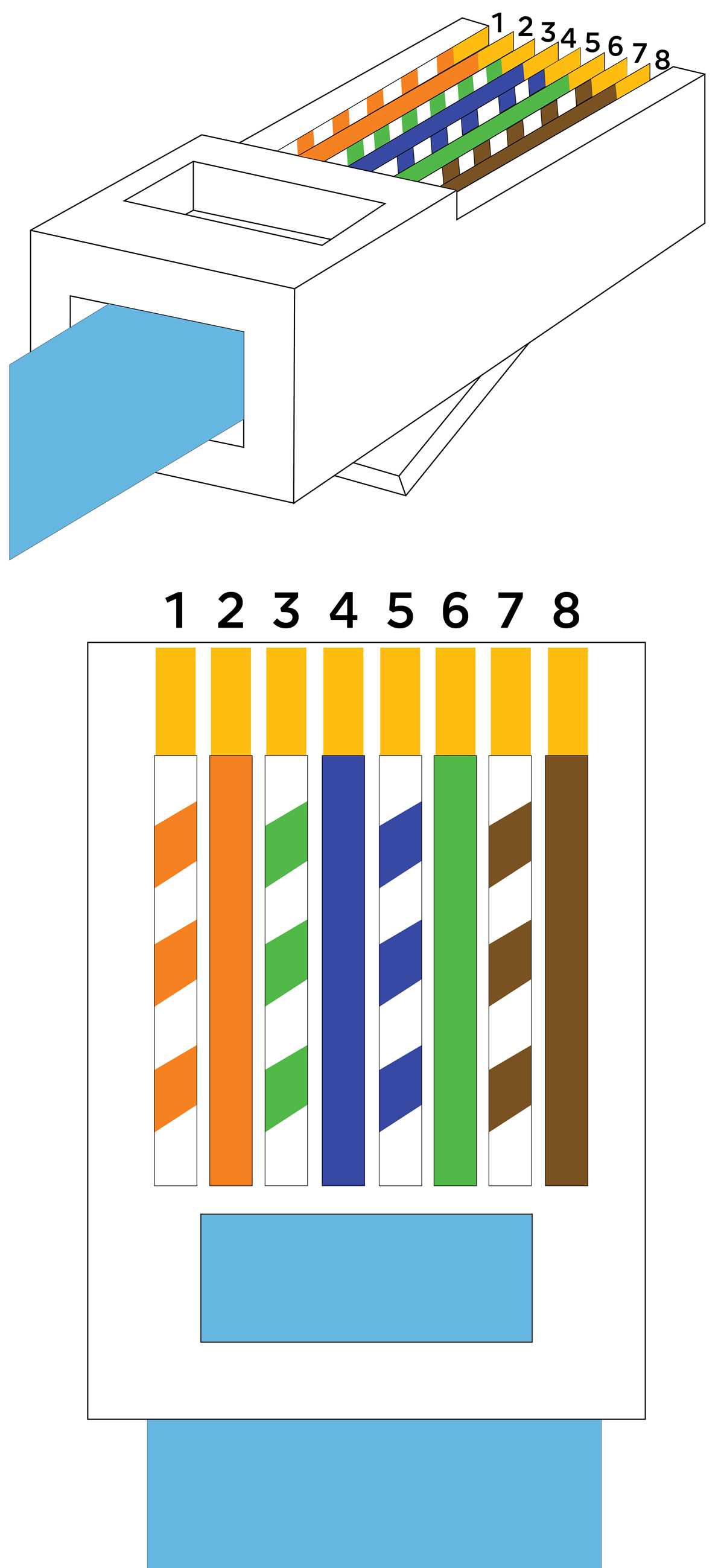
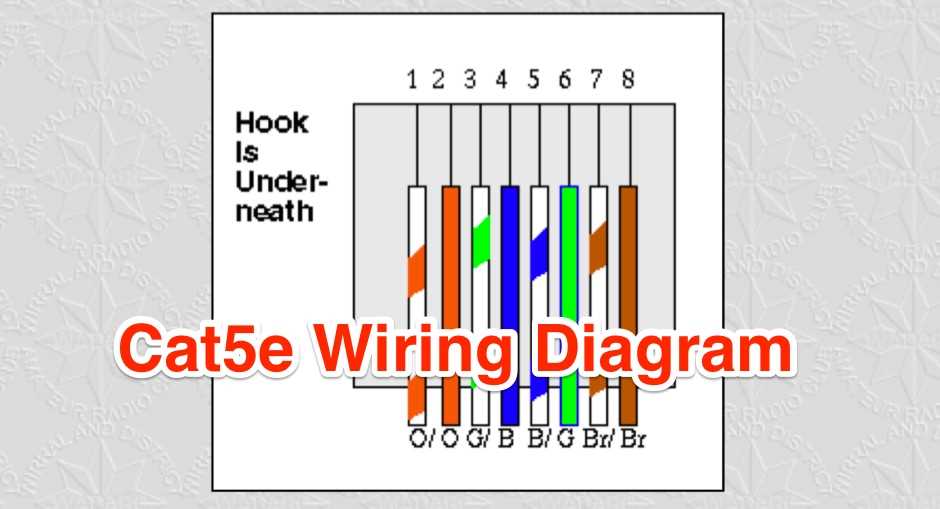
Follow standard color coding to assign each conductor to the correct connector pin. T568A and T568B schemes define the placement of orange, green, blue, and brown pairs. Insert wires straight into the connector, ensuring each reaches the end and makes firm contact with the metal contacts inside.
After crimping, test each connection with a cable tester to verify continuity and signal integrity. Check for shorts and miswires that can cause network instability or reduced data transfer rates. Label cables immediately to maintain organization and simplify future troubleshooting.
Step by Step Connector Setup for Ethernet Cables
Use a sharp cable stripper to remove about 25 mm of the outer jacket without damaging the inner twisted pairs. Straighten each pair and untwist only as much as necessary to reach the connector pins.
Follow the selected standard pinout, either T568A or T568B. Arrange the individual wires in the correct sequence and flatten them to ensure consistent contact across all pins.
Trim wires evenly before inserting them into the connector slot. Make sure each conductor reaches the metal contacts and sits flush with the connector end to prevent intermittent connections.
Use a crimping tool designed for the connector type. Apply firm pressure to secure all pins simultaneously and lock the cable in place. Avoid partial crimps that can lead to data loss or signal degradation.
After crimping, test each cable using a continuity tester.
- Check that each pin matches the expected pair
- Verify there are no shorts between conductors
- Confirm proper grounding if using shielded connectors
Label cables immediately to identify endpoints. Include destination or port numbers to simplify network management and reduce errors during maintenance or expansion.
When running multiple cables, bundle them carefully. Use cable ties or Velcro straps and maintain separation from power lines to minimize interference and maintain signal integrity.
Regularly inspect connections over time. Look for corrosion, loose pins, or damaged insulation and replace faulty connectors promptly to maintain consistent network performance.
Choosing the Right Cable and Connector Type
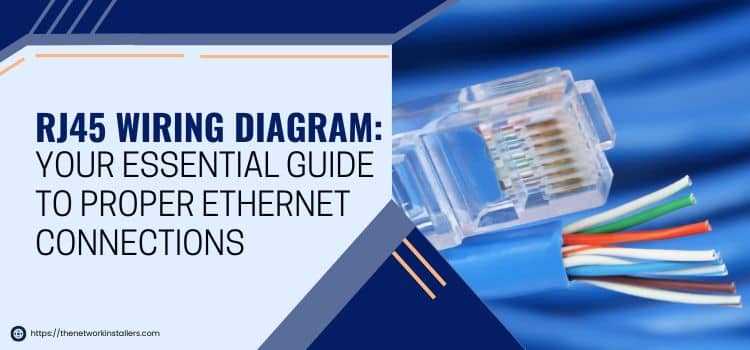
Select cables based on the required data speed and transmission distance. Cat5e cables handle up to 1 Gbps for runs up to 100 meters, while Cat6 or Cat6a cables support higher bandwidth and reduce crosstalk over longer distances.
Consider using shielded cables in environments with electrical interference. STP or FTP cables protect signals from nearby power lines and machinery, maintaining stable network performance in commercial or industrial settings.
Connector Selection
Choose connectors that match the cable category and type. Cat6 connectors have wider contacts and stricter tolerances to maintain signal quality, while Cat5e connectors are suitable for basic office or home networks.
Verify whether unshielded or shielded connectors are required. Shielded plugs must connect properly to the cable braid or foil for grounding, preventing interference from external sources.
Installation Considerations
Use connectors that allow easy termination without damaging conductors. Pre-loaded modular plugs reduce the risk of misalignment and ensure consistent pin-to-pin contact during crimping.
Label each cable and connector immediately after assembly. Include source and destination details to simplify future troubleshooting and network expansion while avoiding confusion between multiple runs.