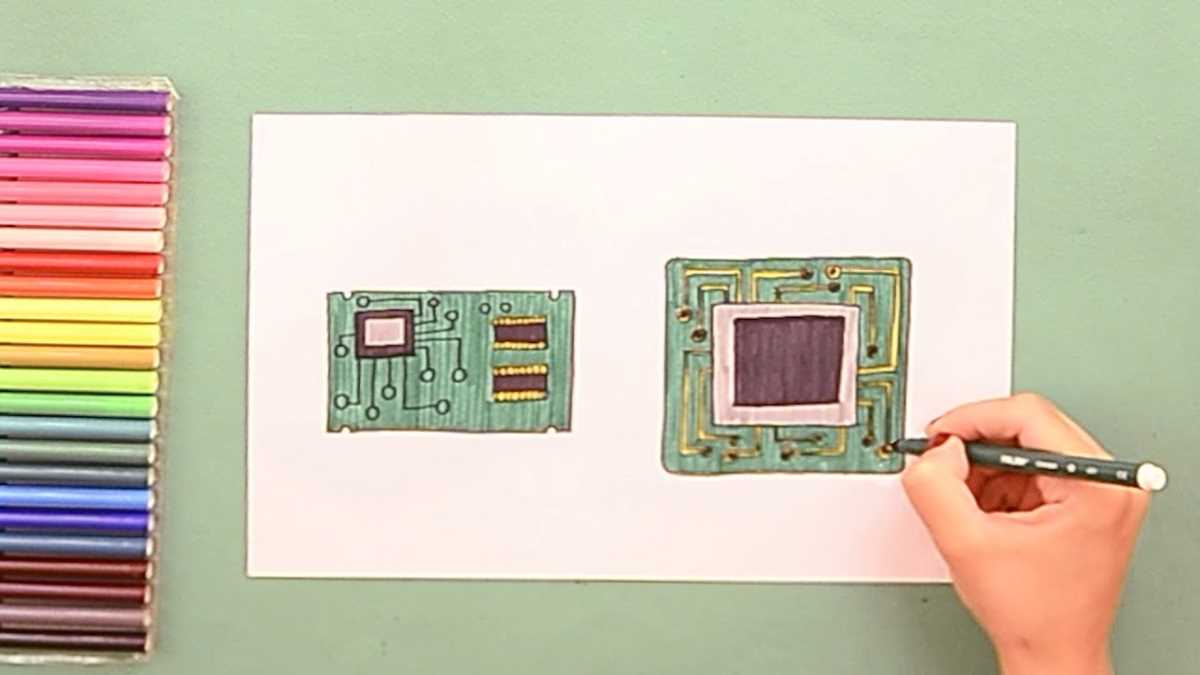
Select a suitable program that supports standard symbols and net connections. Verify that it allows precise placement of resistors, capacitors, and integrated circuits with snap-to-grid functionality for alignment accuracy.
Arrange all components logically, grouping related parts to minimize crossing lines. Use horizontal and vertical traces instead of diagonal paths to enhance readability and reduce errors in interpretation.
Label each node and terminal clearly with voltage levels or signal names. This ensures that anyone reviewing the layout can follow connections without confusion and prevents miswiring during prototyping.
Check connectivity using built-in simulation or verification tools. Identify open circuits, shorts, or overlapping traces before exporting or printing the schematic to save time during assembly.
Use consistent line thickness and spacing to maintain clarity. Apply color coding for different voltage rails or signal types if the software supports it, which aids in troubleshooting complex layouts.
Save multiple versions and document revisions with timestamps. Maintaining organized files allows easy rollback or comparison when modifying designs for performance adjustments or adding components.
Creating Electronic Layouts Using Software
Start by selecting a tool that supports standard electronic symbols and grid alignment. Ensure it allows placement of resistors, capacitors, and transistors with snap-to-grid precision for accurate connections.
Organize components logically, grouping power supply, input, and output sections separately. Use straight horizontal and vertical traces to reduce overlapping lines and improve readability.
Label all nodes with voltage levels or signal names. Clear identification prevents misinterpretation during assembly and helps with troubleshooting if issues arise.
Connecting Terminals and Traces
Use the software’s connection tools to join pins accurately. Avoid diagonal lines where possible, and check that each junction is properly linked to prevent open or short circuits during simulation.
Run the built-in verification or simulation feature to confirm connectivity. Identify missing links, incorrect polarities, or crossed traces before exporting the layout for prototyping.
Maintain consistent spacing between traces and uniform line thickness. Consider color coding for different voltage rails or signal types if supported, which simplifies reviewing and debugging complex assemblies.
Choosing the Right Software for Electronic Schematics
Select a program that provides a complete library of standard symbols for resistors, capacitors, diodes, and ICs. Ensure the tool allows precise placement and snapping to a grid for clean layouts.
Check for features that support simulation or verification. These functions help identify broken connections, shorted traces, and incorrect polarities before exporting the design for assembly.
Evaluating Usability and Interface
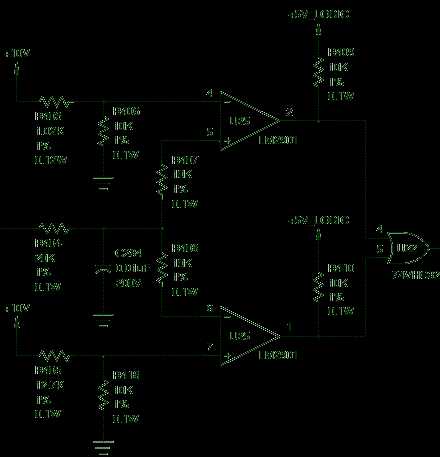
- Look for intuitive drag-and-drop placement of components.
- Verify that the program allows zooming and panning for detailed inspection.
- Confirm keyboard shortcuts for routing and labeling to speed up workflow.
- Ensure trace management tools prevent overlapping or ambiguous connections.
Consider the software’s file export options. Support for formats compatible with PCB layout programs, PDF schematics, or image files allows easier sharing and documentation of projects.
Test the program with a small prototype layout first. Assess responsiveness, symbol accuracy, and connectivity checks before committing to larger, more complex electronic assemblies.