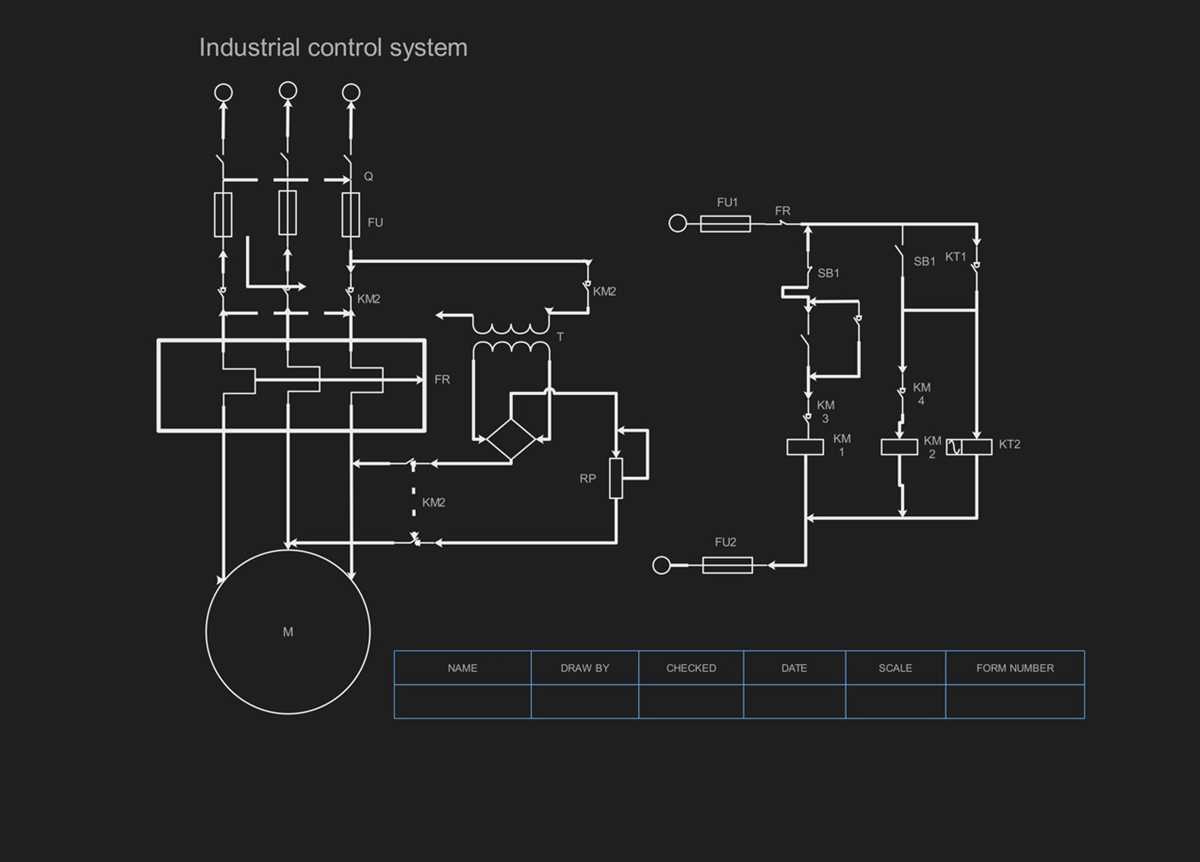
Identify each component’s specifications before placing them on your schematic. Use resistors rated for the expected voltage and amperage, capacitors with correct tolerance levels, and ensure transistors or ICs match operating parameters. This prevents overheating and malfunction during testing.
Organize the layout logically by grouping power, control, and load sections separately. Draw clear lines for signal flow and avoid crossing traces whenever possible. Label nodes with unique identifiers to simplify troubleshooting and future modifications.
Include measurement points for voltages and currents at critical locations. Use test points on high-current paths and near sensitive components to allow safe and accurate monitoring. Mark polarity and orientation explicitly to avoid incorrect connections.
Verify connections with simulation software or manual calculations before physical assembly. Check voltage drops, expected currents, and component ratings against the projected load. Adjust values or reroute paths to maintain stability and prevent short circuits.
Step by Step Method for Designing Accurate Electrical Layouts and Connections
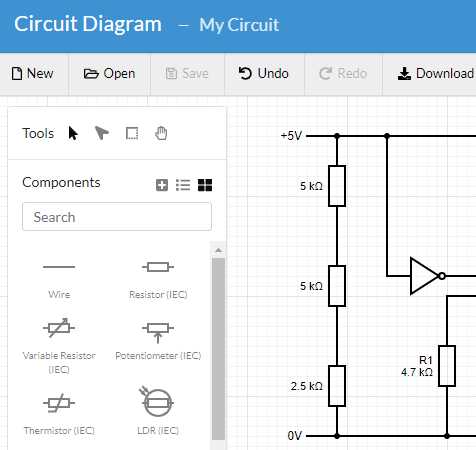
Start with component specifications by listing every resistor, capacitor, inductor, and semiconductor with its voltage, current, and tolerance ratings. Ensure each item can withstand the projected operating conditions to prevent overheating or failure.
Organize the layout logically by separating power, control, and output sections. Keep high-current paths short and direct, and route low-current signal lines away from noisy components to maintain signal integrity.
Label nodes and terminals clearly using unique identifiers for each connection point. This simplifies assembly, troubleshooting, and verification, especially when multiple components share common lines or branching paths.
Include protective elements such as fuses, diodes, or surge suppressors in the design. Place them at entry points and near sensitive components to safeguard against overvoltage, reverse polarity, or transient spikes.
Check continuity and polarity by marking positive, negative, and ground connections distinctly. Use consistent symbols for components and connectors to avoid mistakes during assembly or testing.
Simulate expected performance with software or manual calculations. Verify voltage drops, current flow, and power dissipation under various load conditions. Adjust component values or routing if results exceed safe thresholds.
Document the layout in detail with clearly drawn connections, annotations, and reference points. Include measurement points for voltage and current checks, ensuring future diagnostics are straightforward and safe.
Perform stepwise verification during assembly by connecting one section at a time and testing functionality. Confirm readings match expected parameters before proceeding, reducing the risk of cumulative errors across the design.
Selecting Components and Understanding Their Functions
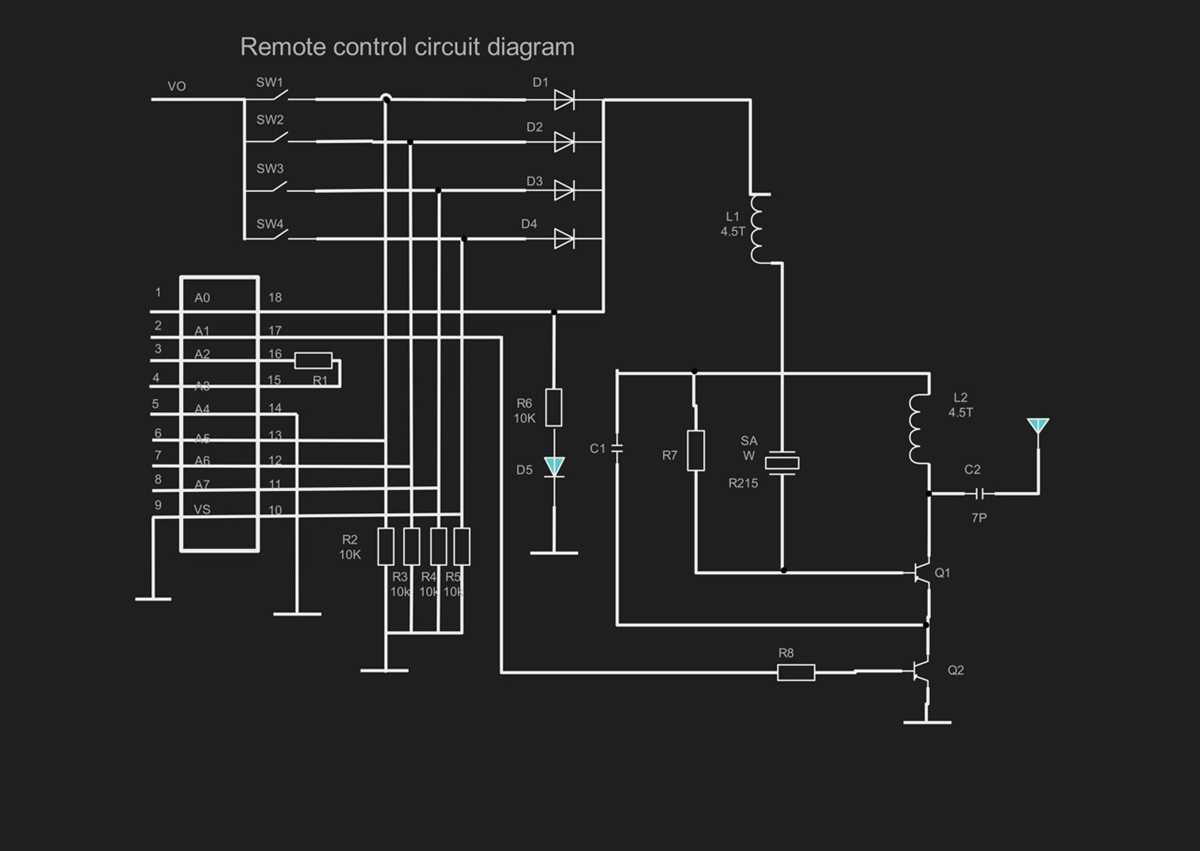
Prioritize voltage and current ratings by verifying each resistor, capacitor, inductor, and semiconductor can handle the intended load. Overrating components slightly increases reliability without unnecessary oversizing.
Choose materials based on application such as ceramic, electrolytic, or film capacitors for specific filtering and decoupling roles. Match resistors with appropriate tolerance for timing and voltage division tasks.
Consider thermal performance by selecting components with adequate power dissipation ratings. Include heat sinks or thermal pads for semiconductors carrying higher currents to maintain stability and longevity.
Understand each element’s role within the design:
- Resistors limit current or create voltage drops.
- Capacitors store energy and filter noise.
- Inductors control magnetic fields and smooth current.
- Diodes allow unidirectional flow and protect sensitive parts.
- Transistors amplify signals or act as switches.
Check polarity-sensitive parts like electrolytic capacitors and diodes. Reversing them can cause failure or damage other components, so always mark orientation clearly on the layout.
Integrate connectors and fasteners for modular assembly. Selecting proper terminals, headers, and mounting hardware reduces stress on leads and simplifies future maintenance or replacements.
Verify supplier specifications by reviewing datasheets for voltage, current, ESR, capacitance, and tolerance details. Confirm that all chosen elements meet operational requirements before starting assembly.