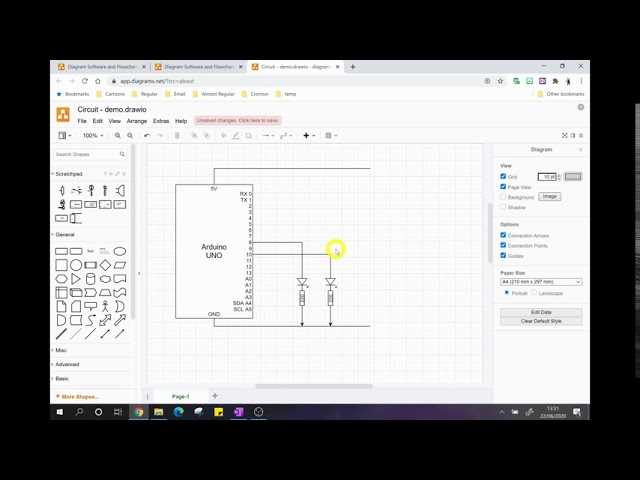
Use drag-and-drop components to assemble layouts on the workspace. Arrange resistors, capacitors, and transistors according to your planned design, keeping paths short to reduce interference and maintain signal clarity.
Run real-time simulations to check voltage levels and current flow. Identify overloaded nodes or incorrect connections before moving to physical prototypes, saving time and preventing component damage.
Label each conductor and component for easier troubleshooting and future modifications. Export the finished layout in standard formats compatible with fabrication tools or sharing with collaborators for review and feedback.
Interactive Design and Testing for Electronic Layouts
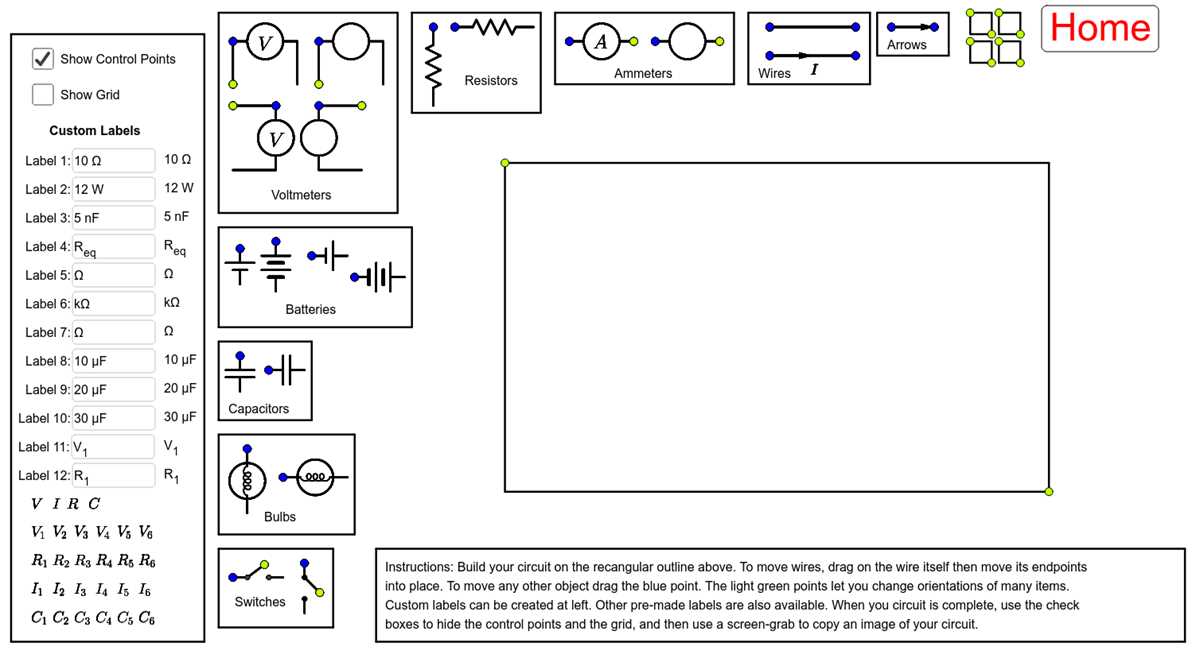
Start by placing power sources and grounding points clearly on the workspace. Keep tracks short and organized to reduce interference and make subsequent modifications easier.
Use simulation tools to measure current, voltage drops, and signal paths. Highlight overloaded nodes immediately to prevent damage to sensitive components before building a physical prototype.
Label each element with values and orientation indicators for accurate replication. Color-code wires or traces to differentiate signals, power, and ground for faster inspection and troubleshooting.
Test functionality by toggling switches and monitoring output responses. Adjust component placement or replace elements showing excessive heat or incorrect readings during simulated operation.
Export the layout in common electronic formats for fabrication or collaboration. Share files with teammates for review, ensuring that every connection is documented and easy to interpret.
Selecting Components and Creating Connections
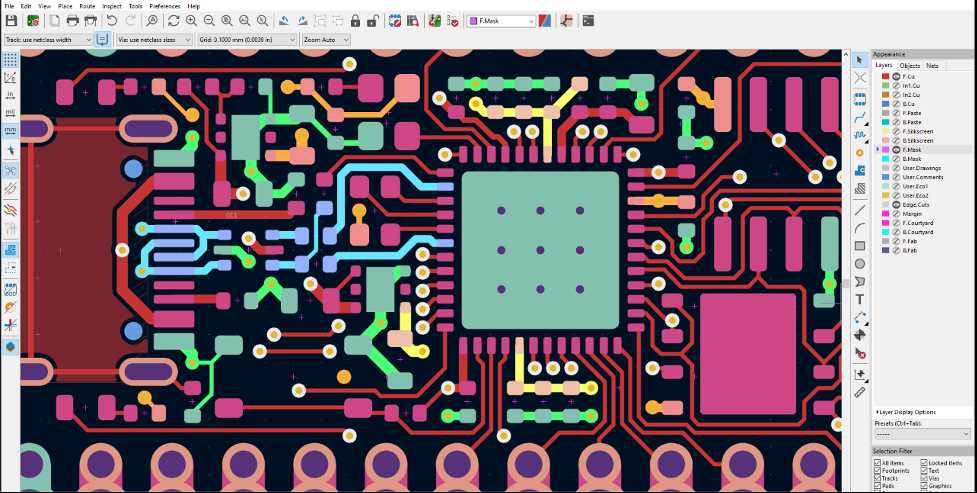
Choose resistors, capacitors, and active elements with ratings that match expected voltages and currents. Verify tolerances to prevent overheating or signal distortion during operation.
Arrange parts logically on the workspace, keeping related elements close to reduce long traces. Use clear junctions and connection lines to maintain readability and prevent accidental shorts or crossed paths.
Double-check each link using a continuity test tool before running simulations. Secure connections with proper solder points or connectors to ensure stable signal flow and minimize noise or intermittent failures.