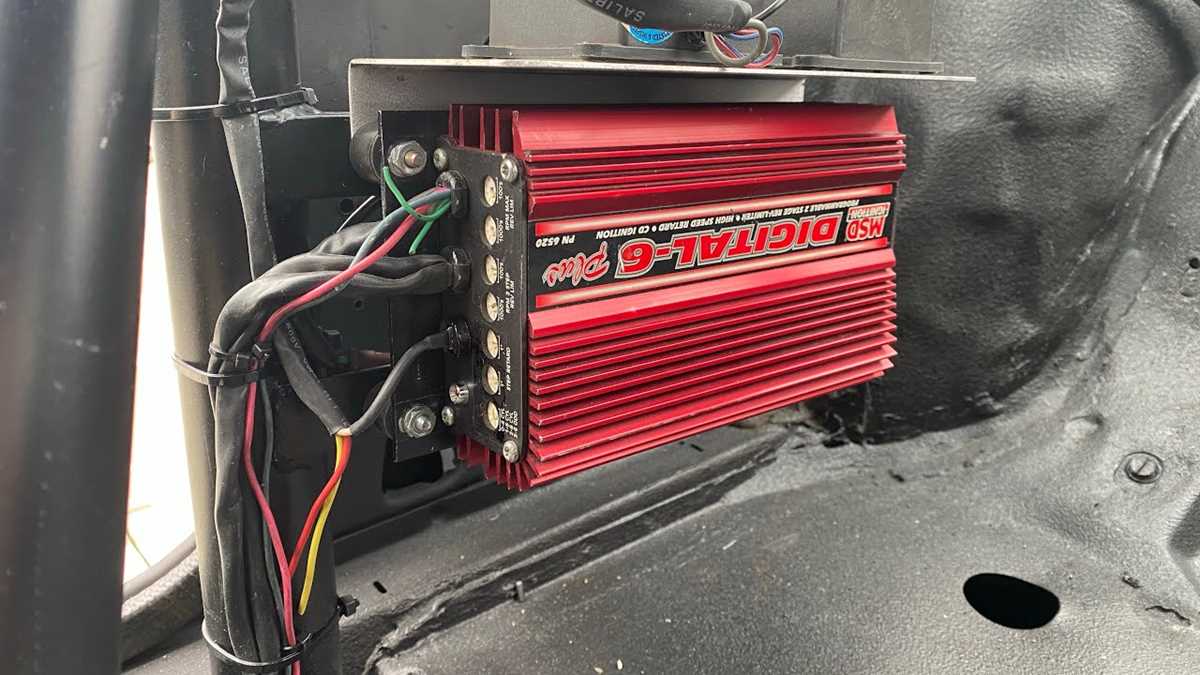
Verify power and ground connections before attaching the control module to the ignition system. Use a multimeter to ensure the voltage matches the unit’s specifications to prevent component damage.
Identify trigger and output terminals clearly. Label each lead according to function, such as primary ignition signal, coil activation, or accessory feedback, to avoid cross-connections.
Use insulated terminals and secure all fasteners with appropriate clips or screws. Loose connections can create intermittent sparks or misfires under engine load.
Route leads away from high-heat areas like exhaust manifolds and turbochargers. Exposure to extreme temperatures can degrade insulation and cause signal loss.
Test each connection under idle and load conditions to confirm proper coil firing and signal stability. Adjust connections immediately if spark timing or voltage readings are inconsistent.
Maintain a reference chart of all terminal functions for future maintenance. Accurate documentation ensures quick troubleshooting without trial-and-error disassembly.
6 Cylinder Ignition Controller Connection Guide
Verify the main power input before connecting the module. Ensure the voltage supplied matches the unit’s specifications to prevent damage to internal components.
Identify trigger and output terminals with a multimeter. Label each lead according to function, such as coil activation, ignition signal, or auxiliary feedback, to prevent misconnection.
- Primary power contact: Connect directly to a fused battery source. Confirm polarity and secure the terminal with a locking fastener.
- Ground terminal: Attach to a clean, paint-free chassis point. Test for low resistance to ensure stable reference voltage.
- Coil output lines: Connect to ignition coils. Verify continuity and correct timing for each cylinder before running the engine.
- Trigger input: Receives signal from crank or cam position sensors. Confirm correct signal type and voltage range to avoid misfires.
- Accessory output: Powers optional modules or indicators. Ensure isolation from high-current circuits to prevent interference.
Secure all terminals with insulated clips or screws rated for engine vibration. Loose connections can lead to erratic spark patterns and intermittent faults.
Route leads away from heat sources like exhaust manifolds and turbochargers. Excessive heat can degrade insulation and affect signal integrity over time.
Test the assembly under different engine loads to confirm stable coil firing and consistent trigger response. Adjust connections immediately if signals are inconsistent or fluctuating.
Document each terminal’s function and location in a reference chart. Accurate records simplify future diagnostics and reduce the risk of misconnection during maintenance.
Identifying Each Terminal and Its Function
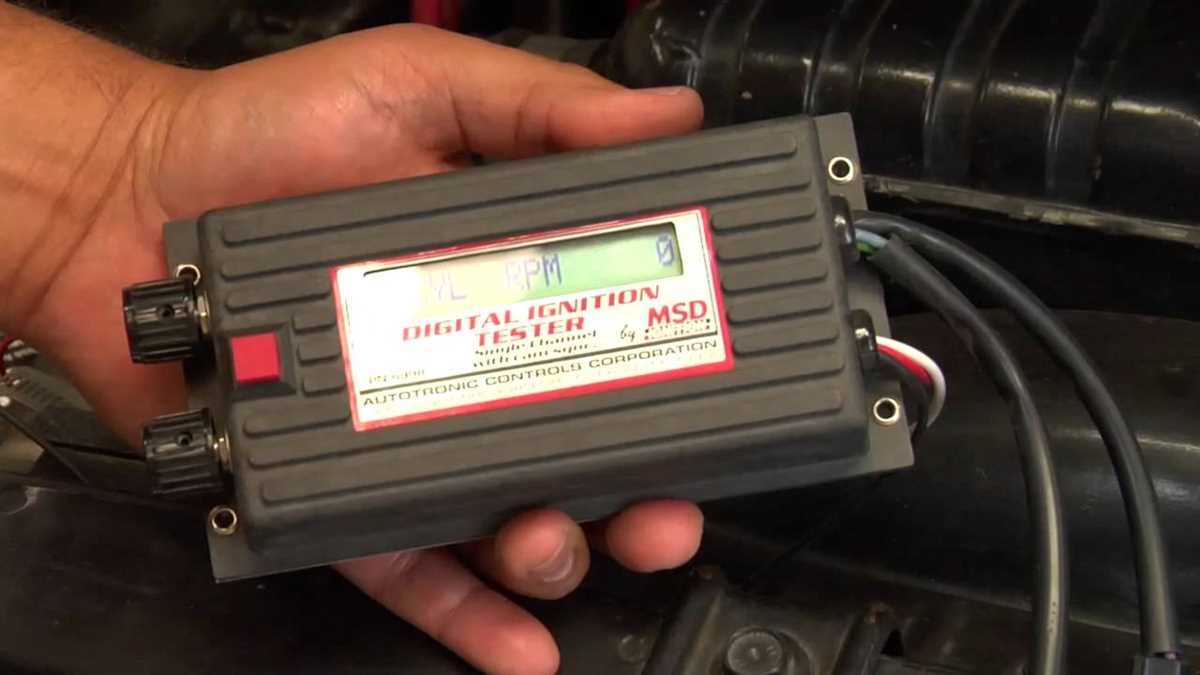
Start by labeling all connection points according to their role in the ignition system. Accurate identification prevents cross-connections and ensures proper coil firing for each cylinder.
Test continuity on each terminal using a multimeter to confirm internal paths. This differentiates the primary power, trigger inputs, coil outputs, and accessory lines.
Primary power terminal: Supplies voltage directly to the control module. Confirm correct polarity and secure with a locking fastener to avoid intermittent contact.
Ground connection: Connect to a clean metal surface on the chassis. Low resistance ensures stable reference voltage and prevents signal fluctuation.
Trigger input: Receives signals from crank or cam sensors. Verify signal type and voltage range to ensure proper synchronization with coil firing.
Coil output terminals: Deliver spark activation to each ignition coil. Test each line individually to ensure correct cylinder timing and sequence.
Accessory output: Powers auxiliary modules or indicators. Confirm that this terminal is isolated from high-current lines to prevent interference.
Document all terminal functions in a reference chart for future maintenance. Keeping accurate records allows quick troubleshooting and prevents misconnection during servicing.