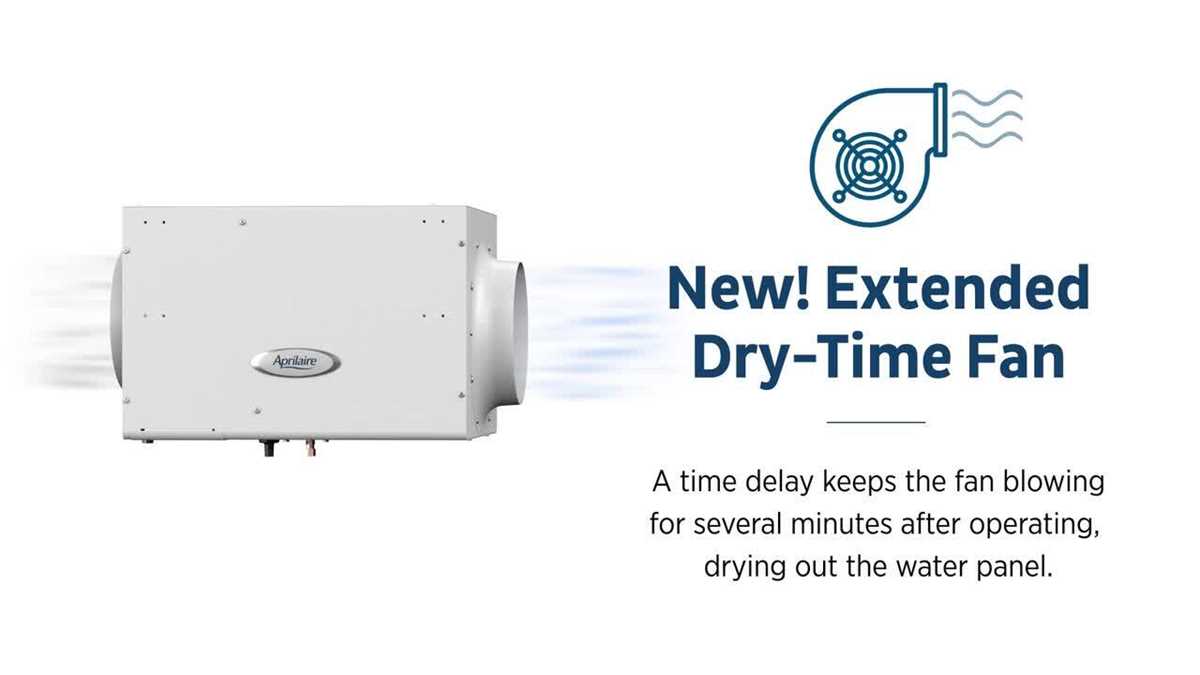
If your moisture control unit is malfunctioning or you need to perform routine maintenance, knowing the internal components is the first step. The main sections of the device include a water distribution system, evaporator, filter elements, and control mechanisms, all working together to maintain balanced humidity levels. Replacing worn-out components can restore optimal performance, making it essential to understand their specific roles and connections.
The first step in maintaining your unit is to identify and inspect each part for wear and tear. Common issues include clogged filters, damaged fans, or leaks in the water system. Regular inspection can prevent more severe problems by catching early signs of damage. For example, a malfunctioning fan can reduce airflow, while a clogged filter will prevent proper moisture distribution. Knowing how to replace each section ensures you’re equipped to handle any problem.
When replacing a part, always choose the correct replacement designed for your specific model to avoid compatibility issues. Each component, from the reservoir to the humidifying unit, should be replaced according to the manufacturer’s guidelines for best results. Don’t forget to check for any buildup of scale or debris that could hinder performance. Regular cleaning and timely part replacement keep the system running smoothly and extend its lifespan.
Key Components and Maintenance of Your Moisture Control System
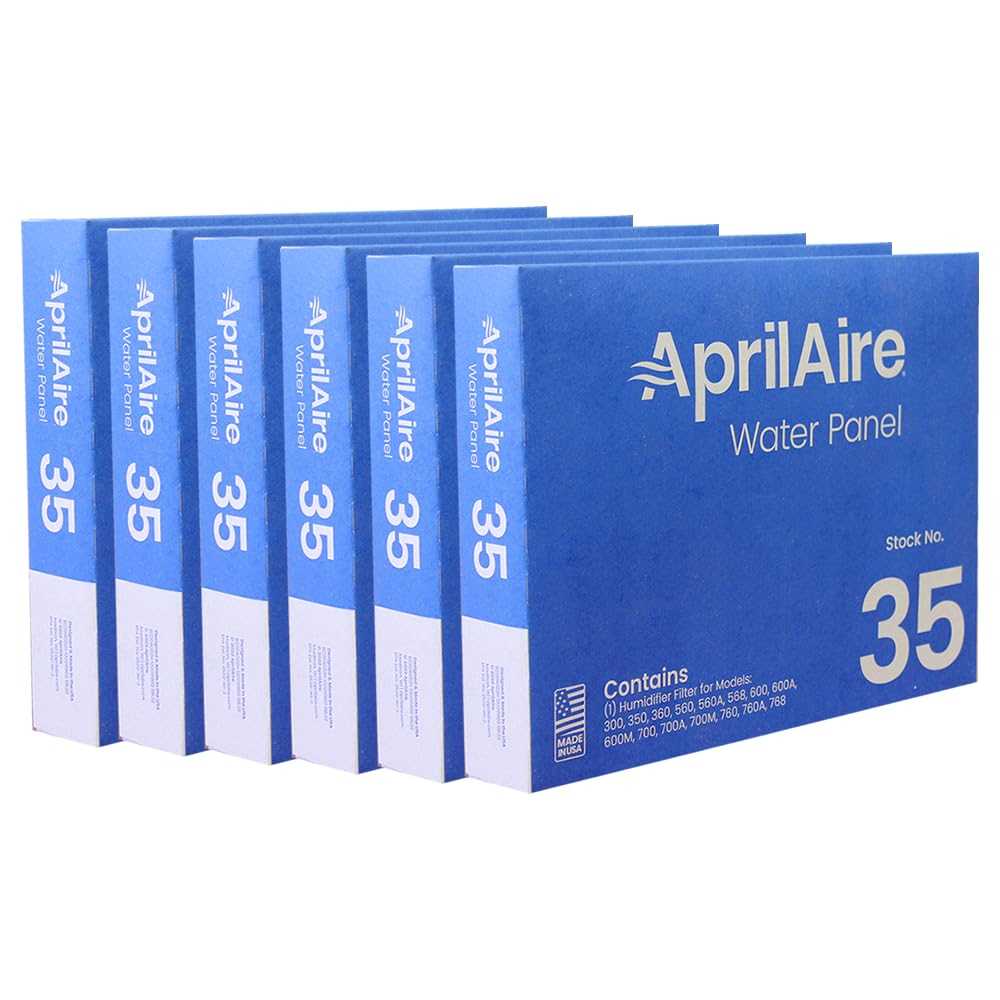
To maintain optimal performance, begin by regularly inspecting the main components: water panel, fan, humidifier pad, water distribution tray, and the control system. Each part plays a critical role in keeping your indoor air comfortable and properly balanced. Over time, components like the evaporative pad can become clogged with mineral buildup, reducing efficiency. A thorough inspection will help you identify and replace these components before they lead to bigger issues.
The most common maintenance task is replacing the evaporative pad. This should be done every 1-2 years, depending on usage and water quality. A dirty or clogged pad can lead to inadequate humidity levels, while regular replacement ensures effective moisture distribution throughout your space.
Another important part of the system is the water distribution tray. Over time, mineral deposits can accumulate, obstructing the water flow and causing leaks or poor performance. Regular cleaning with a vinegar solution can prevent these issues. If the tray becomes cracked or damaged, replacement is necessary to avoid water damage and maintain system efficiency.
The fan is another critical component. It helps circulate the air and distribute moisture evenly. If the fan begins to show signs of wear or makes unusual noises, it should be inspected and replaced if needed. This will ensure the system continues to function smoothly without interruptions.
How to Identify and Replace the Key Components in Your Moisture Control System
Begin by identifying the most common components that need replacement: the water panel, distribution tray, and fan. First, check the water panel for signs of mineral buildup or wear. If the panel is clogged or deteriorating, it’s time to replace it. Typically, this part should be replaced every 1-2 years depending on the water quality and usage. A simple replacement will significantly improve performance.
The distribution tray is another key element that can often go unnoticed. It is responsible for evenly distributing water over the panel. Over time, mineral deposits can block the tray, causing water to pool or leak. Inspect the tray for cracks or blockages. Cleaning with a vinegar solution will help prevent mineral buildup. If the tray is damaged, replace it immediately to avoid leakage and further damage.
Lastly, check the fan for any signs of malfunction. If the system is noisy or if air circulation seems poor, inspect the fan for dirt or damage. A dirty fan can slow down air circulation, while a broken fan will halt moisture distribution. If the fan is malfunctioning, it should be replaced to ensure your system runs effectively.
Step-by-Step Instructions for Assembling and Setting Up the Moisture Control System
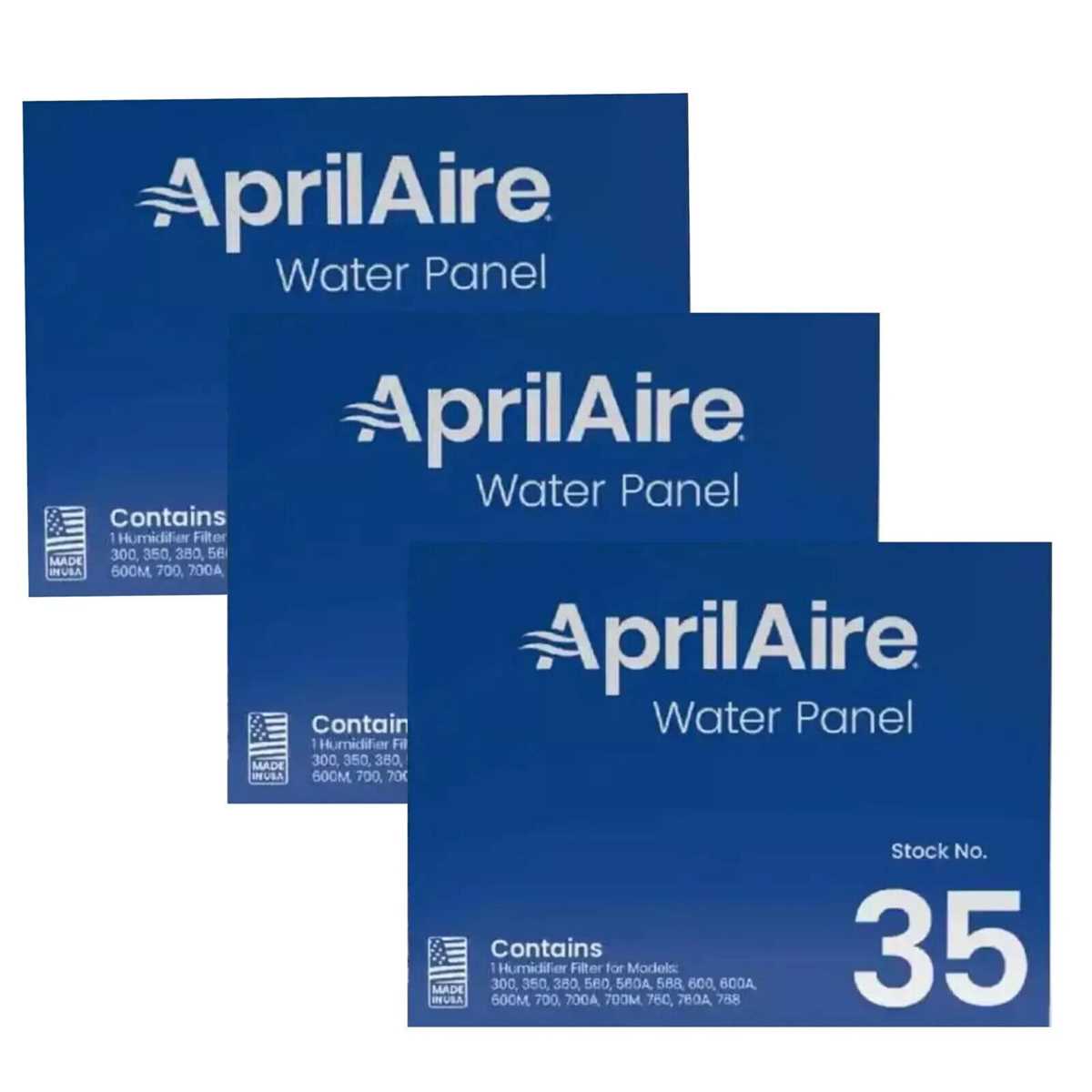
Begin by ensuring you have all necessary components: the water panel, distribution tray, fan assembly, and tubing. Start by positioning the base of the system in the desired location, making sure it’s level and stable.
Next, insert the water panel into the designated compartment, ensuring it fits securely. If your model uses a metal frame, make sure the panel is properly aligned within it. Then, carefully place the distribution tray over the panel, making sure it is correctly positioned to allow water to flow evenly across the surface.
Attach the fan assembly to the housing, ensuring it is properly connected to the motor and the electrical connections are secure. If your system has a humidistat, connect it to the fan’s electrical components. Double-check all wiring to ensure a secure connection before proceeding.
Connect the water supply hose to the inlet valve and secure it in place. Make sure there are no leaks at the connection points. Then, attach the drainage hose, ensuring it leads to an appropriate drainage area. Test the flow by briefly running water through the system to check for any blockages or leaks.
Once everything is connected, power up the system and test for functionality. Adjust the settings on the control panel or humidistat to the desired moisture level. Ensure the fan is running smoothly and water is distributed evenly across the panel. Finally, monitor the system for any unusual sounds or behavior that could indicate an issue.