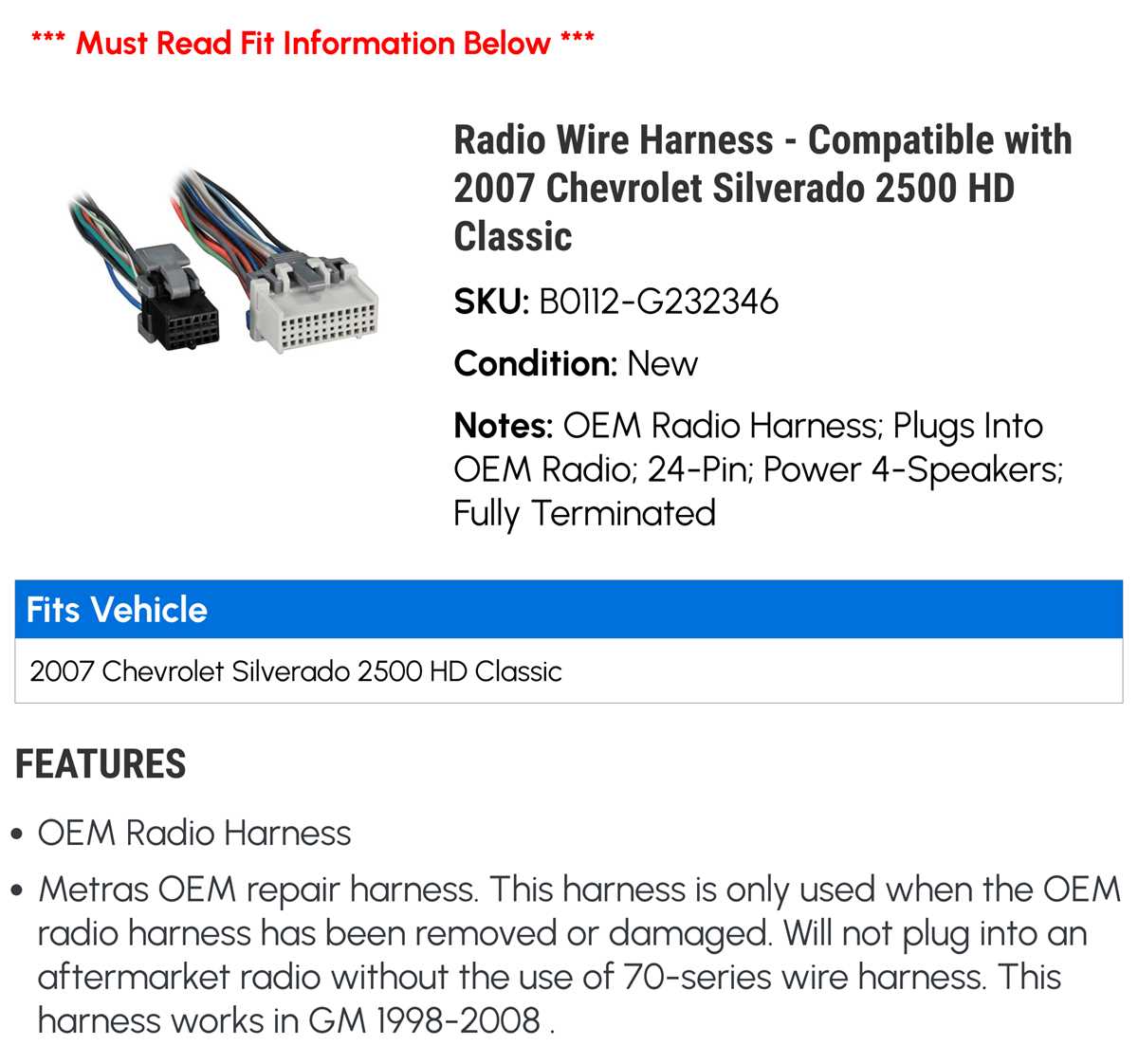
Use a multimeter to identify power and ground terminals before attempting any connections. Confirm constant 12V at the main feed and verify ignition-switched power lines to prevent short circuits.
Label each factory plug with masking tape or markers to track left, right, and rear audio channels. Note the color coding for speaker leads, typically green, white, purple, and gray pairs, to maintain proper stereo orientation.
Secure connectors with crimp terminals or soldered joints, and protect exposed wires with heat shrink tubing. Loose connections can cause intermittent signal loss or buzzing noises during vehicle operation.
After completing all connections, test each function, including volume, balance, and tone adjustments. Check backup camera or steering wheel controls if applicable to ensure full system integration before reassembling the dash panels.
2007 GMC Sierra Radio Connection Guide
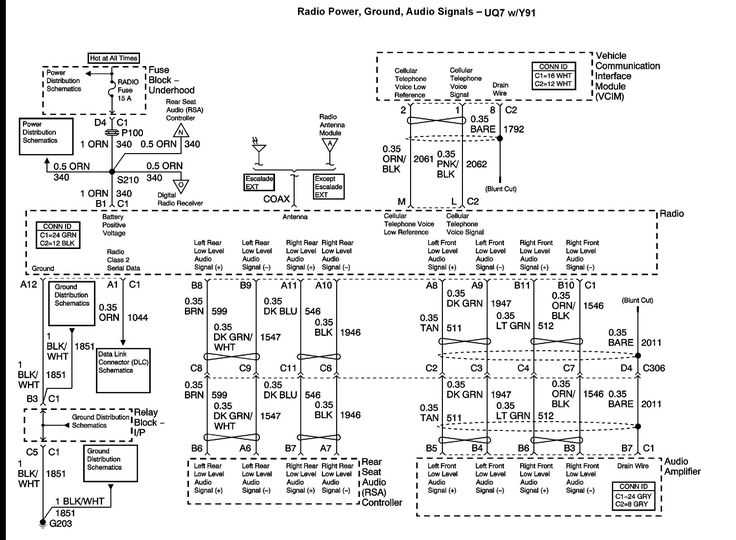
Verify battery voltage at the main harness before connecting the aftermarket unit. Ensure 12V constant feed is present on the red wire, and confirm switched ignition power on the yellow terminal to avoid electrical damage.
Identify left and right audio channels by checking the factory color codes: white and gray for front channels, green and purple for rear. Use a continuity tester to confirm speaker leads before making permanent connections.
Secure connections using crimp terminals or soldered joints. Apply heat shrink tubing over exposed leads to prevent shorts or corrosion, especially near metal mounting brackets.
For units with amplified outputs, verify the speaker load. Impedance should match factory specifications to avoid overloading the internal module or creating distortion.
Check auxiliary and antenna feeds before final assembly. Auxiliary lines must be routed away from high-current circuits to minimize noise interference in the audio signal.
After installation, test all features: volume control, tone adjustments, and source selection. Backup camera or steering wheel integration should be verified to ensure compatibility with the new head unit.
Finally, reinstall dash panels carefully, ensuring no wires are pinched or stressed. Secure all brackets and screws to prevent rattles and maintain factory fit while preserving full electrical functionality.
Locating Factory Radio Connectors and Pin Functions
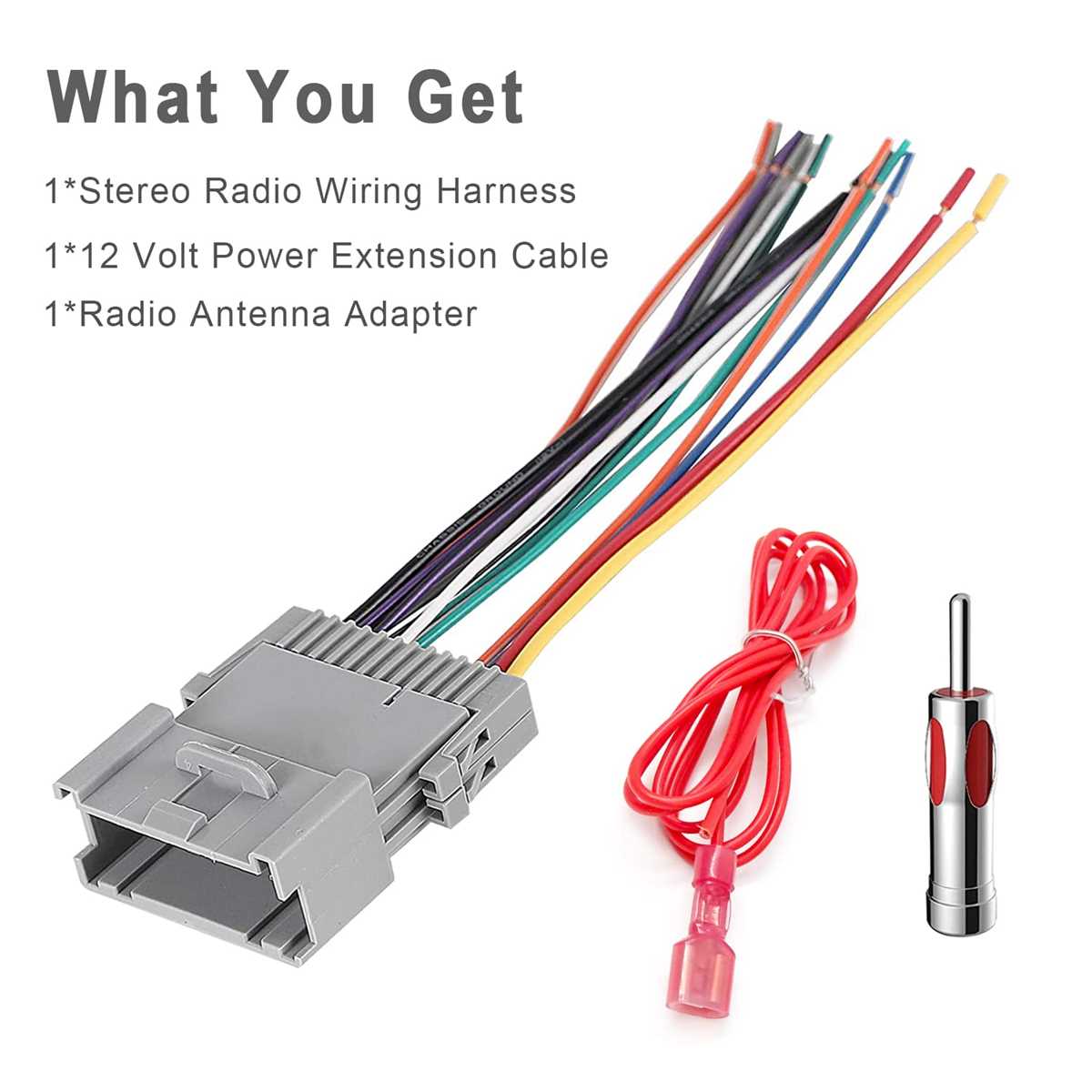
Access the main dash harness by removing the center console panel carefully. Identify the multi-pin connectors based on color codes: black for ground, red for constant 12V, and yellow for switched ignition feed.
Use a digital multimeter to verify each terminal’s function before connecting any aftermarket device. Front and rear audio channels follow standard coding, with white and gray for front left/right, and green and purple for rear left/right outputs.
Label each connector with tape to maintain clarity during installation. Document pin locations and functions to avoid cross-connection, especially for auxiliary, antenna, and steering wheel control lines, ensuring reliable performance after assembly.