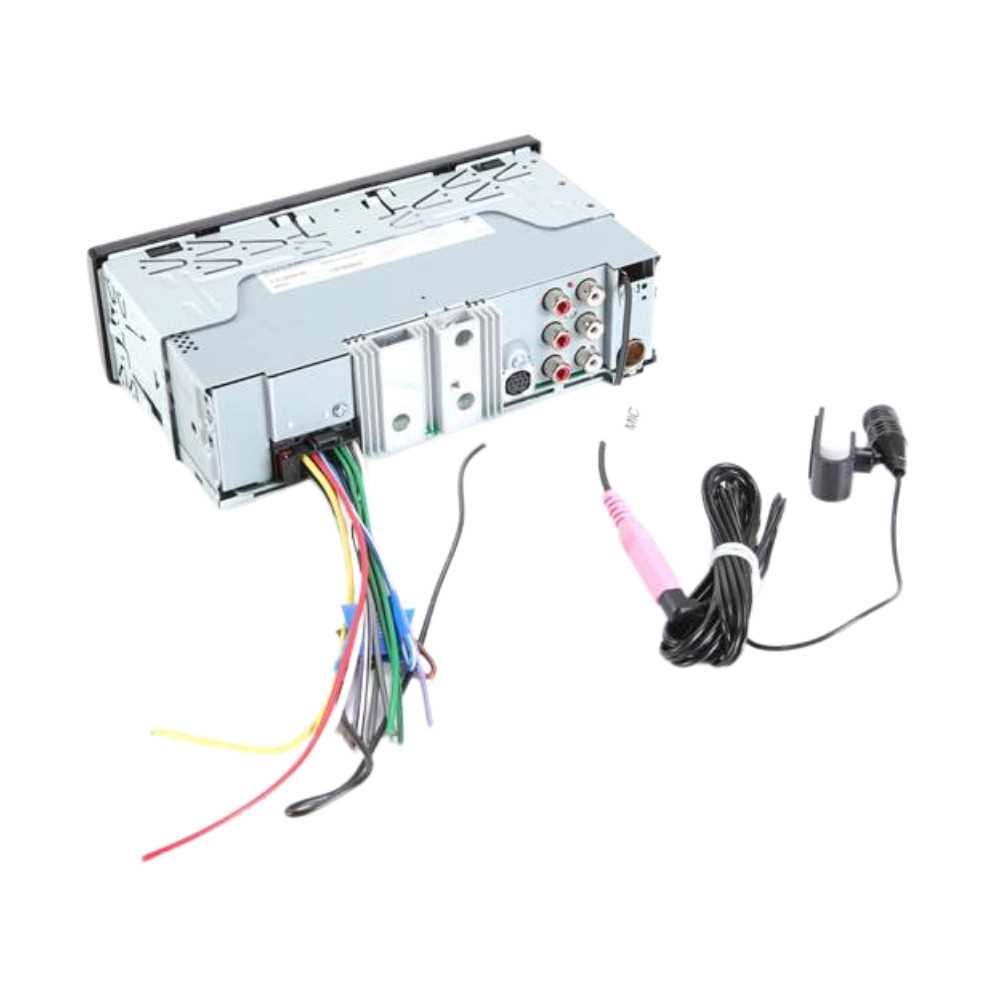
Ensure all terminals are properly matched to prevent voltage drops and signal loss. Use color-coded leads to distinguish between left and right channels and maintain polarity throughout the setup.
Secure power and ground connections with ring terminals and screws rated for 10A or higher. Loose contacts can create intermittent audio issues or short circuits.
For high-fidelity output, maintain cable runs under 3 meters when possible. Longer lengths may introduce resistance that reduces output amplitude and clarity.
Test each connection with a multimeter before finalizing. Confirm that signal continuity matches the expected path from the head unit to all speakers.
Connection and Setup Guide for a 12V Car Audio System
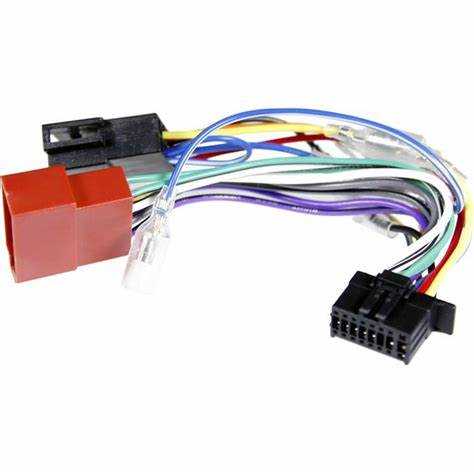
Start by identifying all input and output terminals. Ensure the power lead connects directly to a 12V source with a 10A fuse inline. Ground the system to a clean metal surface to reduce interference and prevent voltage fluctuations.
Follow proper channel assignment for speaker outputs. Left and right front and rear channels should correspond to their respective speaker pairs. Use color-coded or labeled leads to avoid cross-connections and maintain phase alignment for accurate sound reproduction.
Test each connection before final mounting. Apply a low volume signal and verify sound clarity at each speaker. Adjust gain and balance settings on the head unit to match speaker impedance and avoid distortion during normal operation.
Identifying Terminals and Pin Functions for a 12V Car Audio Head Unit
Start by labeling all connection points before installation. The main power input pin requires a stable 12V supply, while the ground terminal must be secured to a clean metal chassis point to prevent voltage drops and interference. Accessory pins control ignition-dependent functions and should only be energized when the vehicle is on.
Speaker output pins are grouped by channel. Front left and right pairs and rear left and right pairs must match the corresponding speaker leads. Observing proper polarity ensures correct phase alignment, improving stereo imaging and reducing distortion. Use a multimeter to verify continuity before final attachment.
Auxiliary and control pins support external devices. Preamp outputs deliver line-level signals for amplifiers, while input pins allow integration of steering wheel controls or external microphones. Document each pin assignment and test each function at low volume to confirm proper operation before completing the installation.