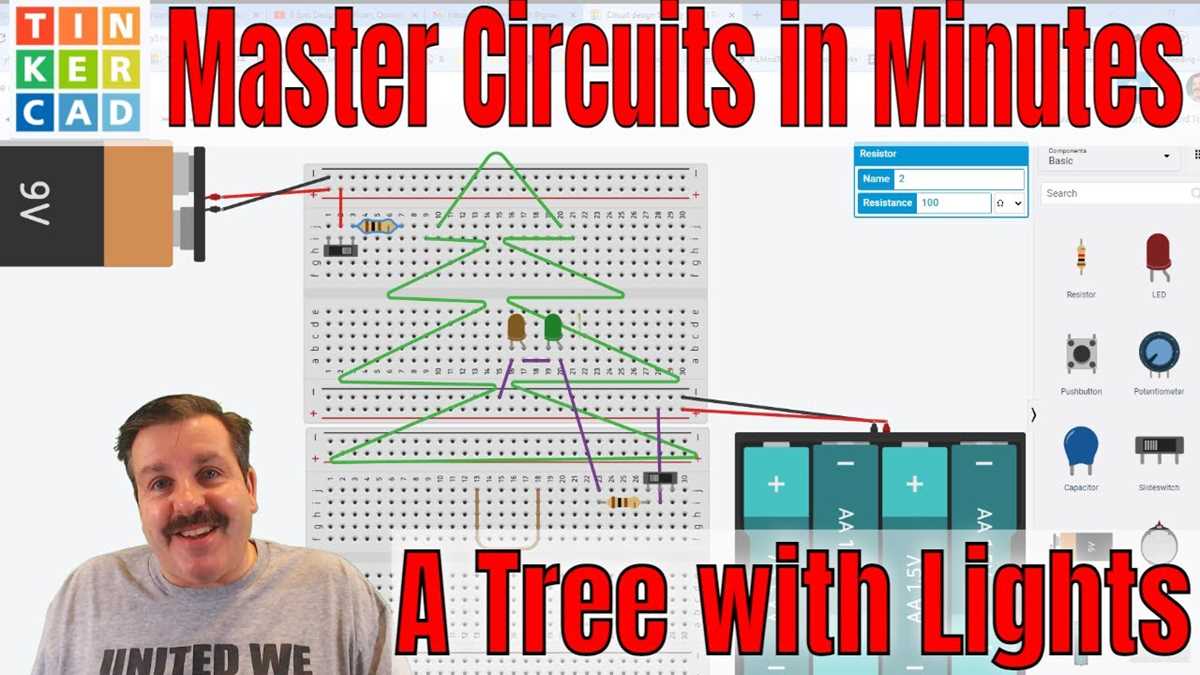
Identify all conductors clearly and separate power, return, and signal leads before assembly. Consistent color coding reduces the risk of reversed connections and simplifies testing.
Start with the main power feed and attach it securely to the control plug or outlet. Ensure that the voltage matches the specifications on the display units to prevent overheating or blown bulbs.
Connect the secondary strands for sequential or parallel arrangement according to the intended pattern. Use insulated terminals or connectors to maintain proper contact and prevent short circuits.
Arrange the strands carefully along the frame or support structure to avoid kinks, sharp bends, or tension that can damage the conductors over time.
Test each section individually by applying power and observing illumination. Check for consistent brightness and verify that any series or parallel sections operate as intended without flicker or failure.
Secure all connections with clips, ties, or insulation sleeves. Ensure that any exposed metal is covered to reduce the risk of accidental contact or corrosion during display use.
Decorative String Illumination Connection
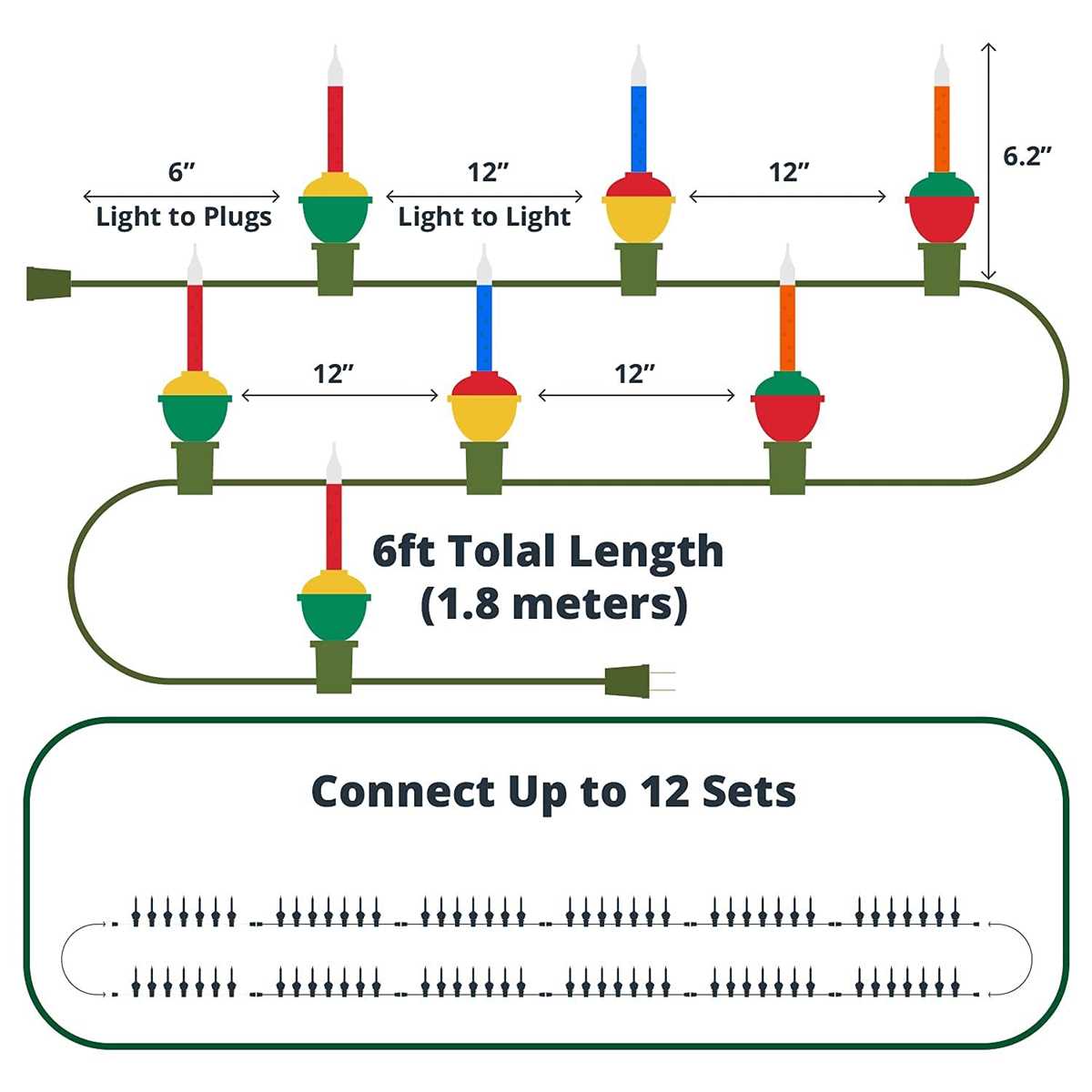
Start by identifying each conductor for power, return, and sequential strands. Use a multimeter to confirm voltage and polarity before joining any sections to prevent short circuits or uneven brightness.
Arrange the strands along the support structure avoiding sharp bends and tension points. Secure connections with insulated terminals and test each segment individually to ensure uniform illumination and stable operation throughout the display.
Identifying Wires and Terminal Connections
Label each conductor clearly before assembly. Power, return, and signal strands should be distinguished using color codes or tags to prevent accidental cross-connections.
Check the insulation along every strand for cracks or exposed metal. Damaged sections must be repaired or replaced to avoid shorts and uneven performance across the display.
Use a multimeter to confirm continuity and correct voltage. Test each terminal independently before connecting to main plugs to verify proper polarity and functional integrity.
Separate sequential strands from parallel runs. This ensures that each segment can be inspected and replaced individually without affecting other sections of the decorative assembly.
Secure terminals with insulated connectors and ensure all metal contacts are fully covered. Loose connections can cause flickering, overheating, or partial outages.
Arrange conductors neatly along support structures, avoiding sharp bends or pinches that could damage the strands. Use clips or ties to maintain consistent spacing and prevent tangling during setup.
Perform a final verification by powering each section and observing brightness consistency. Replace any faulty strands immediately and double-check terminal contacts before completing the full display installation.