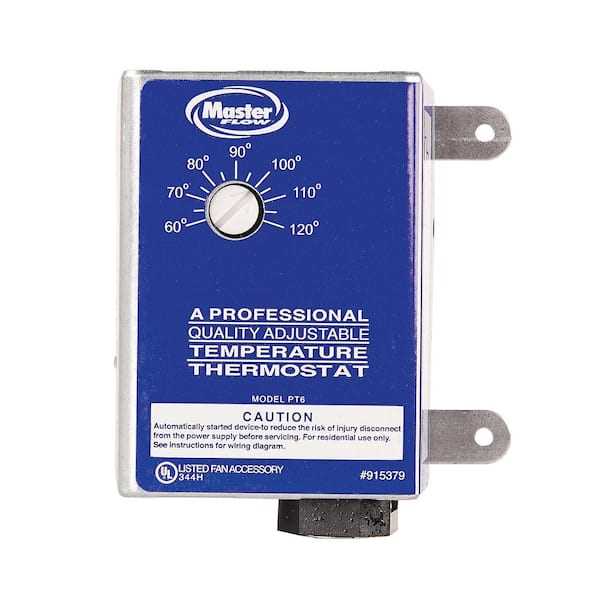
Directly connect the power supply to the control module using insulated connectors rated for the load to prevent voltage drops and ensure stable activation. Double-check polarity before energizing the system to avoid component damage.
Place the sensor module near the airflow path to capture accurate readings. Maintain at least 12 inches distance from high-current lines to prevent interference and false triggering.
Secure output leads to the ventilation motor with heat-resistant sleeves and tight connectors. This minimizes the risk of accidental disconnection and conductor overheating during extended operation.
Include a dedicated protective device such as a 10-amp slow-blow fuse or breaker in the main supply line. This safeguards the control module and prevents electrical faults from damaging other components.
Verify sensor calibration and alignment before closing access panels. Proper placement ensures the system activates within the intended temperature range and reduces unnecessary cycling.
Label each connection clearly with color-coded tags or printed identifiers. This simplifies future maintenance, troubleshooting, and prevents miswiring during upgrades or repairs.
Test the system in stages by applying power incrementally and observing the response. Confirm that the motor engages and disengages precisely at the target threshold without lag or fluctuation.
Document all terminal connections and voltage readings in a maintenance log. Keeping an accurate record supports diagnostics and ensures consistent performance over time.
Attic Fan Thermostat Connection and Setup
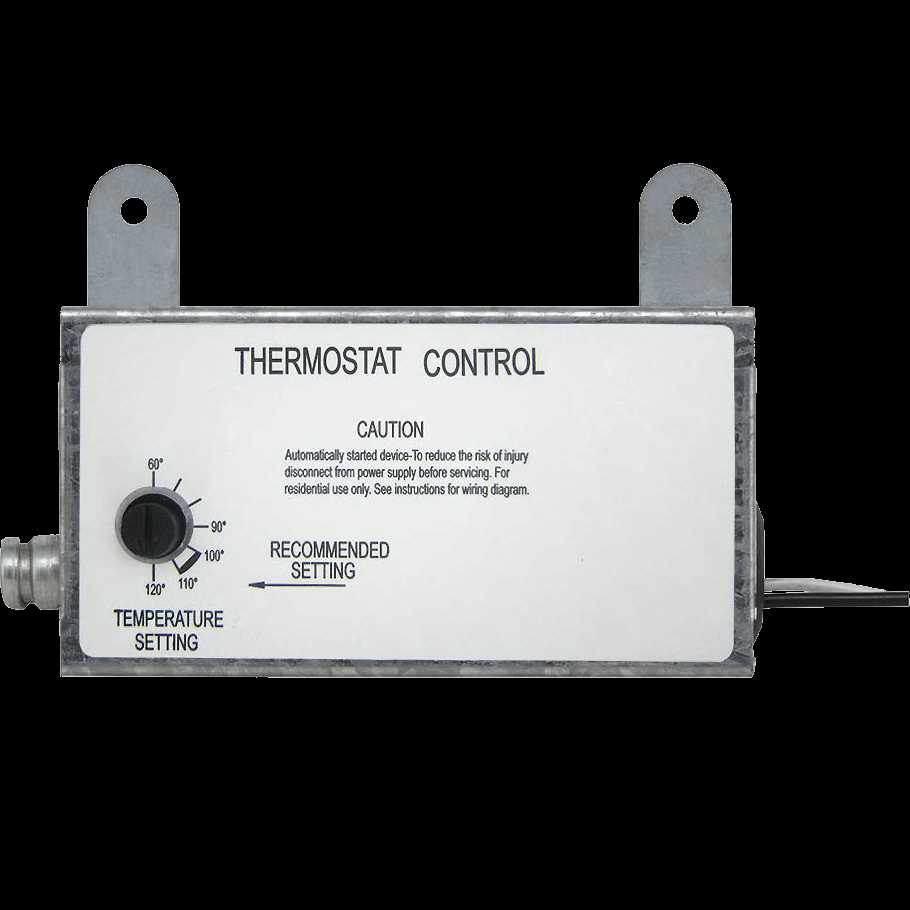
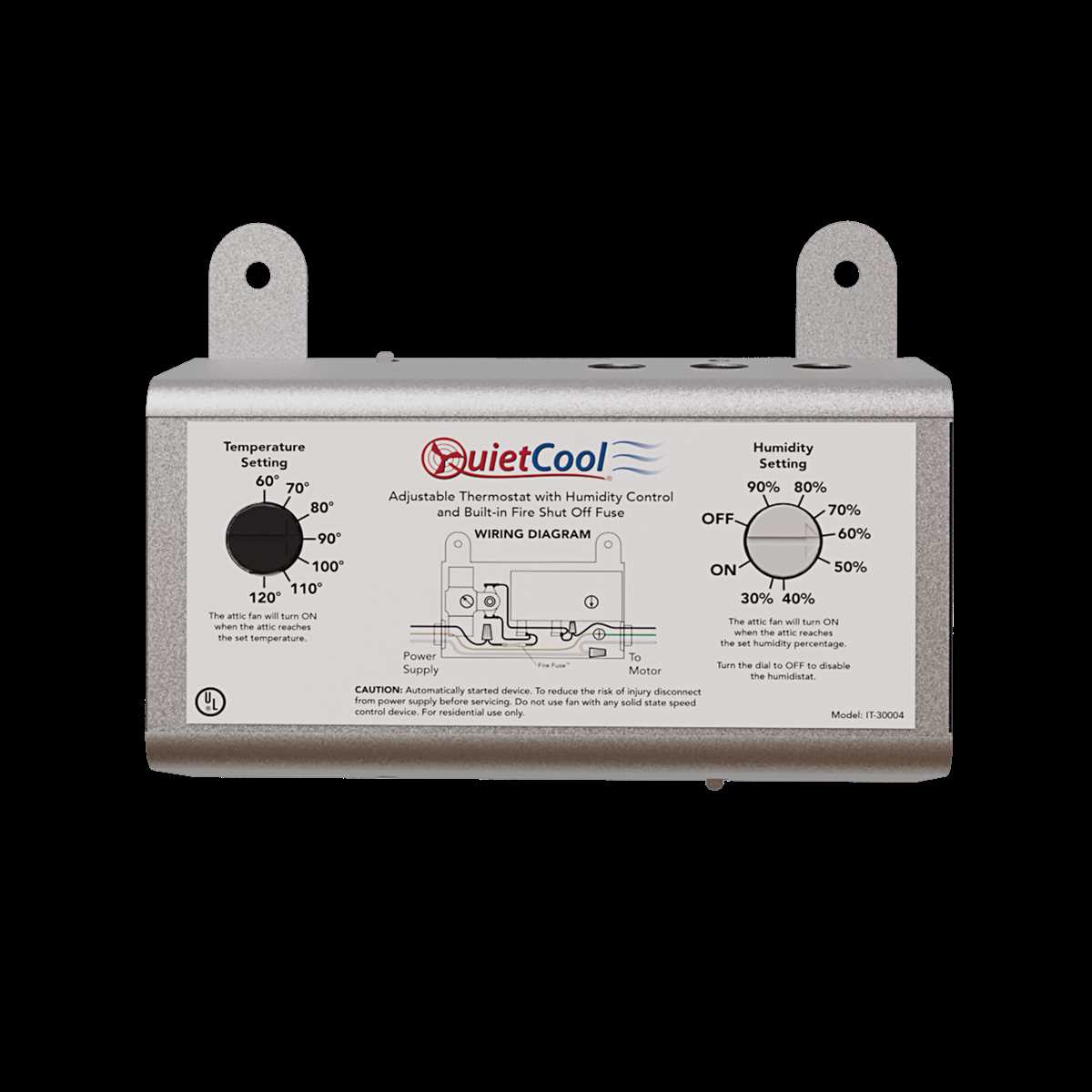
Connect the temperature controller directly to a 120V power supply, ensuring the live and neutral lines match the input terminals marked for line voltage. Avoid using extension cords or shared circuits to prevent voltage drops that can interfere with operation.
Install the heat-sensitive switch inside the space where the air circulation device will operate, positioning it at the midpoint of the ceiling joists for accurate ambient readings. Use a mounting bracket or screws that secure it without compressing the sensor, which could distort temperature detection.
Link the motor relay using the designated output terminals, following the color codes: black to line, white to neutral, and green to ground. Verify the connections with a multimeter before energizing to confirm continuity and correct polarity.
Set the desired activation temperature using the adjustment dial, observing the recommended range of 85°F to 110°F. Allow the device to stabilize for several hours, checking that the air-moving unit engages consistently as the sensor reaches the threshold.
For units with dual-speed operation, connect the high-speed lead to the extra terminal marked “HI” and the low-speed lead to “LO.” Test each mode independently, monitoring the thermal controller’s response and the airflow to ensure both settings activate smoothly without delay or buzzing.
Identifying Thermostat Terminals and Their Functions
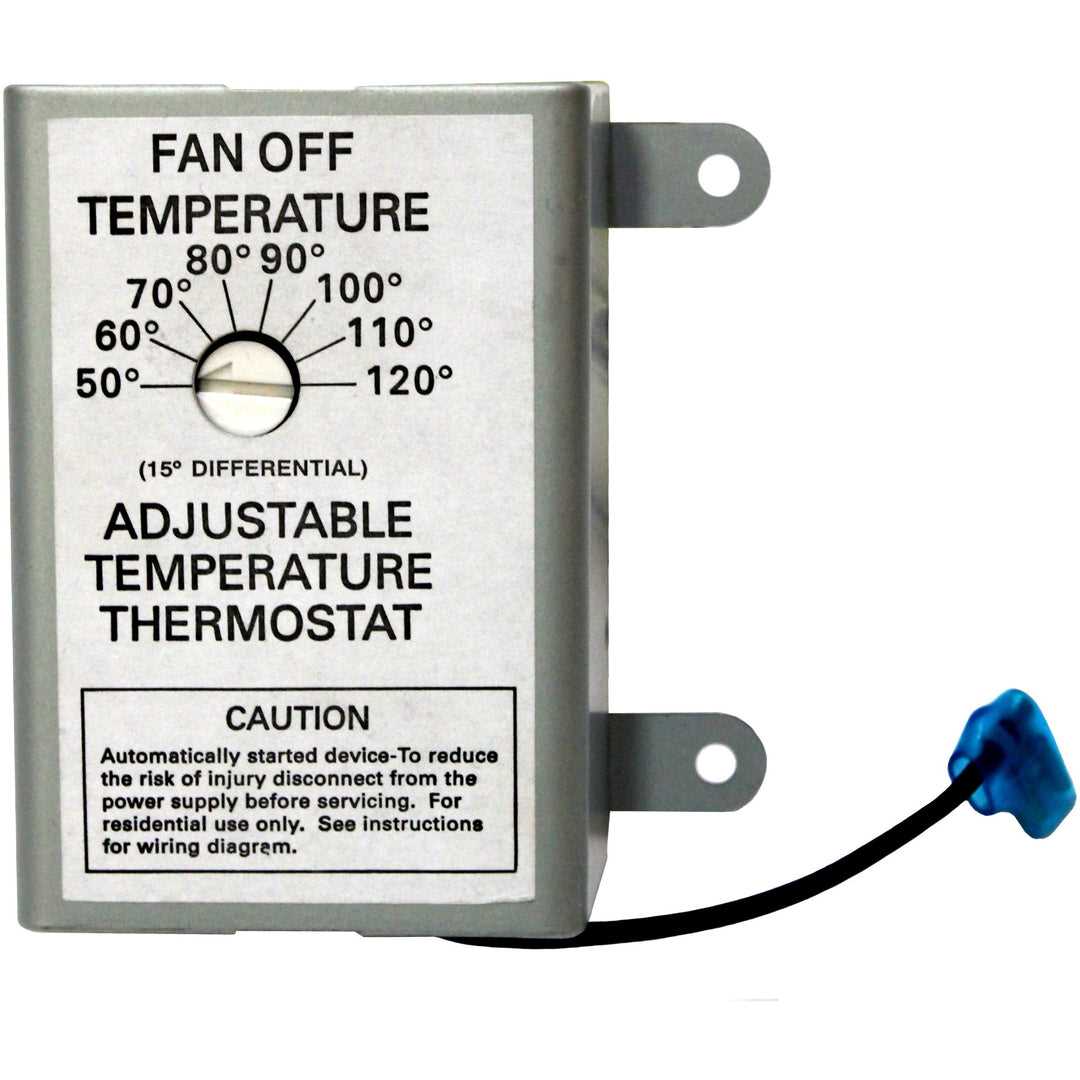
Locate the input terminals first. They are typically labeled L for live, N for neutral, and G for ground. Confirm with a voltage tester that the supply lines match these designations before connecting any control device.
Output terminals control the air circulation unit. Most controllers have a single relay output, while advanced models may include dual-speed terminals marked HI and LO. Always ensure that each lead is connected according to the manufacturer’s color code.
Common Terminal Labels
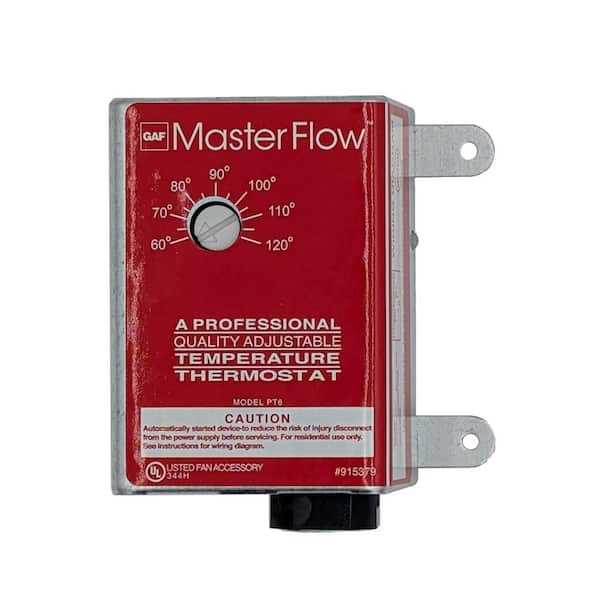
- L – Connects to the power source’s hot line.
- N – Neutral connection to complete the circuit.
- G – Ground for safety, usually green or bare wire.
- HI – Activates high-speed operation.
- LO – Activates low-speed operation.
- COM – Common lead for relay switching.
Some temperature controllers feature auxiliary terminals for sensor expansion or external switch integration. These are usually marked S1 and S2 and must be connected to compatible sensors to avoid incorrect readings or constant operation.
Check terminal spacing and screw tightness. Loose connections increase resistance and can trigger overheating or intermittent activation. Use a small flathead screwdriver to secure each wire without damaging insulation.
Testing Terminal Functionality
- Verify continuity between L and COM when the sensor reaches the set point.
- Confirm the high-speed terminal closes when the target temperature is exceeded.
- Test low-speed relay by lowering the set point slightly and observing the response.
- Inspect ground connection for continuity to the device chassis.
Label each wire after connection to prevent confusion during future maintenance. Use durable tags or heat-shrink markers. This simplifies troubleshooting and ensures safety during adjustments or replacements.
Final verification includes powering the device and observing operational sequences. Both speed settings should trigger precisely at the set temperatures, and the indicator lights, if present, must illuminate to confirm proper relay function.