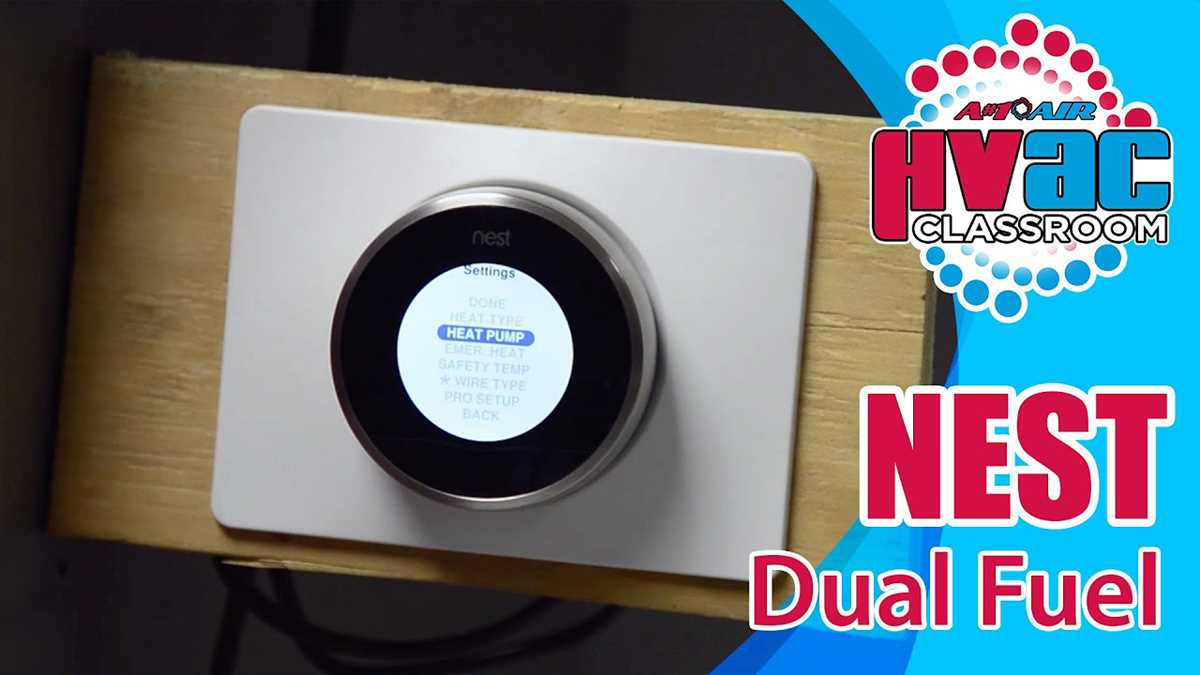
Ensure the main power is turned off before beginning connections. Identify the common wire from the indoor unit and connect it to the C-terminal on the control module for a stable return path.
Attach the heating stage wire to the W1 terminal and the first cooling stage wire to the Y1 terminal. Use 18-gauge thermostat wire and confirm solid contact in the terminal clamps to prevent intermittent signals.
Connect the auxiliary or emergency line to the designated AUX or E-terminal. This ensures the system can operate safely if the primary stages fail or during extreme temperatures.
Label all wires before securing them to the mounting plate. This reduces confusion during configuration and future maintenance.
Verify voltage at each terminal with a multimeter before restoring power. Expected readings should be consistent with the system’s low-voltage control specifications, typically 24V AC.
Test the system by activating each stage manually from the control interface. Check that each output responds correctly, confirming that heating, cooling, and auxiliary functions operate without faults.
Guide to Wiring a Nest Thermostat for Heat Pump Heating and Cooling Systems
Connect the main power lines first, ensuring the C-terminal receives the common wire from the indoor control board. Attach the W1 lead to the primary heating stage and the Y1 lead to the first cooling stage. Use 18-gauge stranded wire for flexibility and secure each connection tightly to prevent voltage drops.
Set up auxiliary functions and emergency operations by linking the designated terminals to the corresponding safety relays. Verify each connection with a multimeter before restoring power. Test operation sequentially:
- Activate heating stage and observe temperature rise
- Switch to cooling stage and check condenser activation
- Engage auxiliary mode to confirm backup functionality
- Test emergency mode to ensure system responds under fault conditions
Connecting Power and Common Wires for Heat Pump Control
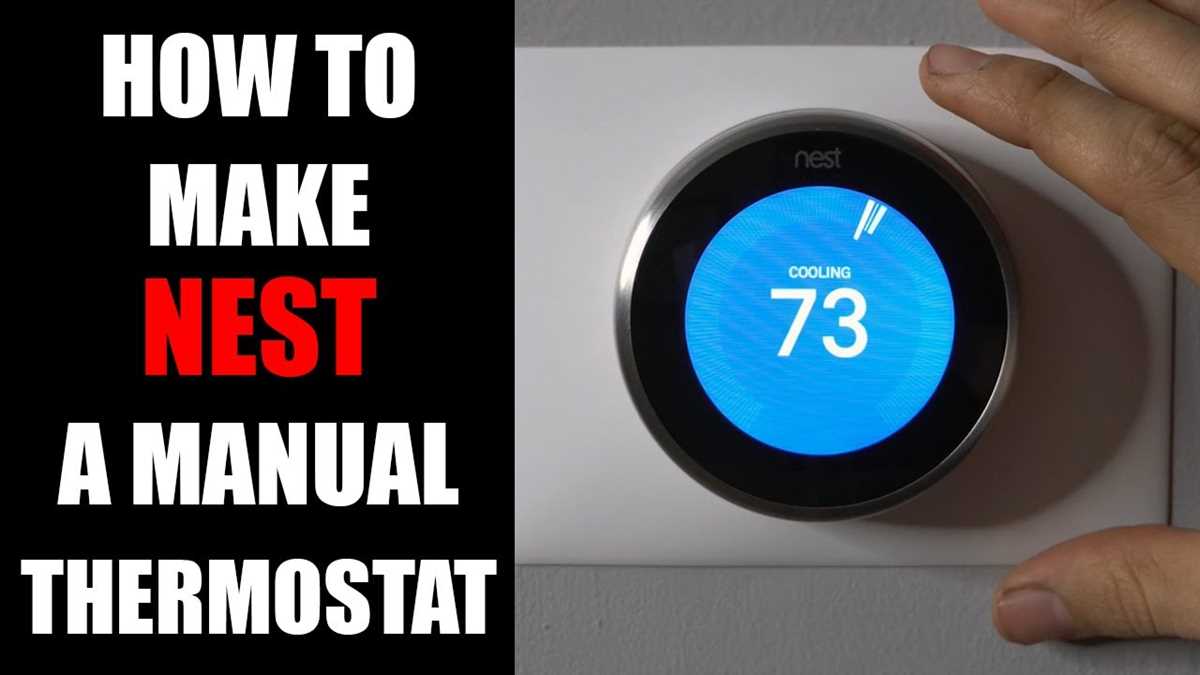
Turn off the main power at the breaker before handling any low-voltage connections. Identify the C-terminal from the indoor control unit and connect it to the common wire on the control interface to establish a stable return path for 24V AC power.
Attach the R-terminal to the red power lead coming from the transformer. Use a screwdriver to tighten the clamp fully, ensuring there is no loose connection that could cause intermittent operation or voltage drops across the control module.
Check polarity and confirm continuity using a multimeter. Measure voltage between the R and C terminals after making the connection; readings should be around 24V AC. Any deviation may indicate a broken or frayed wire that needs replacement.
Route the wires neatly along the mounting plate to avoid interference with other signal leads. Label each connection with tags or colored markers to simplify troubleshooting or future modifications.
Test the setup by powering on the system briefly and observing whether the control module receives the signal correctly. Confirm that all low-voltage connections are secure and that there are no sparks or unusual sounds before proceeding to connect stage or auxiliary lines.