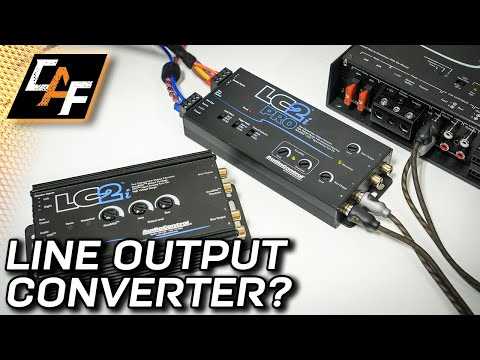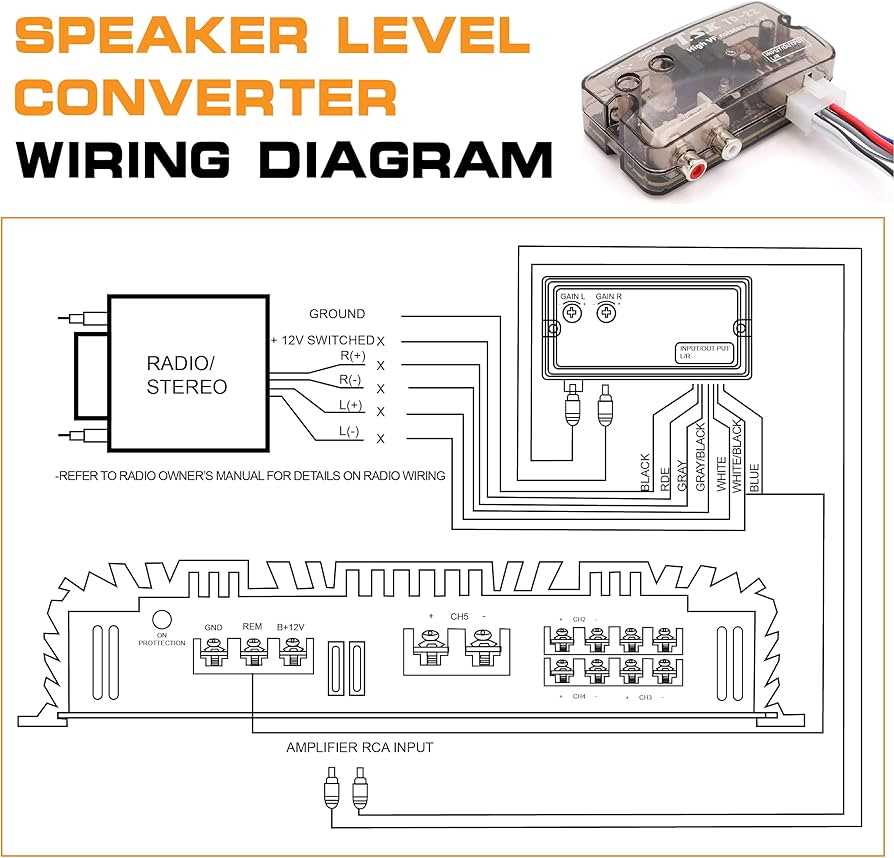
Connect the high-level output from your factory audio system directly to an aftermarket amplifier using a reliable signal adapter. Ensure the input and output pins match voltage specifications to prevent distortion and protect components.
Use shielded cables to minimize interference, and keep connections short. Twisting power and ground leads separately reduces hum and maintains a clean audio path for low-frequency signals.
Verify voltage levels with a multimeter before finalizing connections. Adjust the gain settings on the amplifier to match the source signal and avoid overdriving the speakers.
Secure the adapter using mounting brackets or double-sided tape. Prevent loose contacts to maintain stable performance and eliminate intermittent signal drops during operation.
Line Out Converter Connection Guide for Clear Audio Integration
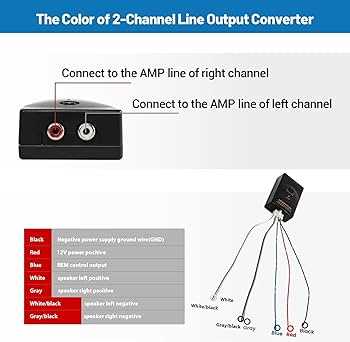
Attach the high-level outputs from your factory audio head unit directly to an aftermarket amplifier using a signal adapter. Confirm the input voltage matches the amplifier’s rated input to prevent distortion or damage.
Route shielded leads separately from power cables to minimize electromagnetic interference. Keep the cable runs as short as possible to maintain a clean signal for low-frequency performance.
Connect ground leads securely to a solid chassis point. Loose or corroded grounds can introduce hum and reduce signal clarity.
Adjust the gain settings on the amplifier to match the voltage level of the adapter. Excessive gain can clip the signal and damage speakers over time.
When connecting multiple channels, label each lead clearly. Ensure left and right channels are not crossed to preserve proper stereo imaging and audio balance.
Use insulated connectors or crimp terminals to secure all connections. Exposed wires increase the risk of short circuits and intermittent audio dropouts.
Test the signal at low volume before tightening all mounting points. Check for consistent output across all channels and make minor adjustments to eliminate distortion or imbalance.
After verifying functionality, mount the adapter in a stable location away from heat sources or moving parts. Proper placement improves longevity and ensures consistent audio performance over time.
Identify Compatible Input and Output Connections for Installation
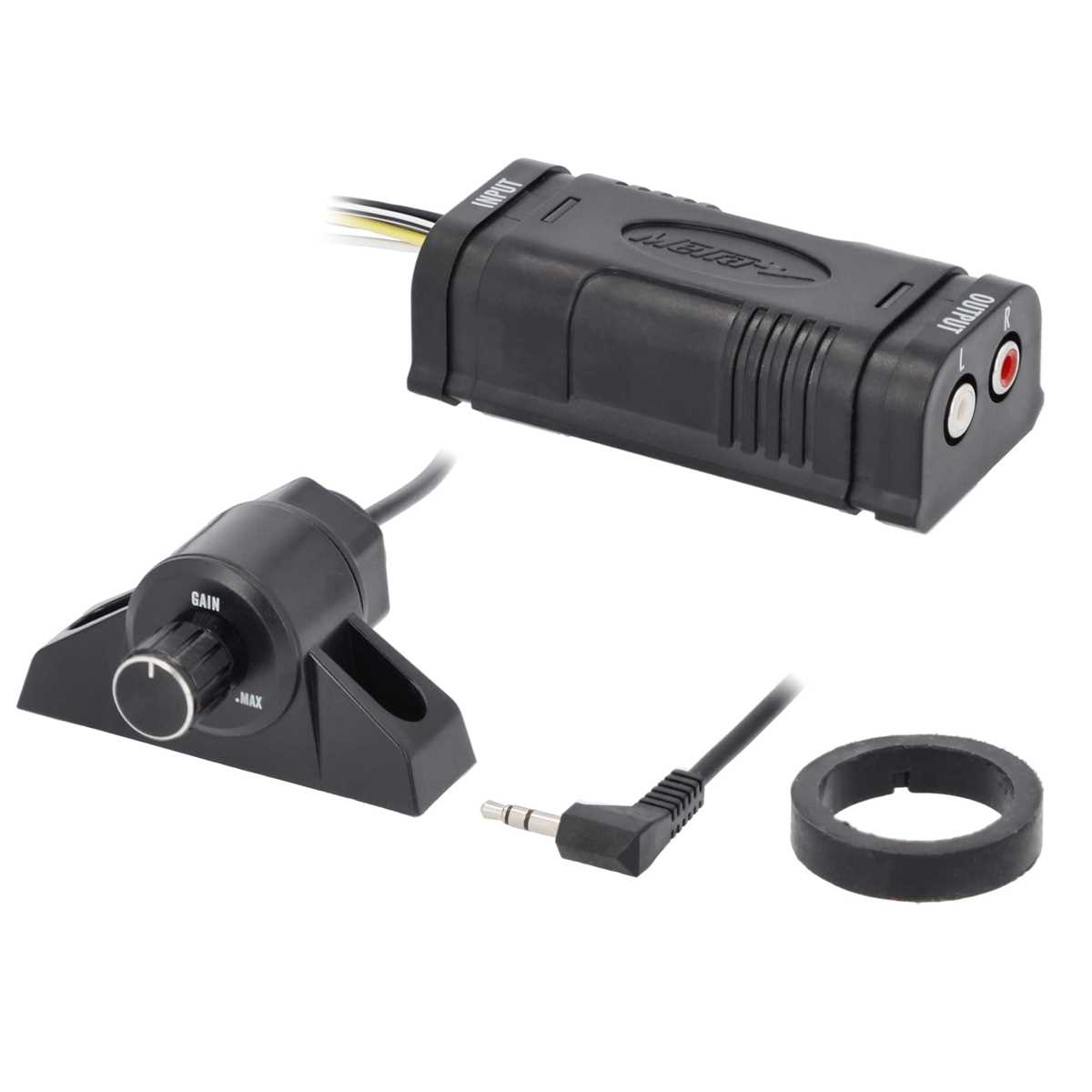
Verify the high-level outputs from your factory head unit before connecting to an aftermarket amplifier. Match the positive and negative leads for each channel to avoid phase issues and preserve full stereo fidelity.
Check the adapter’s low-level outputs to ensure they align with the amplifier’s RCA inputs. Use color-coded connectors or labeled terminals for left and right channels, and confirm that the signal polarity is consistent to maintain clean audio without distortion or signal loss.