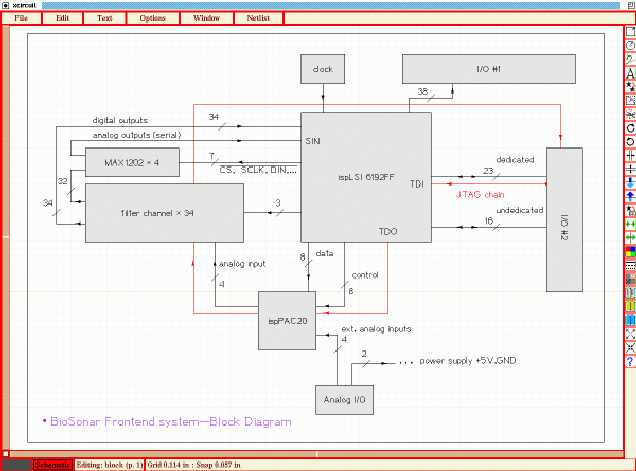
Start with KiCad if you’re looking for a powerful, open-source option. It offers advanced features for creating detailed electrical layouts, ideal for both beginners and more experienced users. With its extensive library of components, it’s well-suited for creating both simple and complex systems. KiCad also supports PCB layout, allowing seamless design transitions between schematic capture and physical board design.
If you’re after something lightweight, EasyEDA is a browser-based alternative that doesn’t require installation. It’s a solid choice for quick drafts or simpler designs, offering cloud storage and collaboration features. Its user interface is intuitive, so even those with limited experience can start creating schematics right away. The built-in simulation tool further enhances the platform’s practical utility.
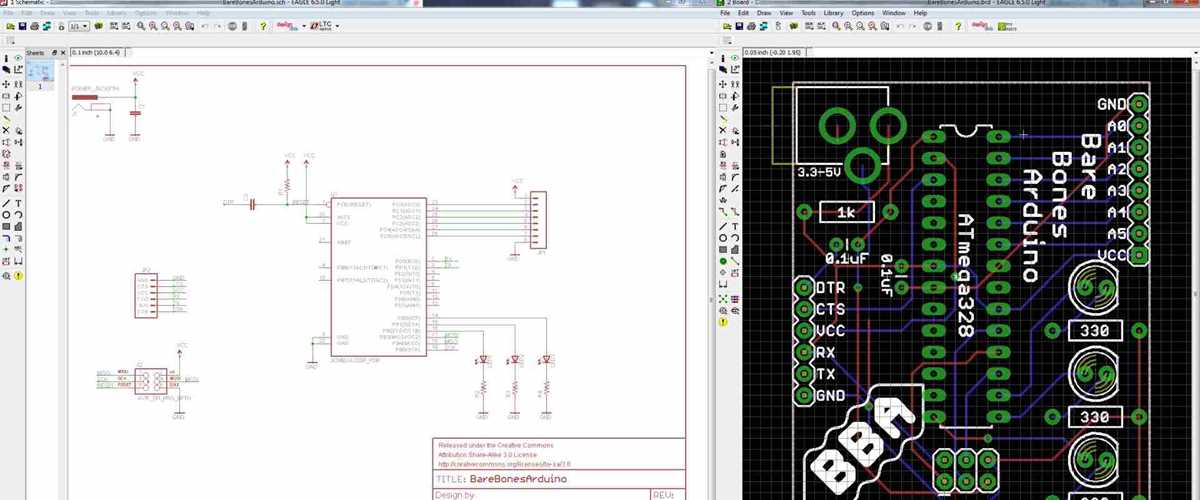
For those seeking a balance between functionality and ease of use, Autodesk Eagle could be an excellent fit. Offering both free and paid versions, it caters to various needs, from hobbyists to professional engineers. The free version provides essential tools for small-scale projects, while its extensive parts library speeds up the design process. Integration with other Autodesk tools adds further convenience for advanced workflows.
HTML-Based Tools for Creating Electrical Designs
Fritzing is one of the most accessible options for creating electrical layouts within a web environment. With its intuitive interface and wide library of components, it allows users to easily arrange various parts to build a schematic or prototype. This tool works directly in the browser, so there’s no need for an installation, and it provides instant feedback as you modify your layout.
Another solid choice is Autodesk Tinkercad, known for its user-friendly approach to design. Tinkercad integrates basic schematic building features that are well-suited for beginners. With the option to create both virtual simulations and real-world models, users can test their designs in 3D space before implementing them in real hardware.
Why Choose HTML-Based Tools?
HTML-powered platforms offer the advantage of being universally accessible. As they run directly in the browser, they work across multiple devices and operating systems without compatibility issues. This ease of access makes it a great option for teams working in different environments or individuals on the go. Additionally, most HTML-based tools are constantly updated without requiring manual downloads or installations.
Key Features to Expect
Expect a simplified set of features with HTML-based design tools, which often prioritize ease of use over depth. While these tools may lack some of the more advanced options found in desktop alternatives, they more than make up for it with their straightforward, drag-and-drop style interface. Integration with cloud storage also ensures that your designs are accessible from anywhere, making collaboration seamless.
For anyone starting out with circuit design or looking for a quick and simple solution, HTML-based tools like Fritzing or Tinkercad are solid options to consider. Their browser-based interfaces, ease of use, and accessibility make them the perfect choice for quick projects or when you need to prototype a design without advanced software requirements.
Best Tools for Designing Electrical Schematics
KiCad is one of the most well-regarded tools for creating electrical layouts. It offers advanced features for both schematic capture and PCB design, making it a favorite for users who want a comprehensive solution. KiCad is completely open-source and has an active community, ensuring you get continuous updates and improvements. Its flexibility and powerful tools make it suitable for both hobbyists and professionals working on complex projects.
EasyEDA stands out for its simplicity and accessibility. This browser-based tool allows users to create electrical layouts quickly without requiring installation. The integrated simulation feature is helpful for testing your design before building it in the real world. EasyEDA also includes a large component library, making it easy to select parts and start designing immediately.
For Simple and Quick Projects
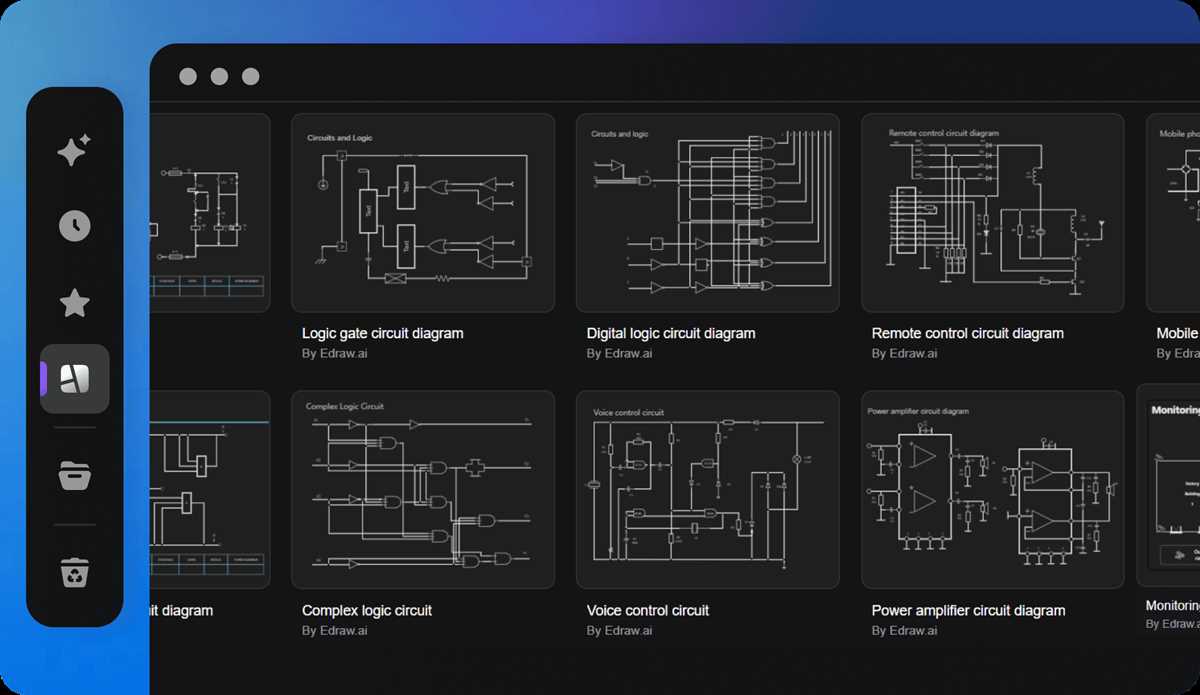
If you’re looking for something straightforward, Tinkercad offers a simple interface for those new to electrical design. Its drag-and-drop functionality lets you quickly put together basic layouts and test them virtually. The tool’s 3D visualization is another strong point, providing a clear view of how your components will interact in the physical space.
Autodesk Eagle is another strong contender for users seeking a balance between functionality and ease of use. While it’s primarily known for PCB design, its free version offers all the necessary tools for small-scale projects, making it a great choice for hobbyists. The software includes an extensive component library and an integrated parts editor, enabling you to customize designs as needed.
Advanced Features in Free Tools
For those requiring more advanced functionality, Fritzing might be the answer. While it’s often used for prototyping and breadboarding, Fritzing’s schematic editor also provides a straightforward way to create electronic layouts. The software supports exporting designs into different formats, making it a versatile choice for various project stages. It’s also open-source, so users can modify it as needed to suit specific requirements.
LTspice by Analog Devices is particularly popular for simulation-focused users. While it’s not as visually appealing as other tools, its simulation capabilities are excellent. It allows you to test circuits virtually, ensuring your designs will work in real-world applications. LTspice is particularly strong in analog design and offers in-depth analysis tools for engineers looking to optimize their layouts.
Another practical option is QElectroTech. This tool is widely used for designing electrical layouts, especially in industrial and automation contexts. With a wide range of symbols and a user-friendly interface, QElectroTech makes it easy to create detailed schematics. It also supports both 2D and 3D visualizations, making it ideal for users looking for clear representations of their designs.
For users focused on learning and education, Proteus offers an intuitive platform with both schematic capture and simulation. While the free version is limited in features, it still provides enough functionality for students and hobbyists to start experimenting with basic circuits. Proteus includes a rich library of components and allows users to simulate the behavior of their designs in real-time.