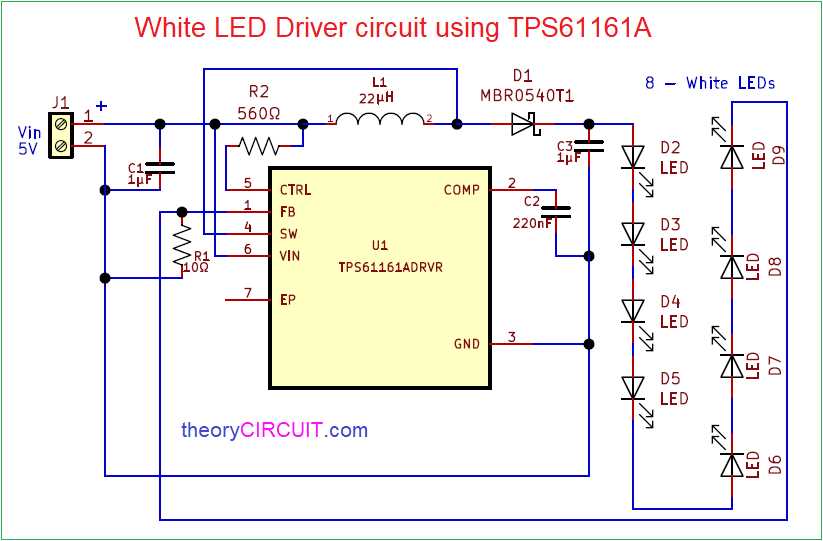
Connect a current-limiting resistor between the 9-volt battery and the light-emitting component before applying power. Direct connection to the battery without resistance control usually destroys the semiconductor element within seconds because the device draws more current than it can tolerate.
A typical indicator light operates at forward voltage between 1.8V and 3.3V depending on color. Red types often run near 2V, while blue or white types approach 3V or slightly higher. With a 9-volt battery, the remaining voltage must drop across a resistor. Using Ohm’s law, a common choice for a single indicator drawing about 20 mA is 330Ω to 470Ω, which limits current to a safe range.
Polarity also determines whether the light source operates. The longer lead normally connects toward the positive terminal of the battery, while the shorter lead attaches toward the negative side through the resistor path. Many indicator packages also show a flat edge on the plastic body marking the cathode connection.
A simple battery-powered light setup contains only three parts: the battery, a resistor, and the light-emitting component. Conductors connect them in series so current flows from the battery’s positive terminal through the resistor, into the anode lead of the light device, and returns to the negative terminal.
9V LED Circuit Diagram With Battery Resistor and Polarity Connections
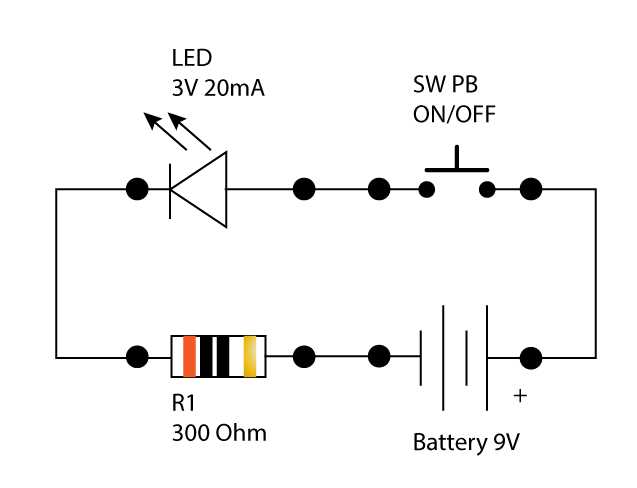
Place a resistor between the 9-volt battery positive terminal and the light-emitting semiconductor to control current flow. Without this component the device may draw excessive current and fail almost instantly. For a typical indicator operating around 20 mA with forward voltage near 2–3 volts, a resistor between 330Ω and 470Ω keeps current within a safe range. Connect the longer lead of the light component toward the resistor and the shorter lead toward the negative battery terminal.
The connection path follows a simple series layout: battery positive → resistor → anode lead of the light device → cathode lead → battery negative. Verify polarity before powering the setup because reversing the semiconductor leads blocks current flow and the device will not illuminate. A flat edge on the plastic body usually marks the cathode side, while the longer metal lead indicates the anode. Tight connections and correct resistor value maintain stable brightness and prevent overheating.
How to Connect a Single LED to a 9V Battery With Correct Resistor Value
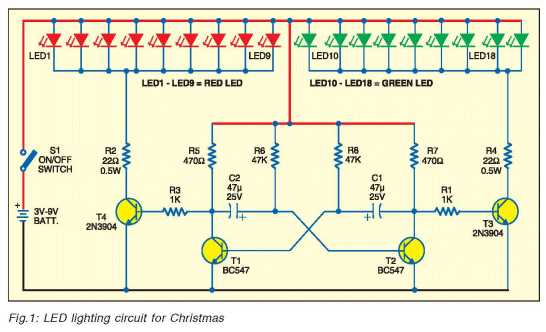
Insert a resistor between the positive terminal of the 9-volt battery and the anode lead of the light-emitting semiconductor. Direct connection without resistance control forces excessive current through the component and usually destroys it within seconds.
Determine the resistor value using the forward voltage of the light device and the desired current. Many indicator types operate near 2.0V for red and around 3.0V for white or blue. With a 9-volt battery and a target current near 20 mA, subtract the forward voltage from the battery voltage and divide by the current. Example: (9V − 2V) ÷ 0.02A ≈ 350Ω.
Standard resistor values close to this result work well. Common choices include 330Ω or 390Ω. Both limit current to a safe level while keeping the indicator bright enough for visibility.
Connect the longer metal lead of the semiconductor toward the resistor. The shorter lead connects to the battery negative terminal. Many packages also include a flat edge on the body that marks the cathode side.
The connection path forms a simple series chain: battery positive → resistor → anode → semiconductor junction → cathode → battery negative. Current flows through every element in the same path, which allows the resistor to regulate the current passing through the light device.
Check the connection before applying power. Reversed polarity prevents the semiconductor from conducting and the device remains dark. Correct orientation and a properly chosen resistor maintain stable brightness and prevent overheating.